
The same Pagewright on the Mac.
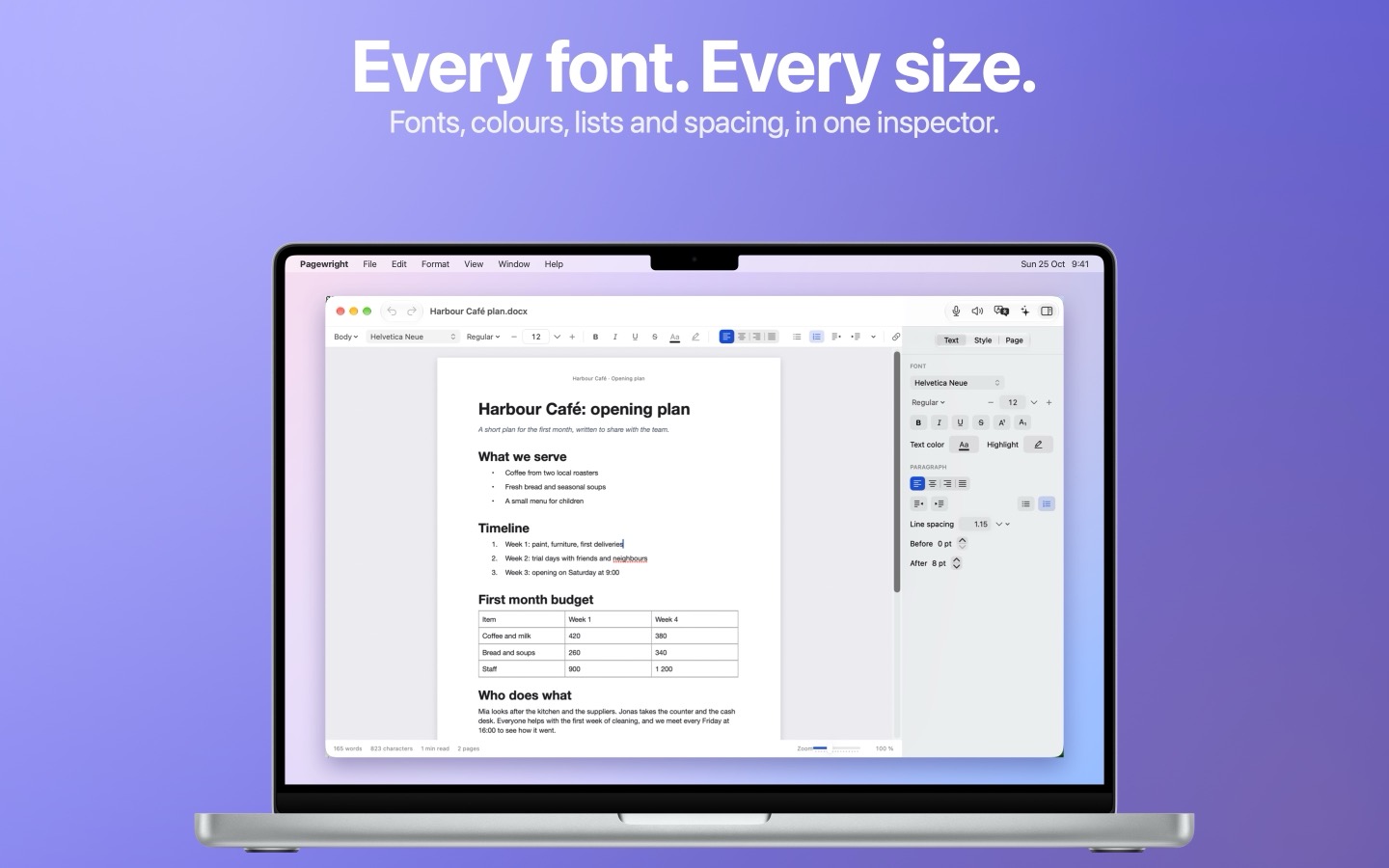
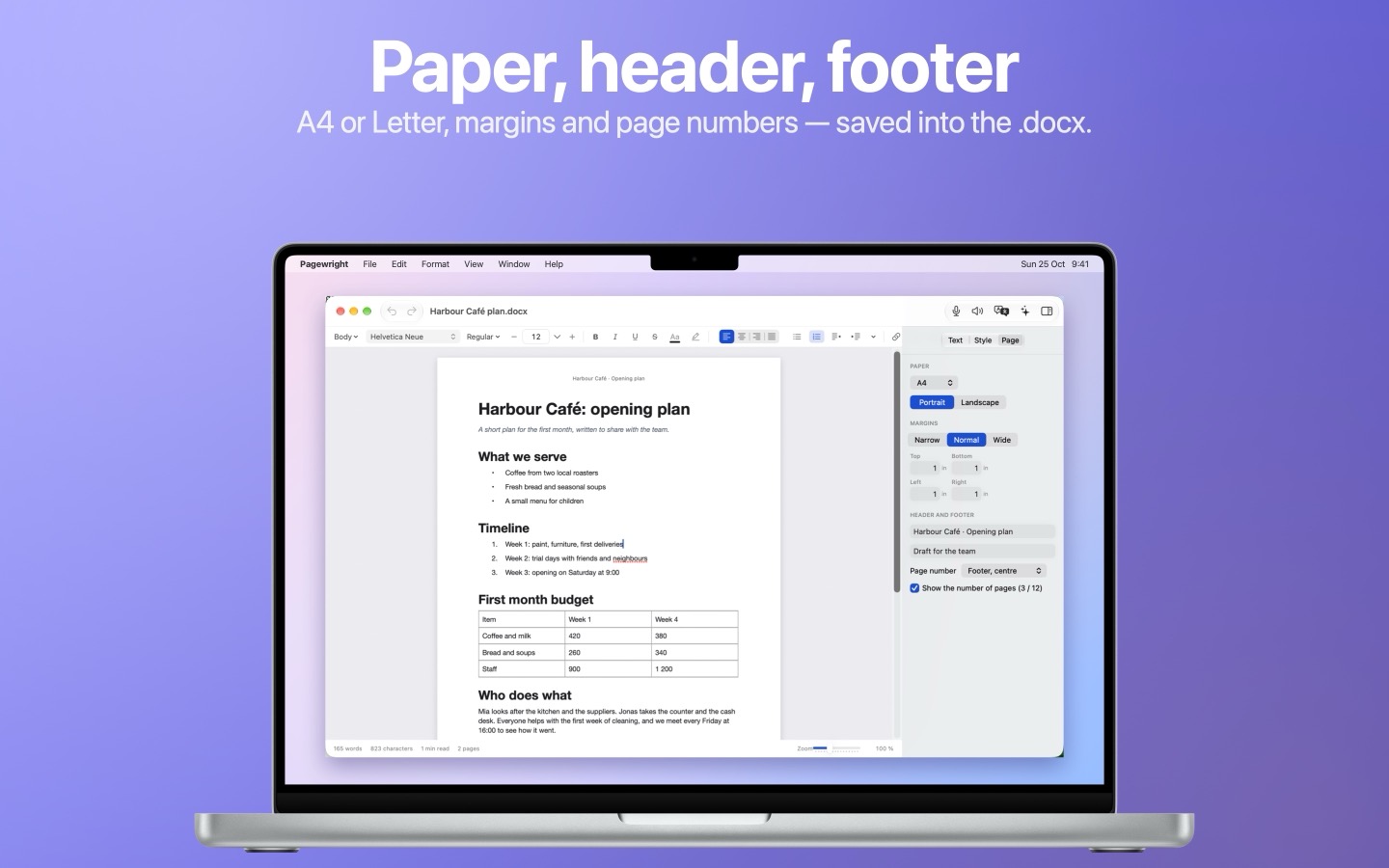
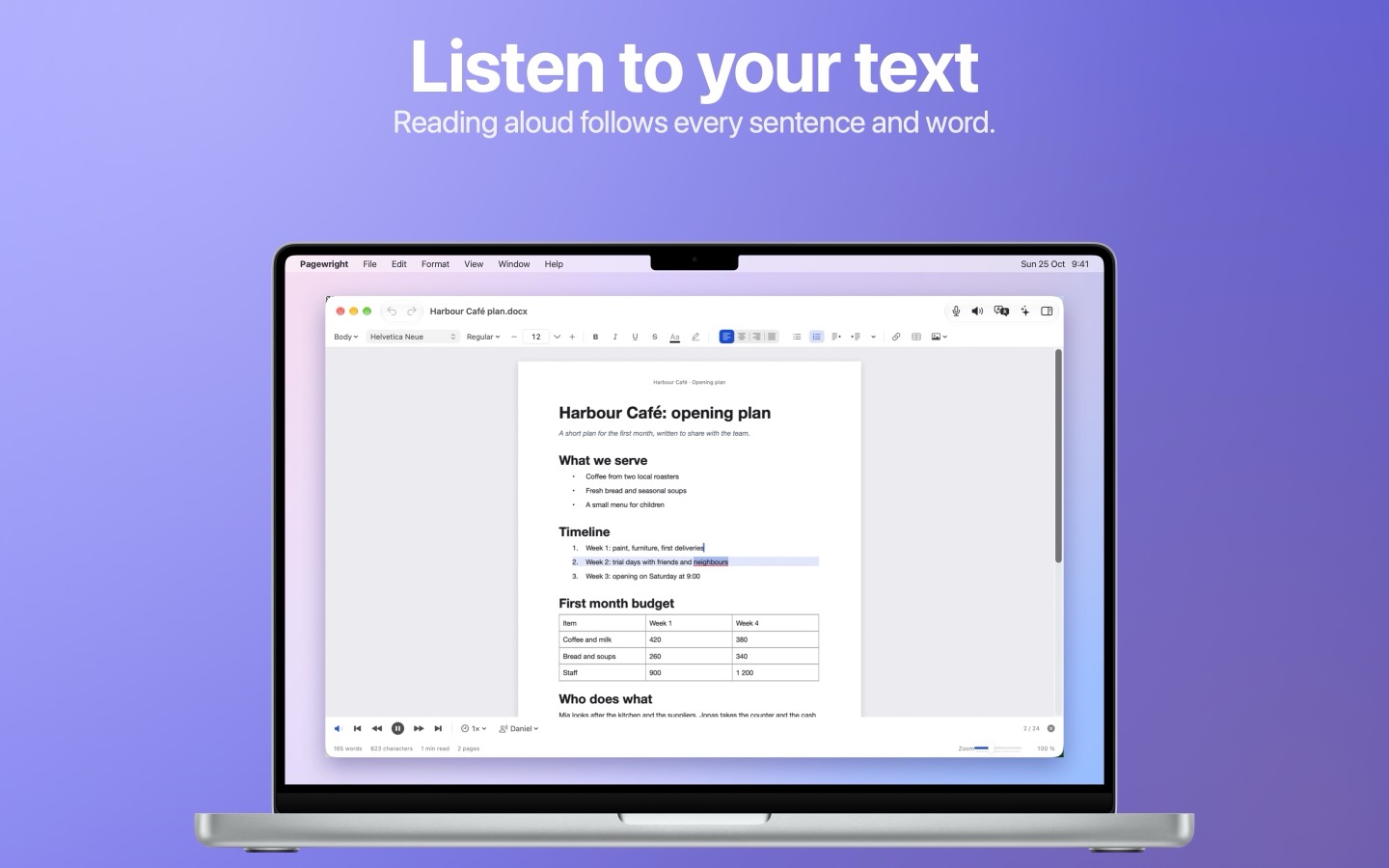
Real sheets, a header and footer, tables, an inspector for fonts and paper, reading aloud and every PDF tool — in a window made for the Mac. One purchase for iPhone, iPad and Mac.
One payment for iPhone, iPad and Mac; nothing renews. Your documents stay on your device.
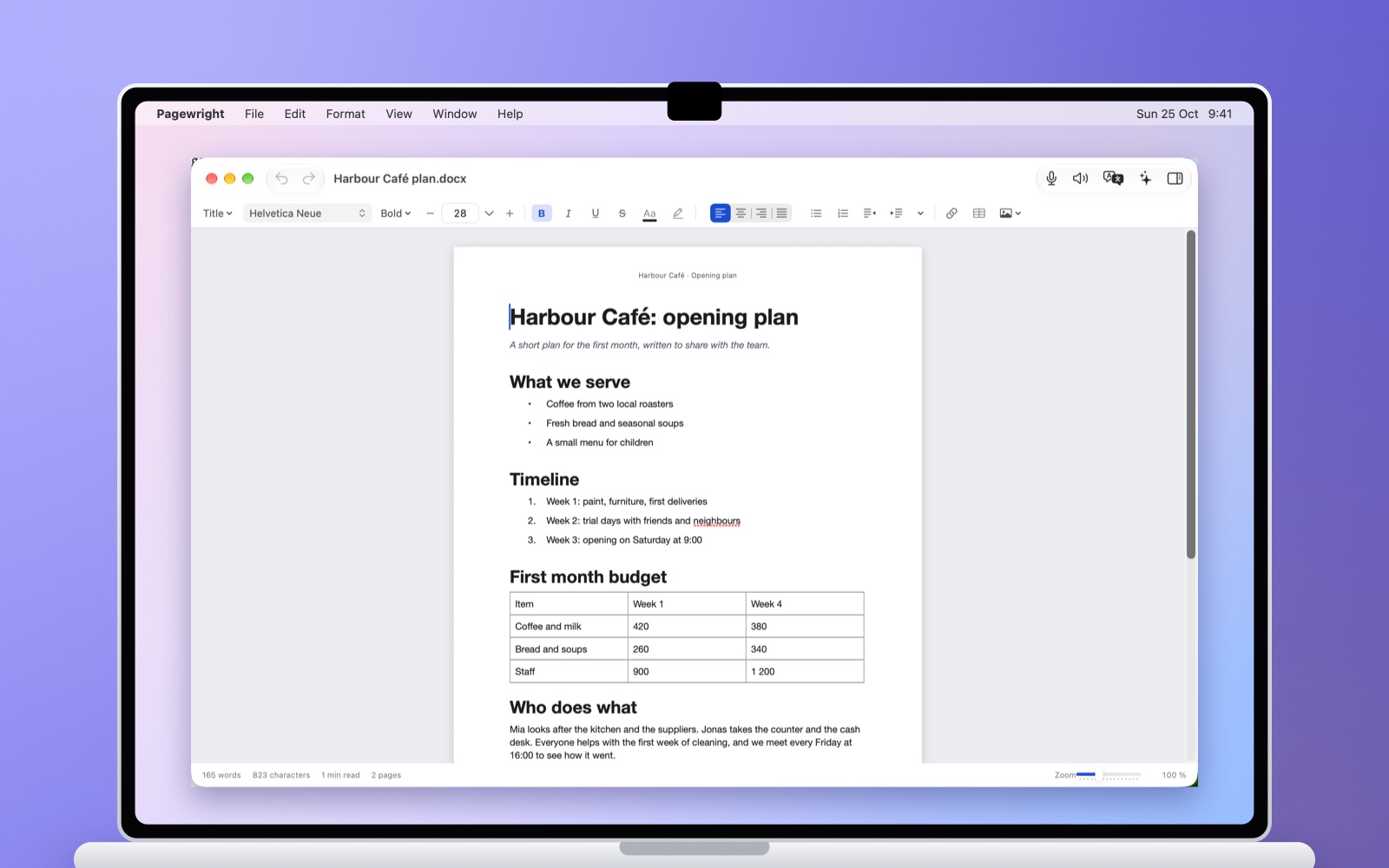
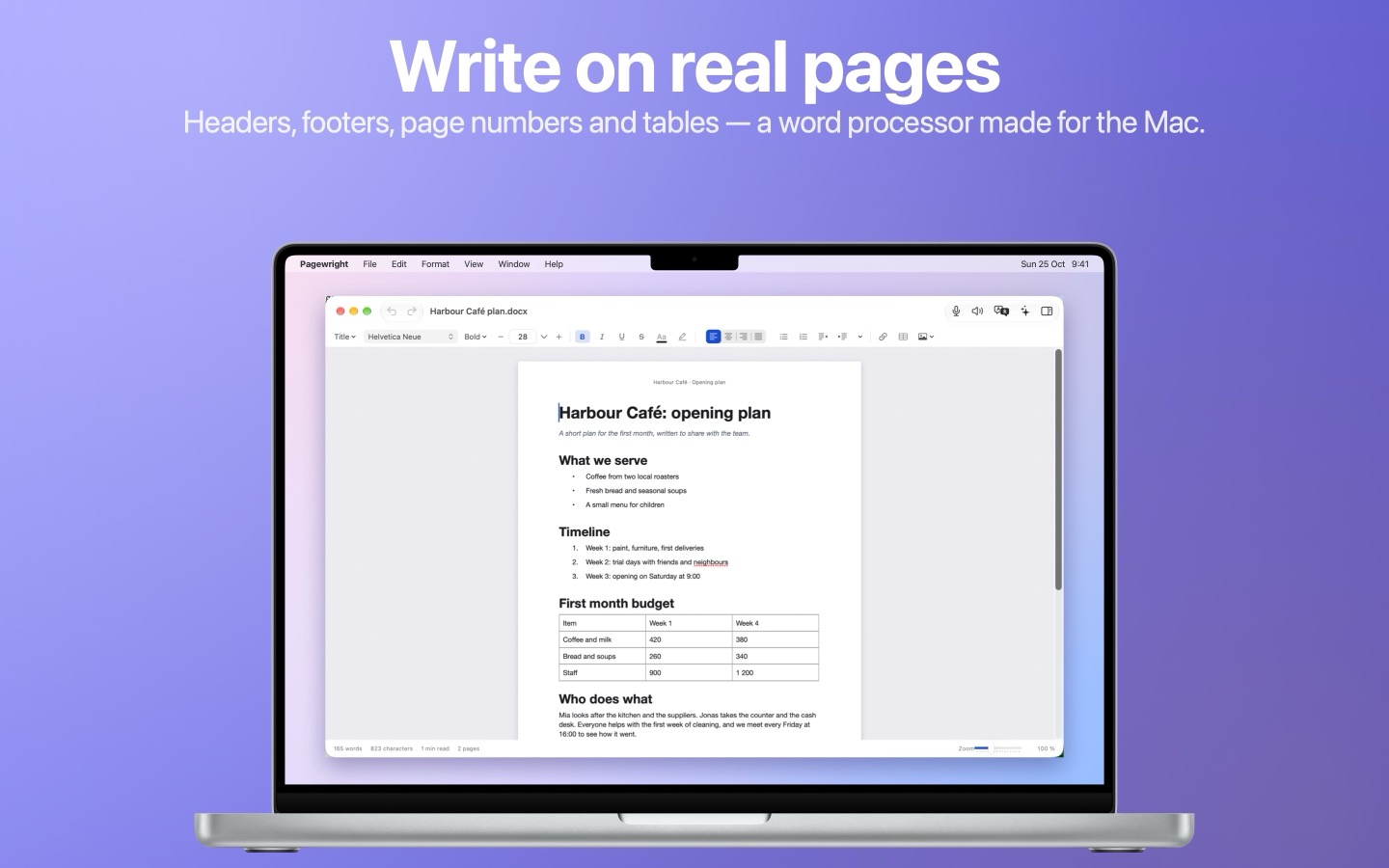
Write on real pages.
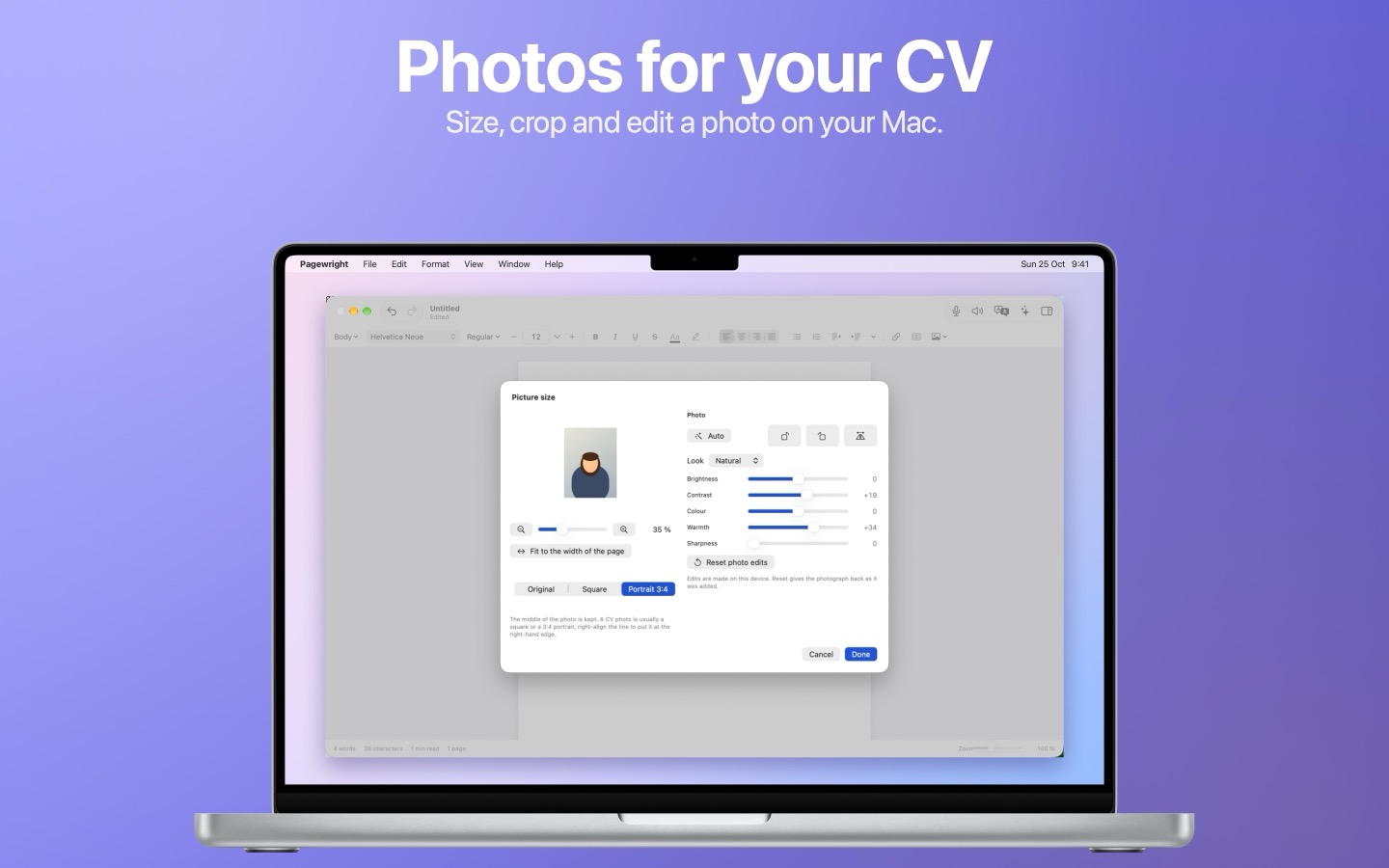
Headings, lists, tables, every font from 4 to 400 pt, colours and spacing. On the Mac your text sits on real sheets — A4 or Letter, margins, page breaks, a header, a footer and page numbers. On iPhone and iPad the same paper settings are in the inspector and go into the file, the PDF and the printout. Photos you can size and lightly edit on the device, templates for a CV and a letter, dictation, reading aloud and a translation window.
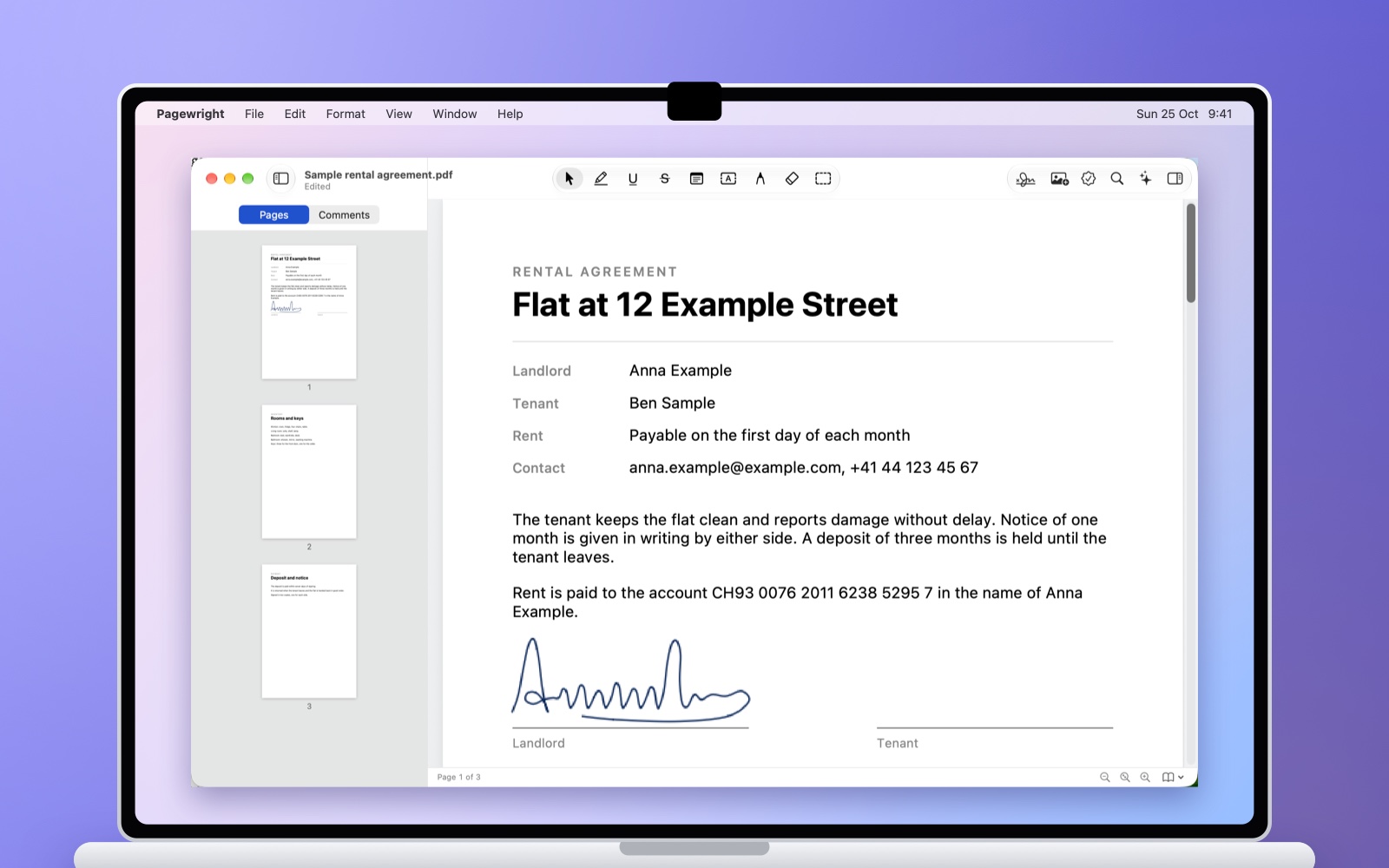
Sign from a photo. Stamp. Compare.
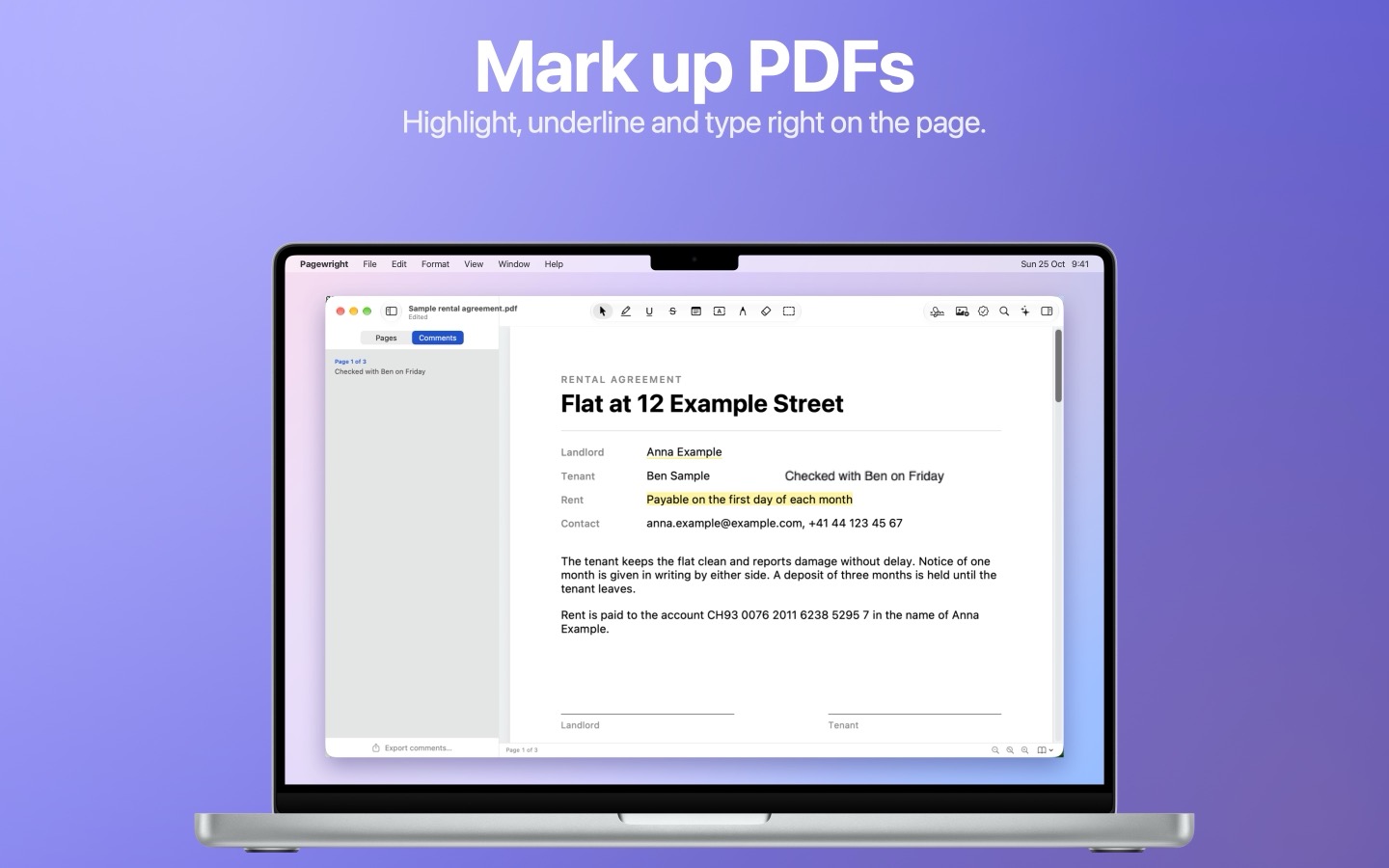
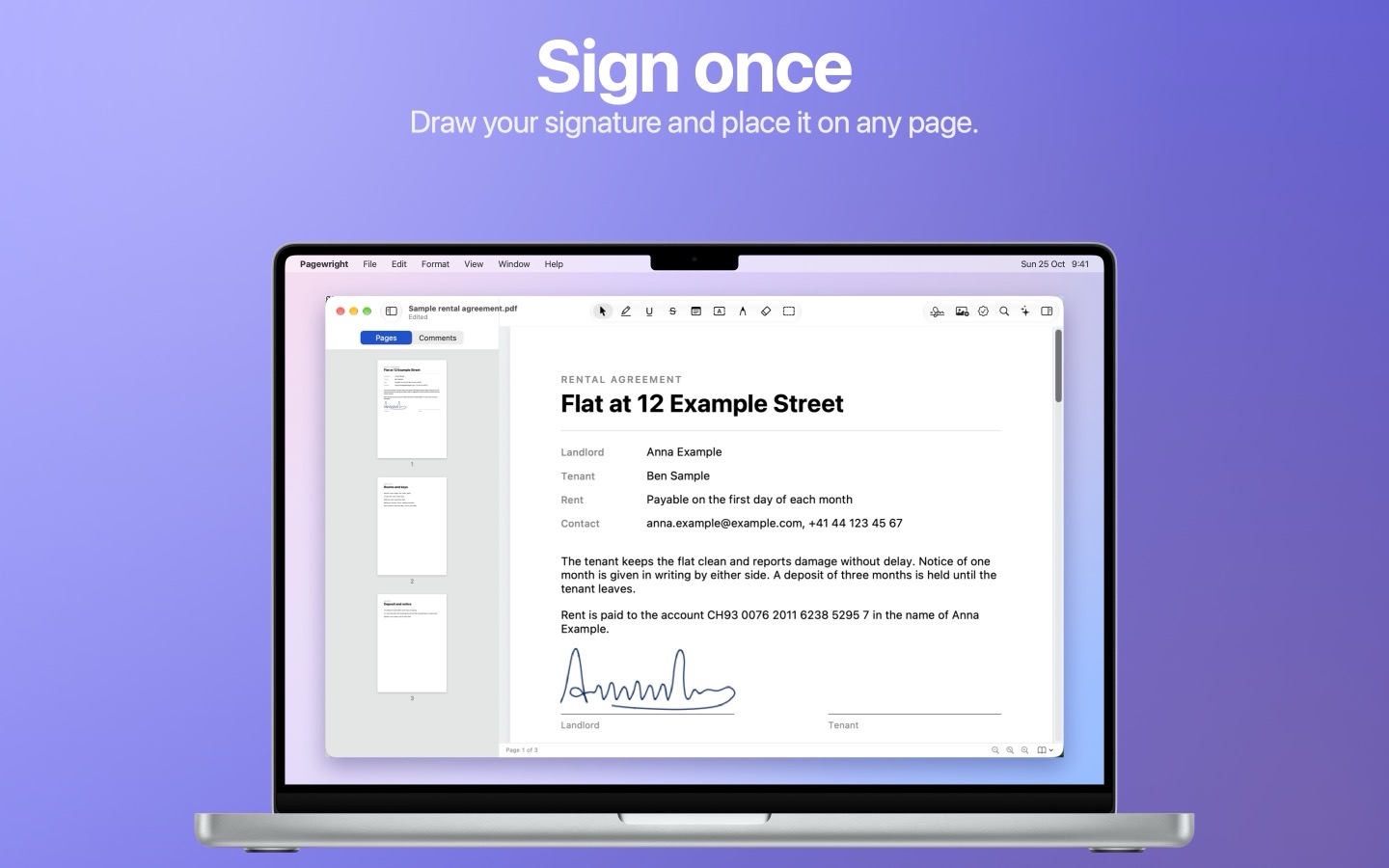
Draw a signature once — or photograph one signed on paper and the background is removed. Place it on the last page or on every page at once. Add stamps and today’s date, change a line of text on the page, see every comment in one list, and compare two versions of a PDF line by line.
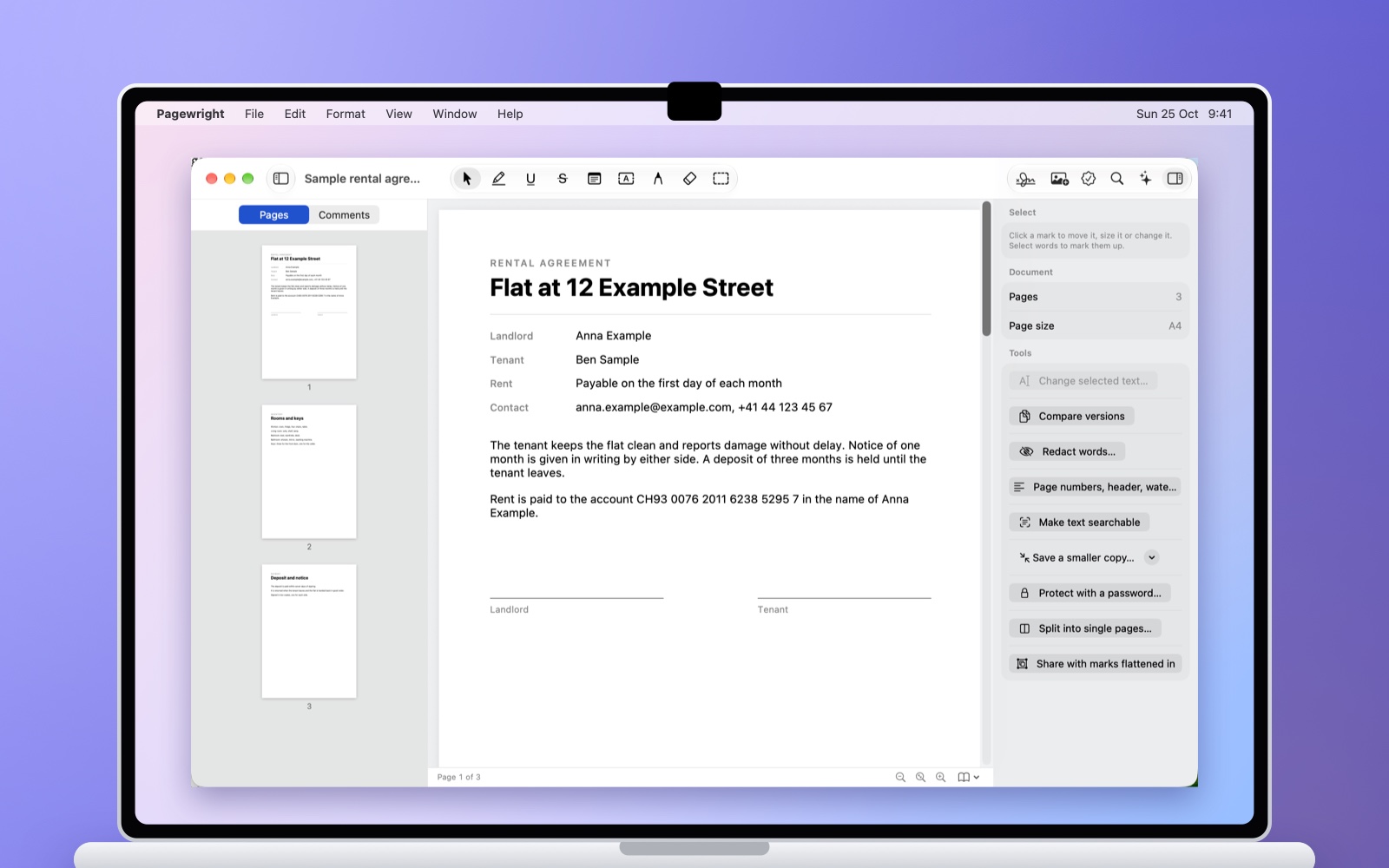
Make it smaller, lock it, cut it, number it.
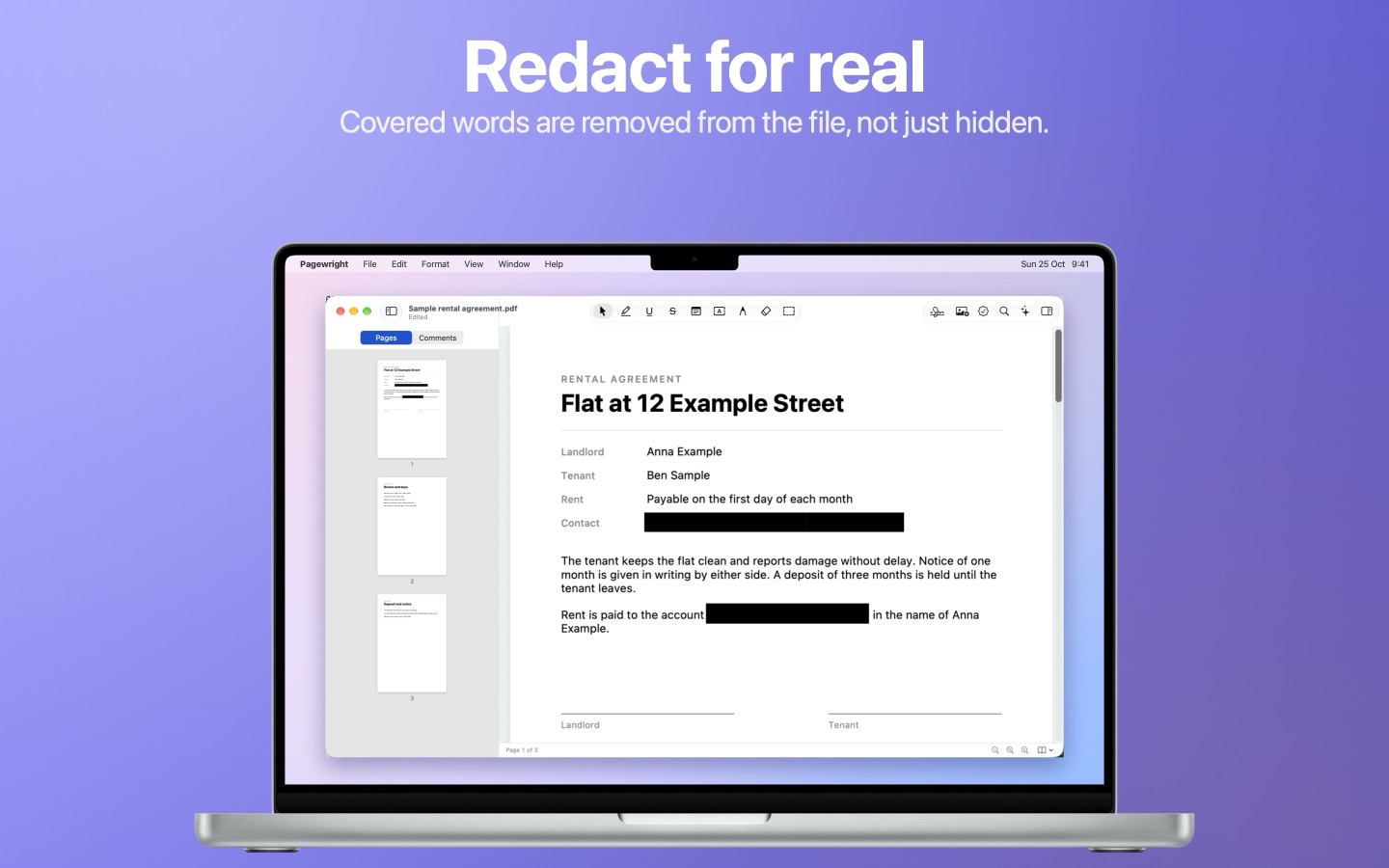
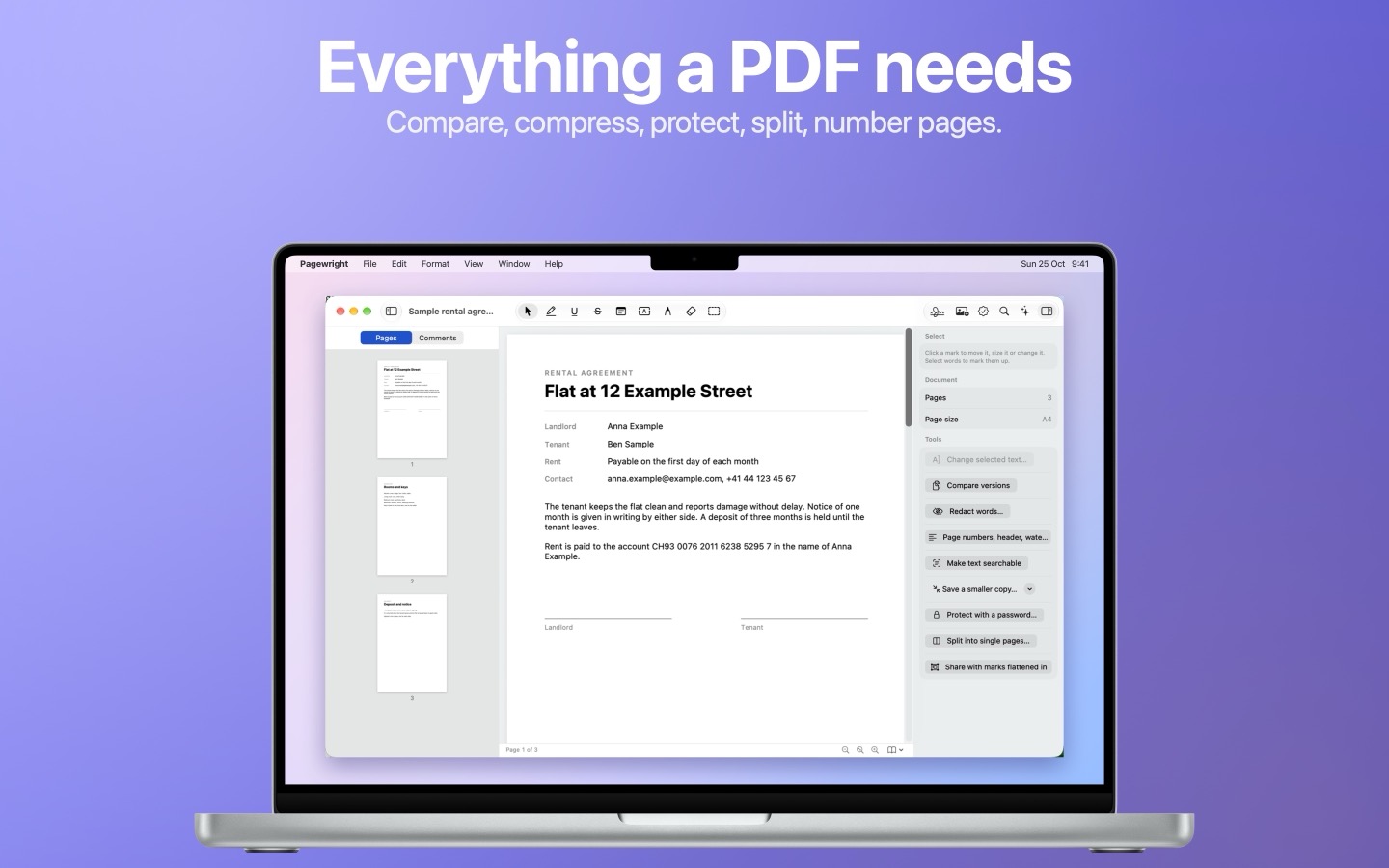
Shrink a PDF, protect it with a password or remove one, split or merge, add page numbers, a header, a footer or a watermark, and black out names and numbers so the words are really gone from the new copy. Your original is never changed.
Pagewright for Mac · Mac App Store
Buy it once. Keep it for good.
No account and nothing to sign up for. One purchase on the App Store unlocks Pagewright on iPhone, iPad and Mac, and nothing renews.

Prices are shown on the App Store, in your own currency. One payment — no subscription, nothing renews.
Questions
No. It marks a document the way a pen does, and Pagewright never says otherwise. Check what the other side to an agreement, or the law that applies to it, requires before you rely on one.
No account and nothing to sign up for. One purchase on the App Store unlocks Pagewright on iPhone, iPad and Mac, and nothing renews.
Prices are shown on the App Store, in your own currency. One payment — no subscription, nothing renews.
On iPhone and iPad, into this app’s own folder — visible in the Files app, importable and exportable through the system’s file picker and share sheet. On the Mac, wherever you save them. Ordinary .docx, .pdf, .rtf and .txt files; no account and no server.
Facts
- Formats
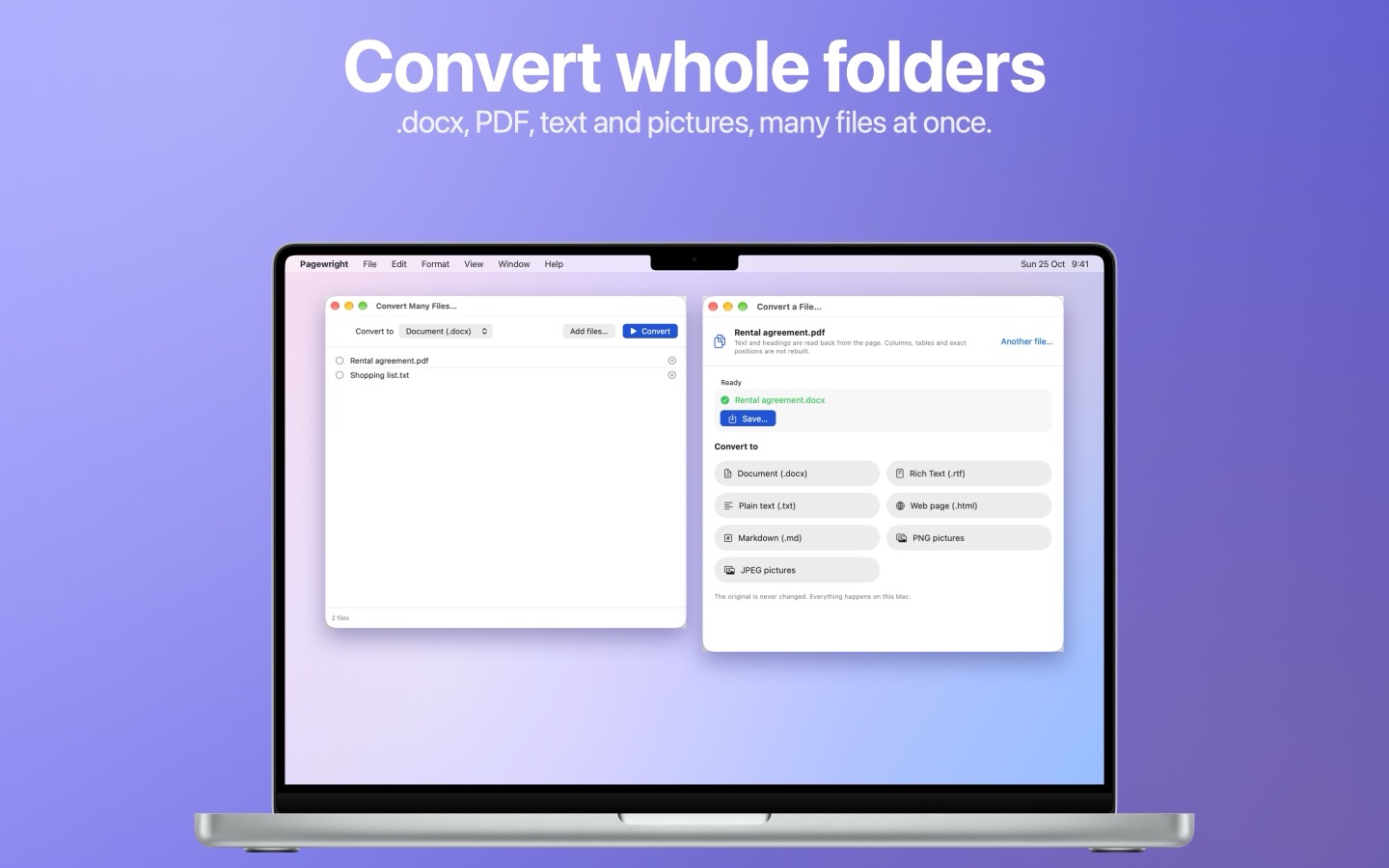
- DOCX, PDF, RTF, TXT, HTML, Markdown, JPEG, PNG
- Signature
- Drawn, not certified
- Account
- None needed
- Storage
- This device only
- Languages
- 5, following the system
Support
Questions or a problem to report: alpenlume@gmail.com. Pagewright keeps every file on this device — there is no account to sign in to and no server to be down.
Privacy
Pagewright collects nothing. What you write, mark up, sign or scan stays in the app’s own folder on this device. The camera is used only while scanning a page, on this device, and nothing is sent anywhere. See the full Privacy Policy.


