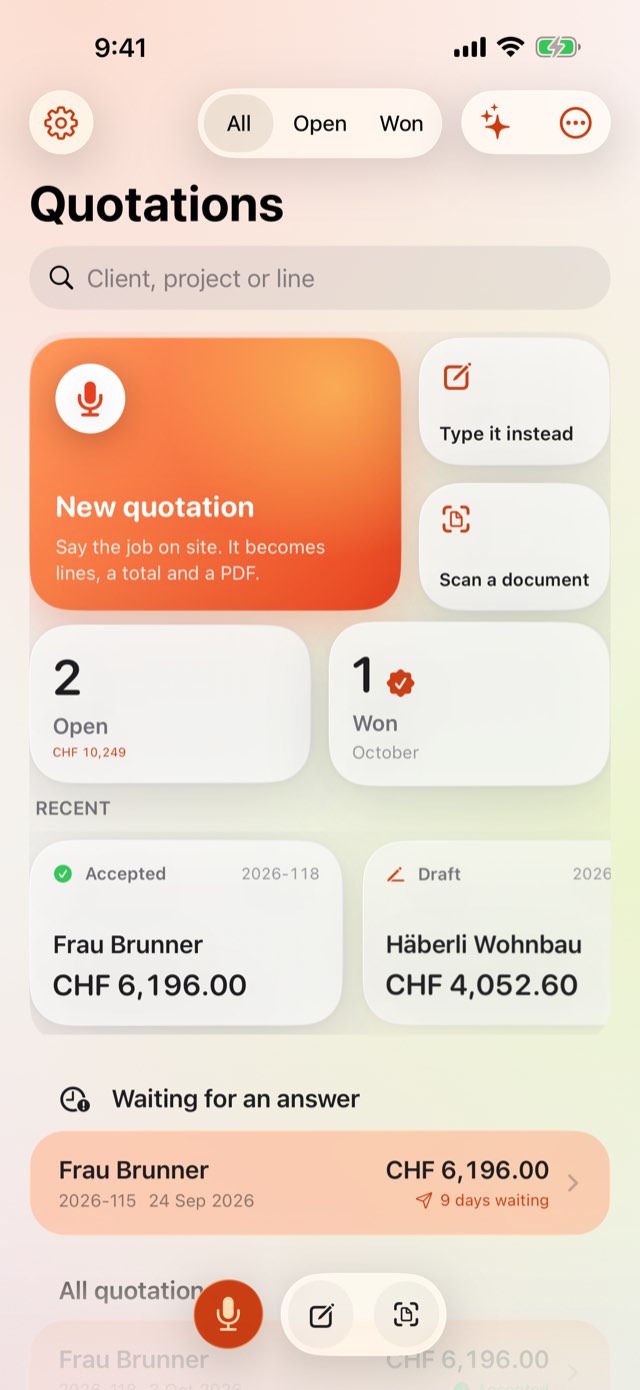
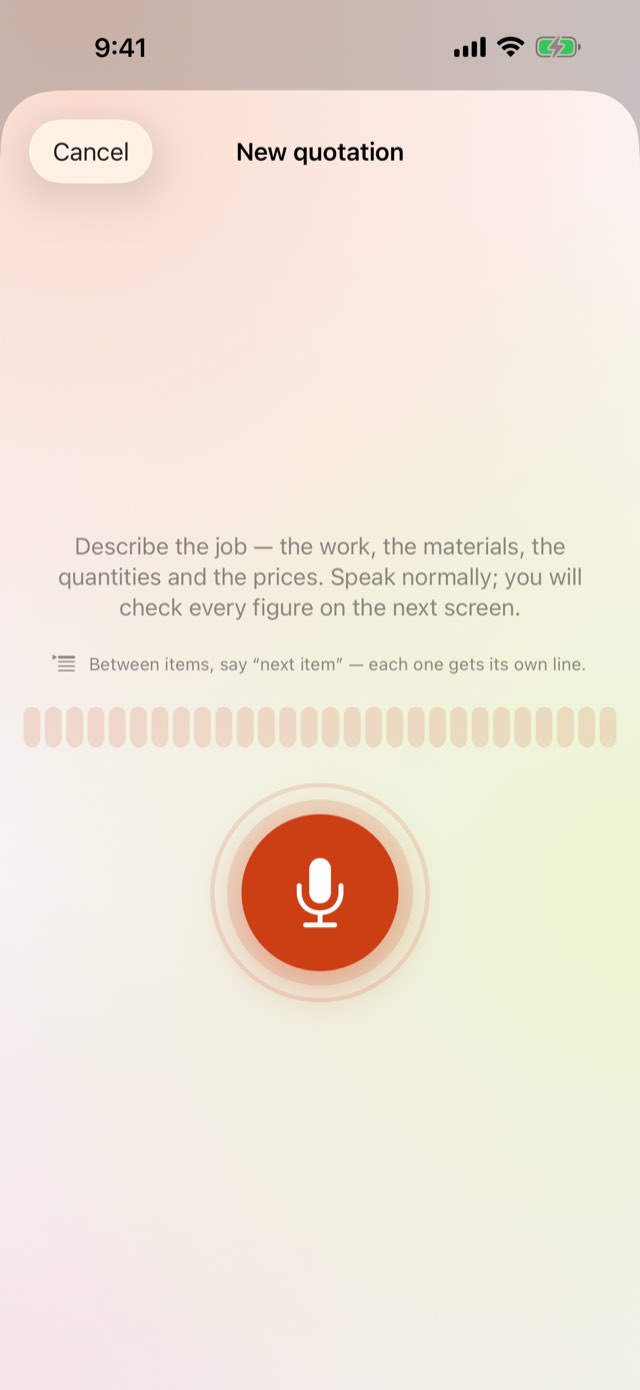
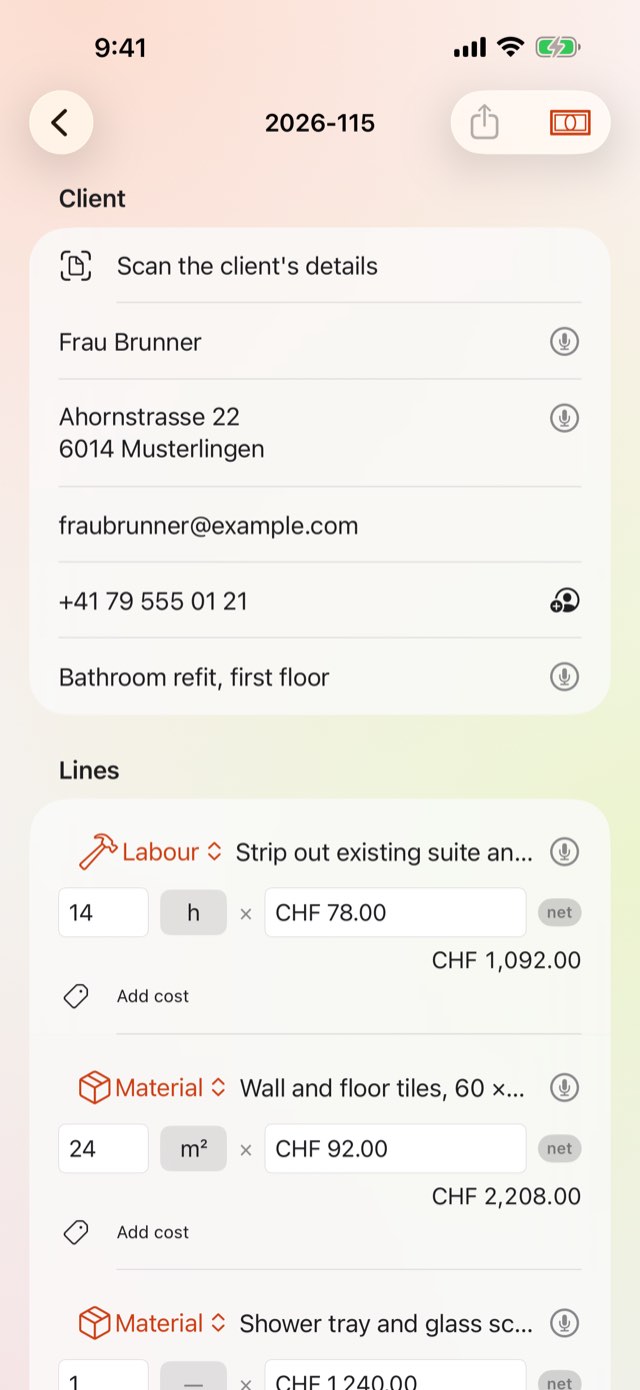
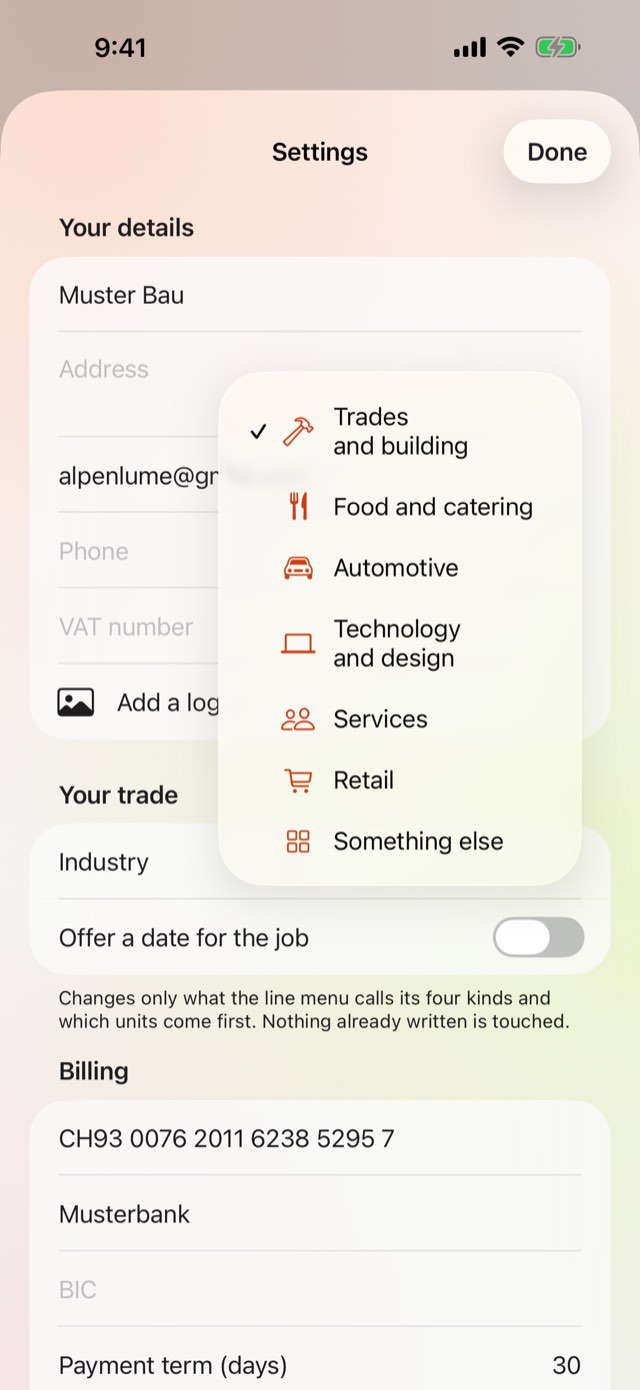
Say what the job needs and get a quotation with a PDF at the end of it. Built for anyone who quotes on site rather than at a desk — a tradesperson, a caterer, a mechanic, a consultant.
Say the job, get a quotation with a PDF
Scan the client's details, turn it into an invoice
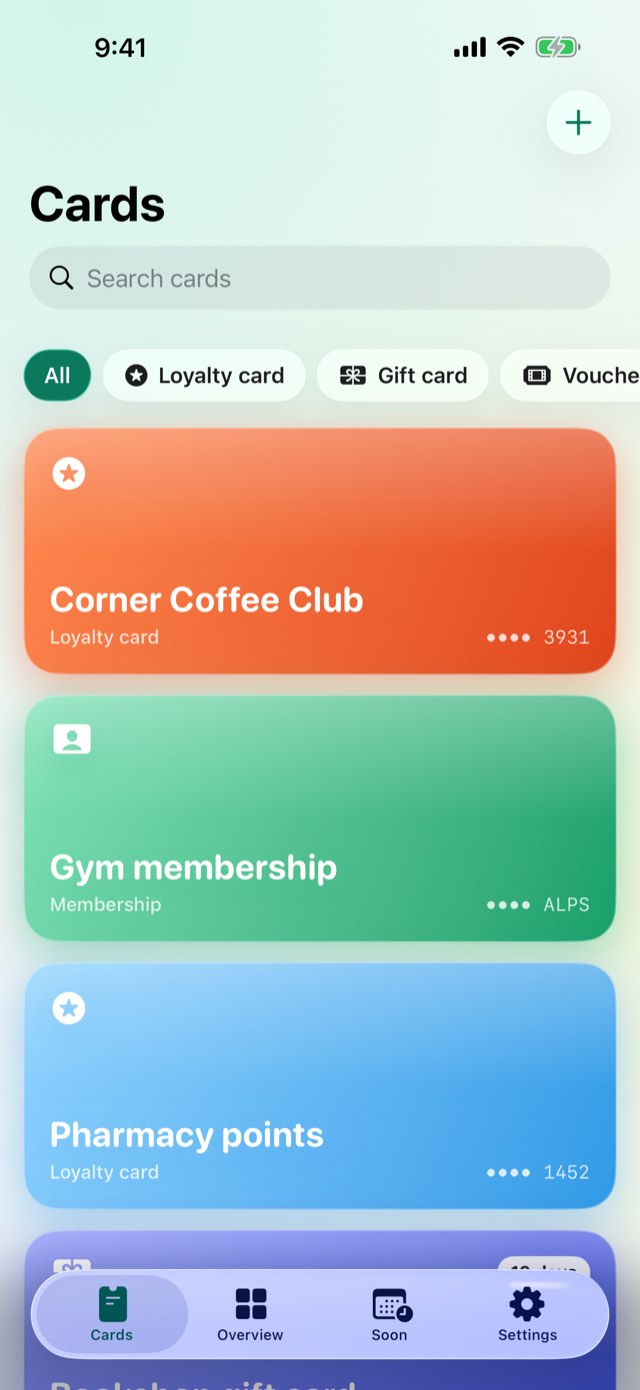
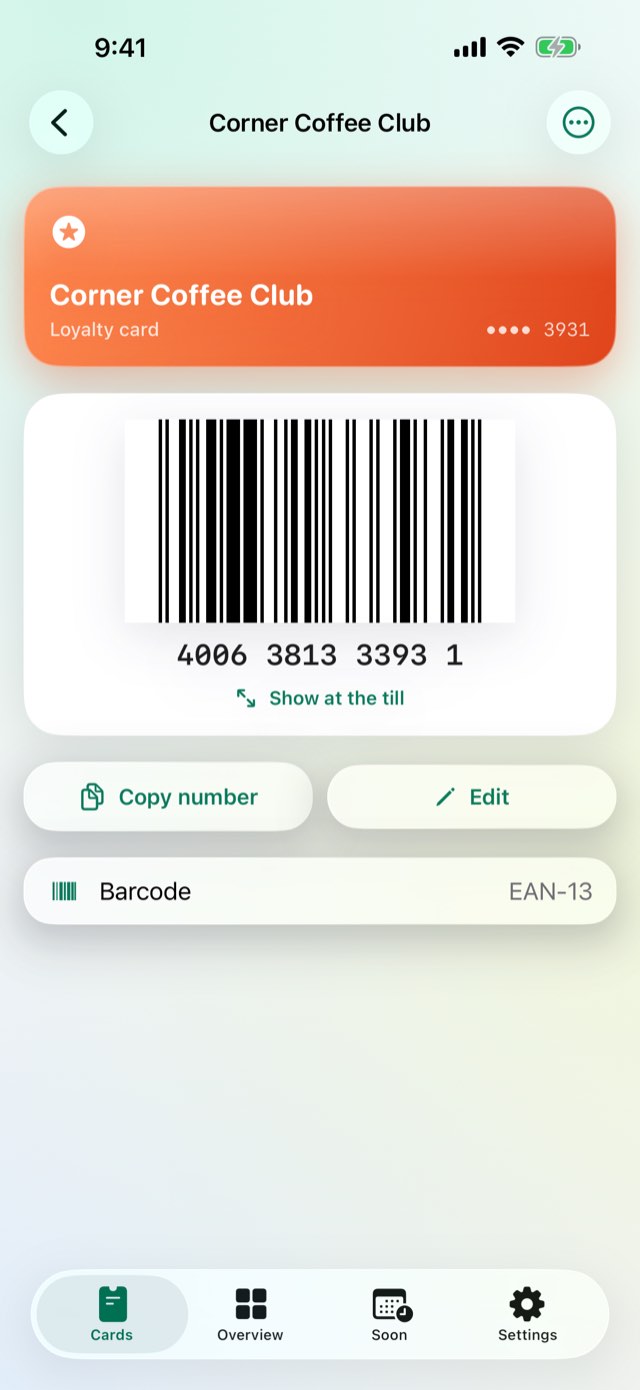
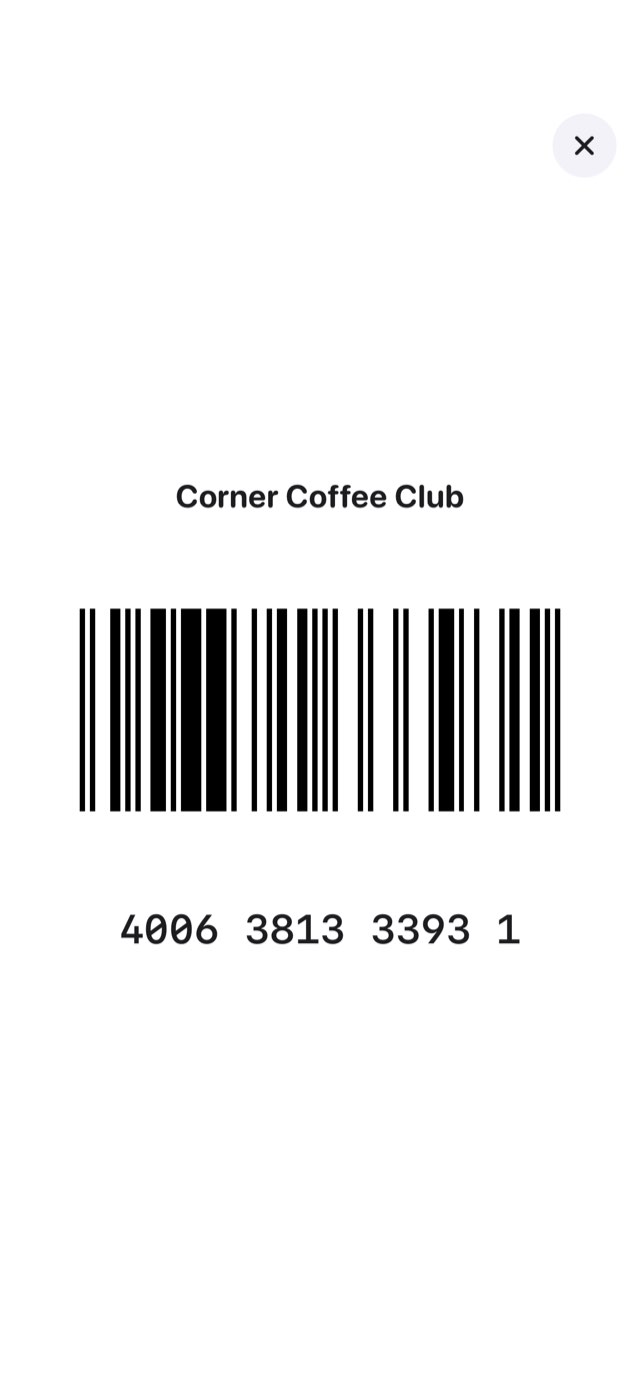
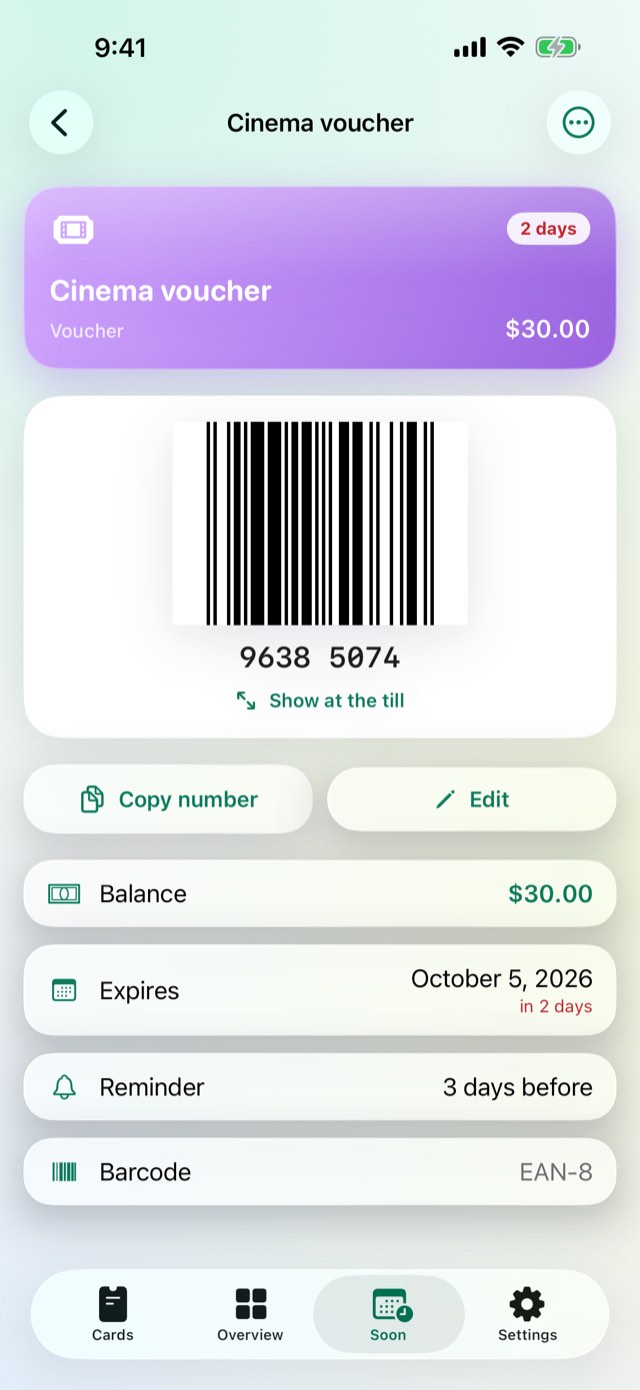
Loyalty cards, gift cards, vouchers, memberships and tickets, added by camera or by hand, with the real barcode always on the phone — and on Apple Watch, never just a number. A gift card's balance and a voucher's expiry are tracked, with a reminder before either runs out.
The real barcode, always on the phone
A code that grows on Apple Watch with the Digital Crown
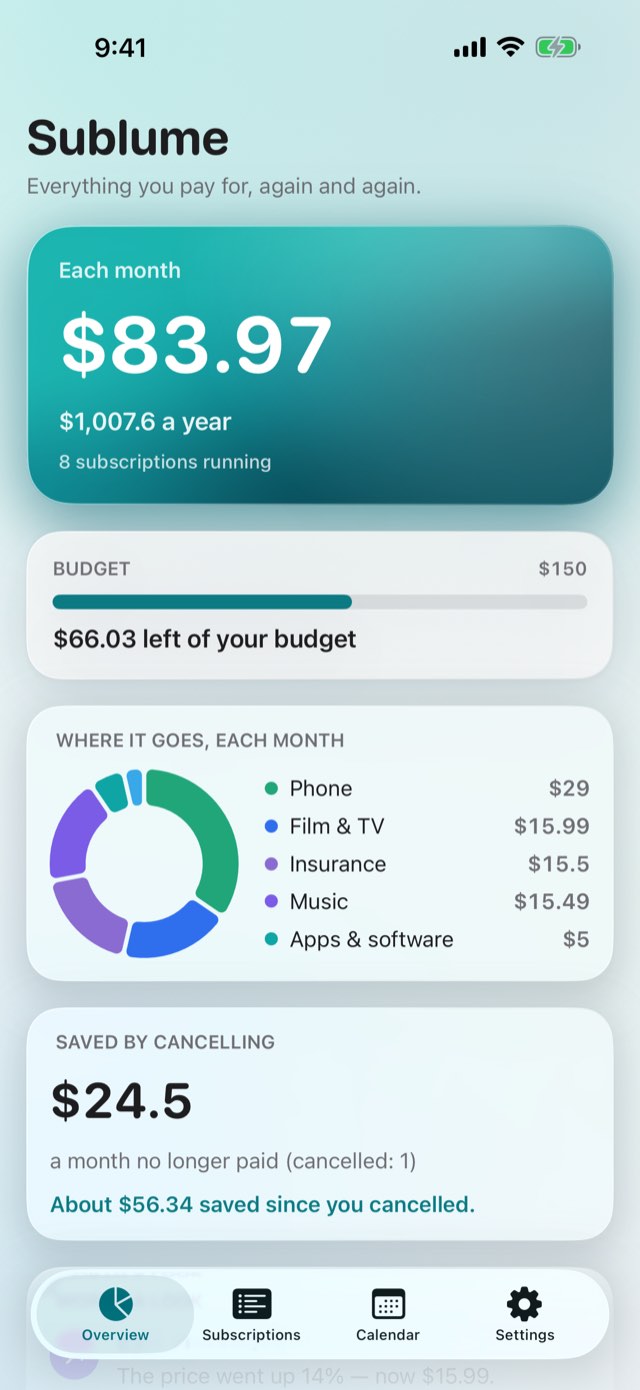
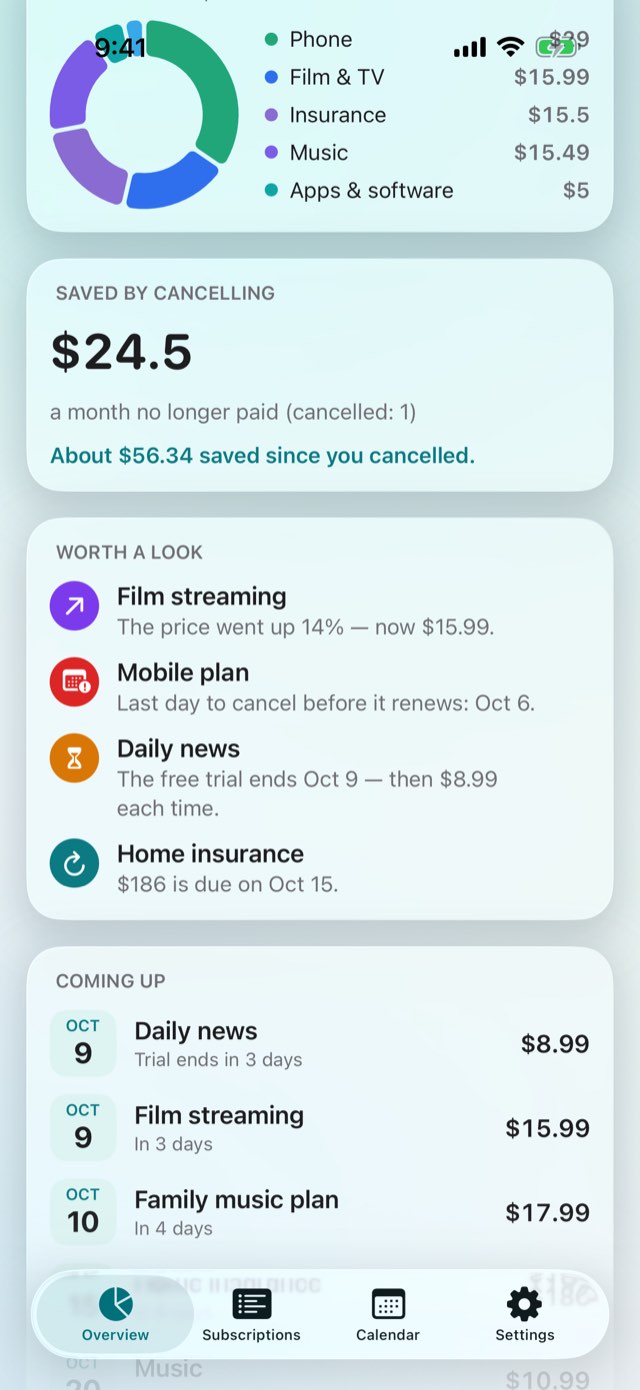
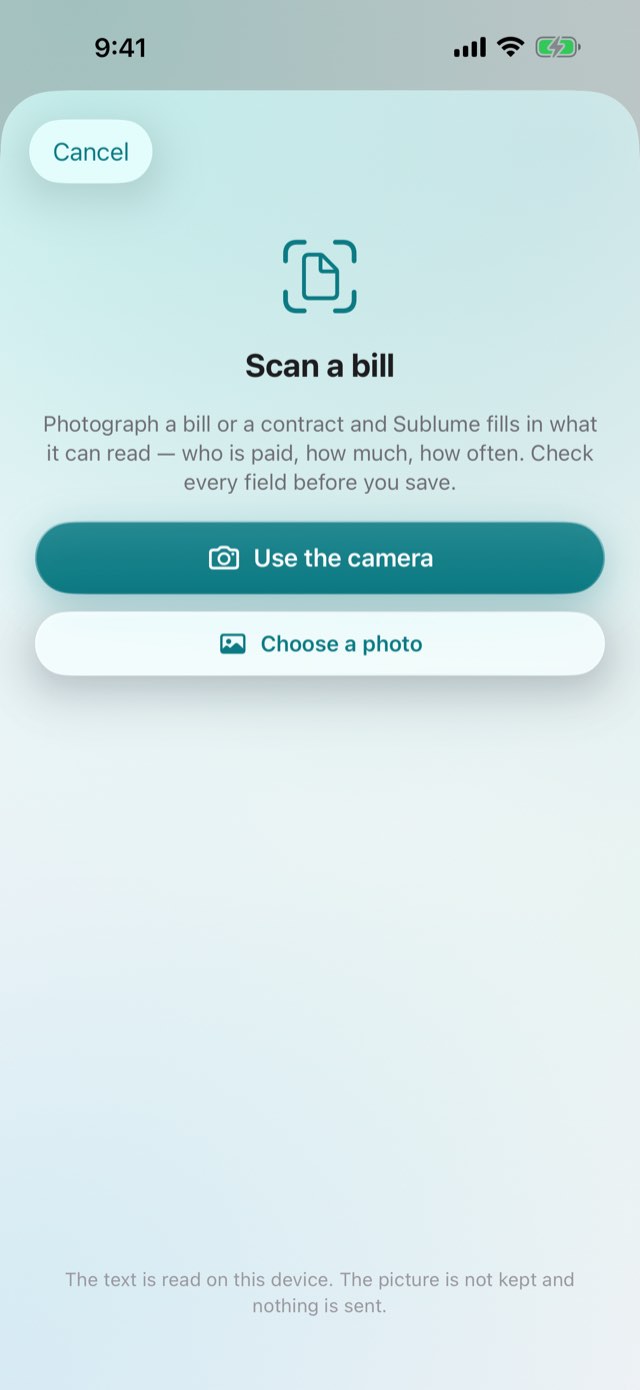
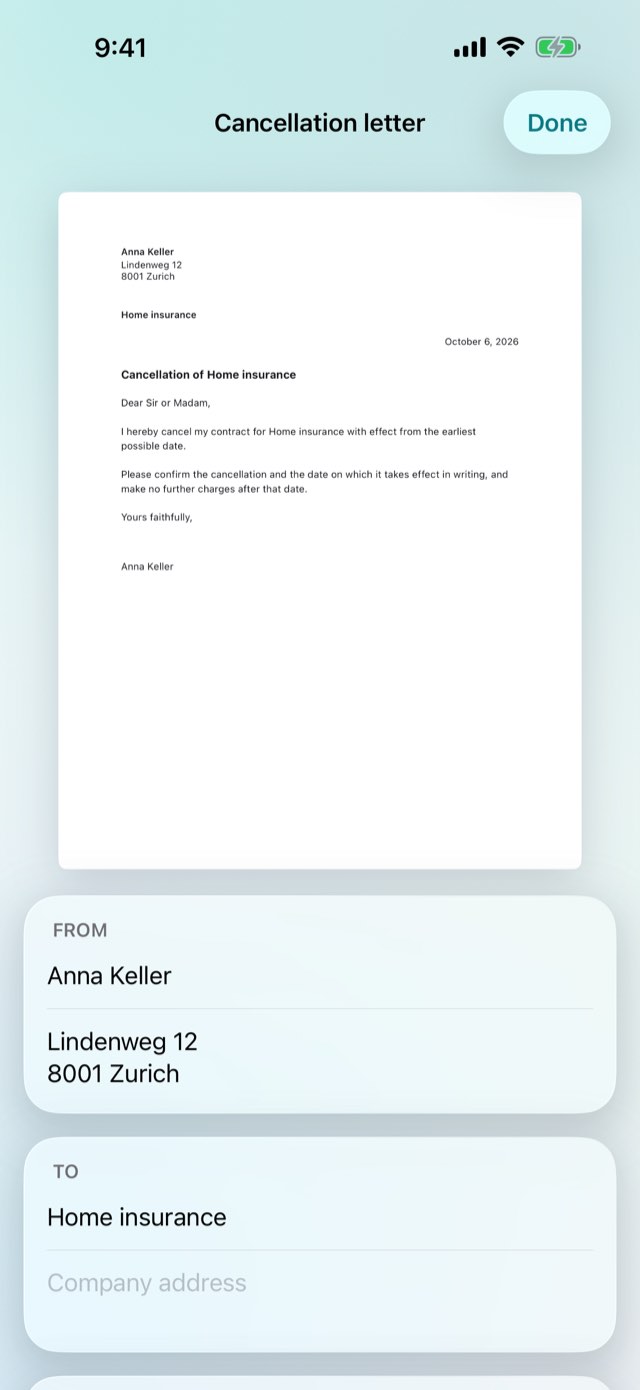
Every subscription and bill in one private list, with a calendar of the next twelve months, shared costs, the last day to cancel and the letter when you want out. No account, no bank login.
The month and the year, added up
A calendar of the next twelve months
The last day to cancel, shared costs, the cancellation letter
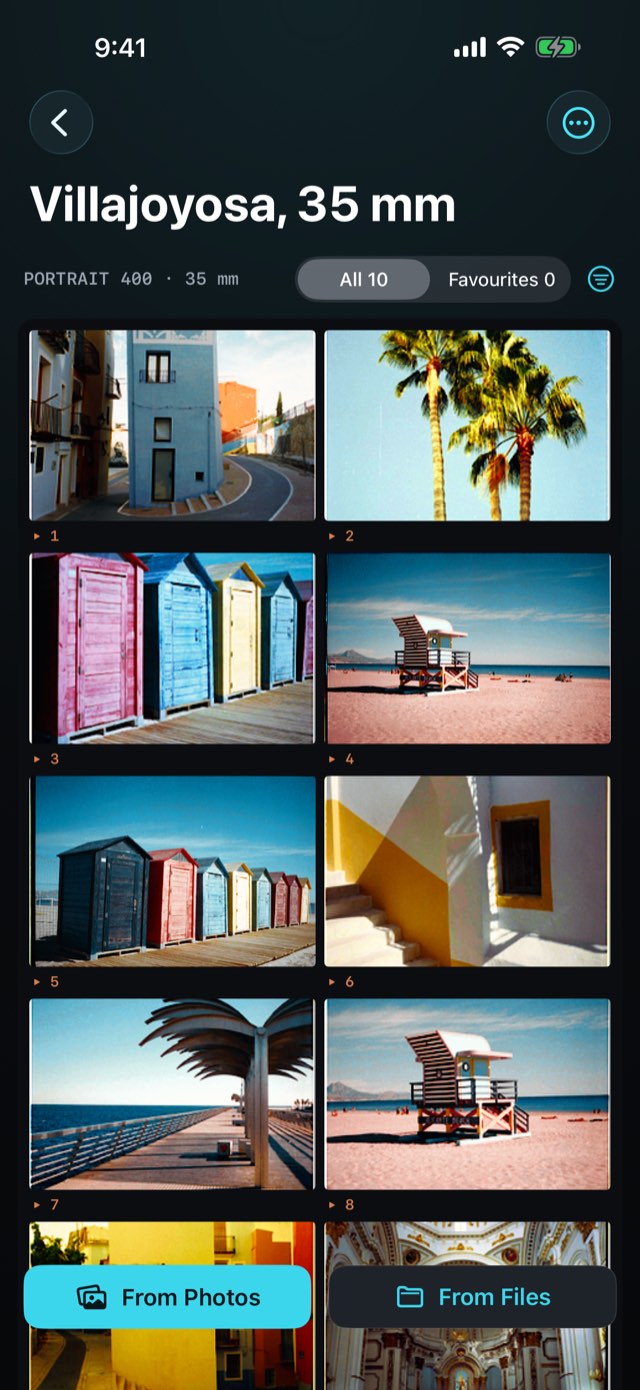
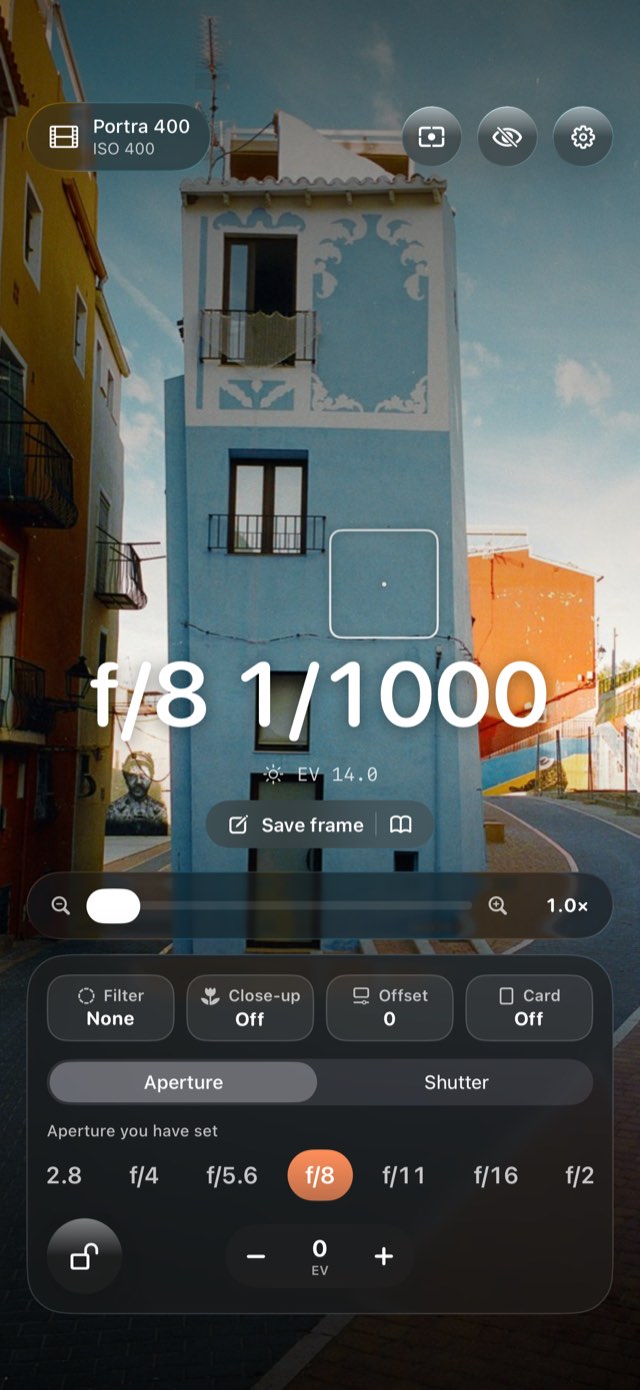
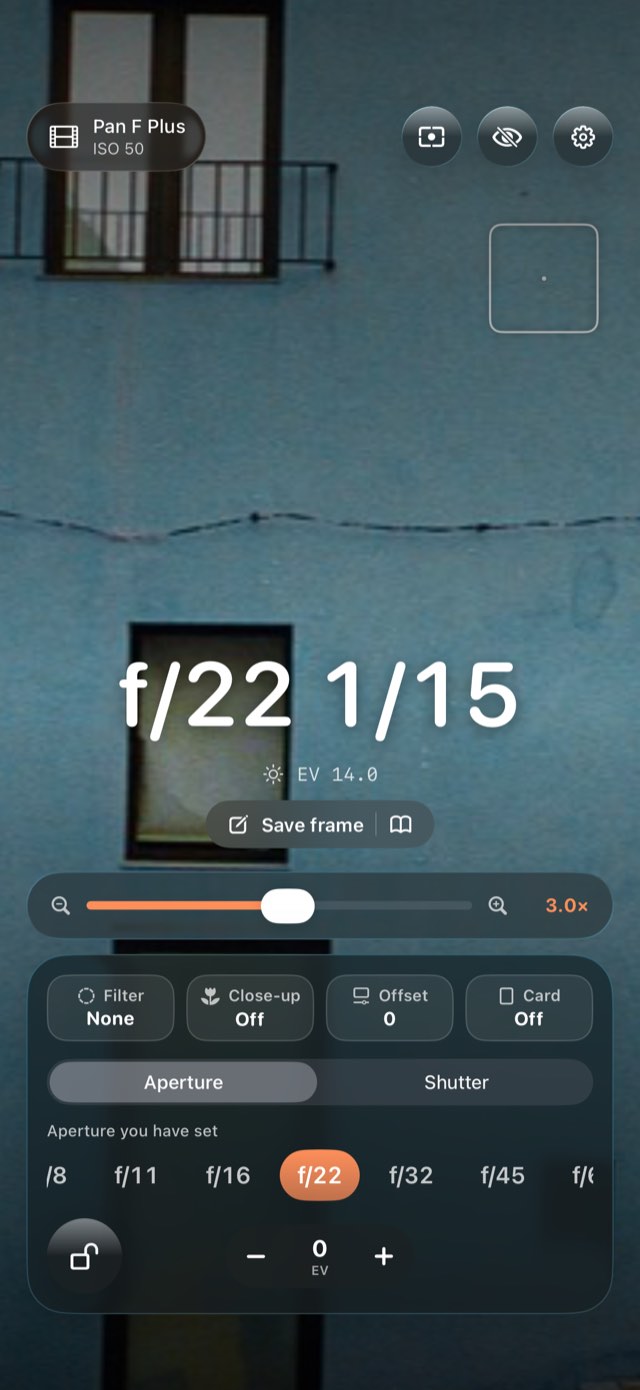
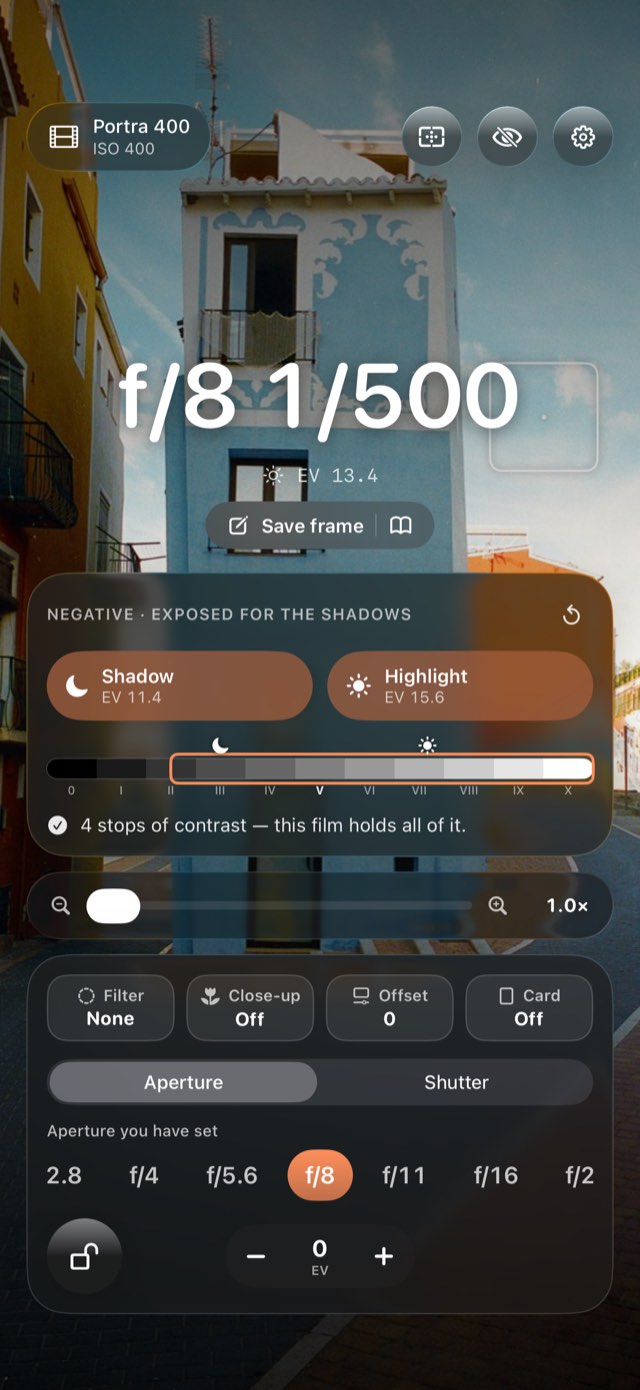
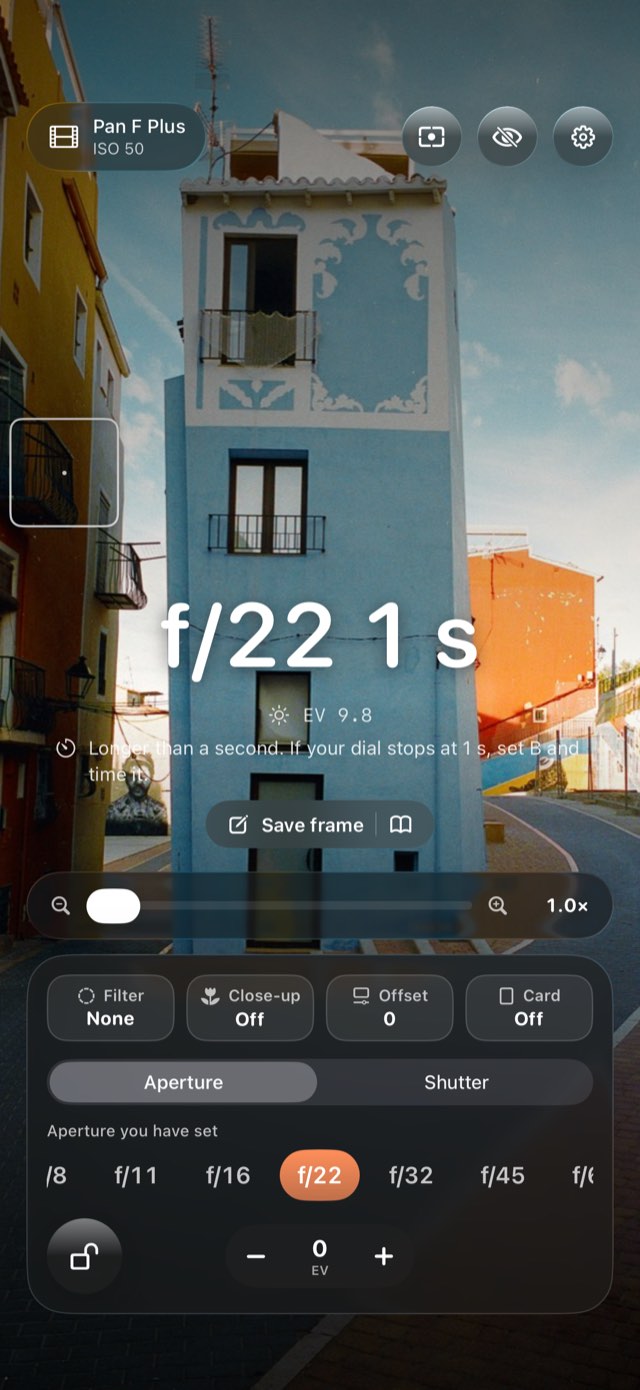
Point your iPhone at the scene and read what to set — for the film in your camera, at the speed you rate it, behind the filter you are using. And after dark, the one thing no phone meter does: the extra time film needs for long exposures, from each film’s own data.
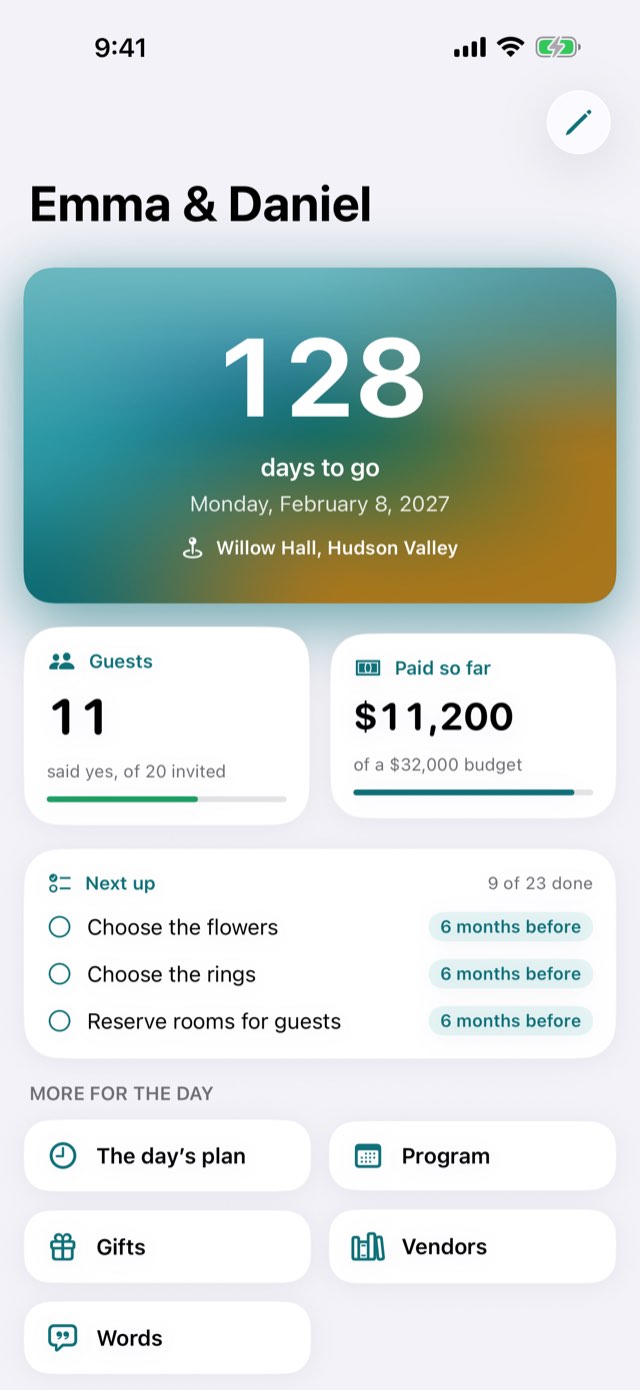
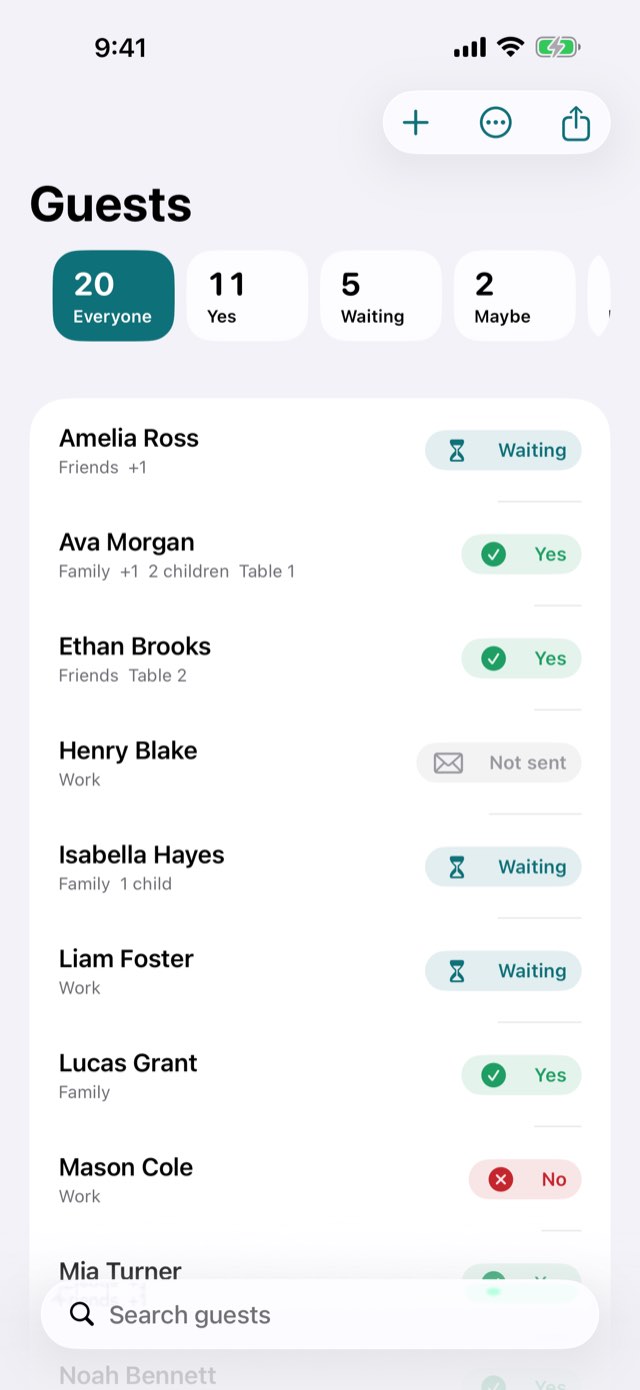
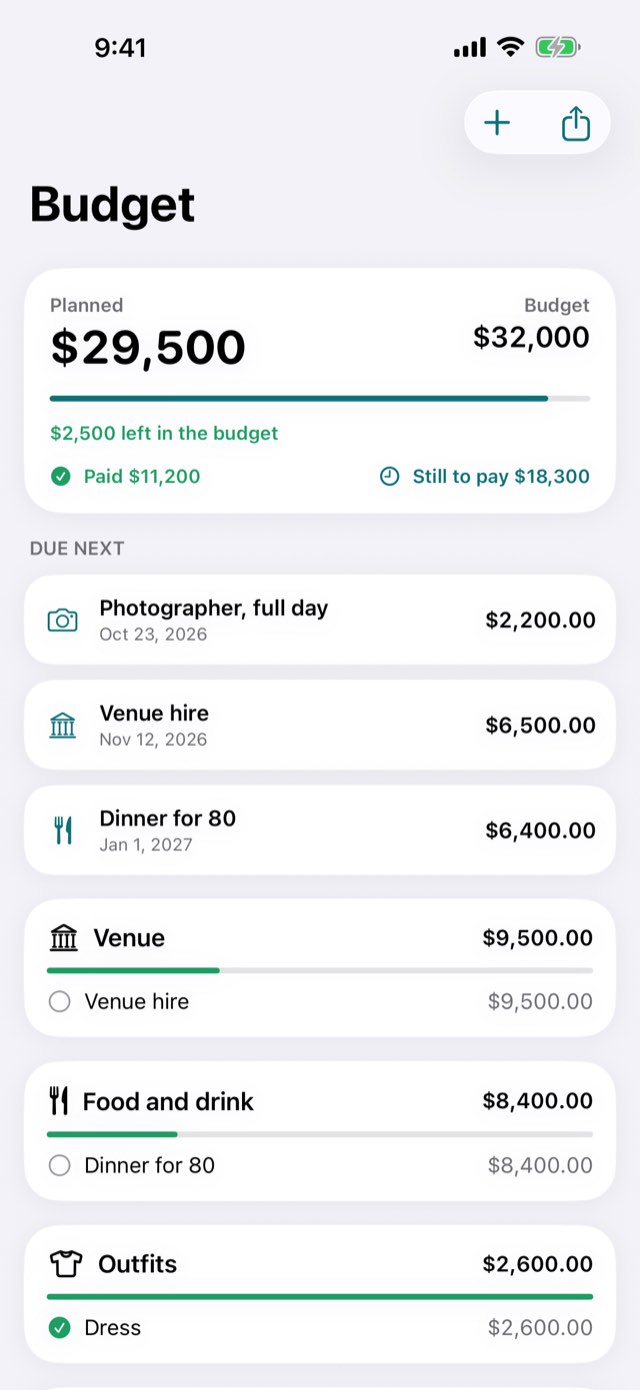
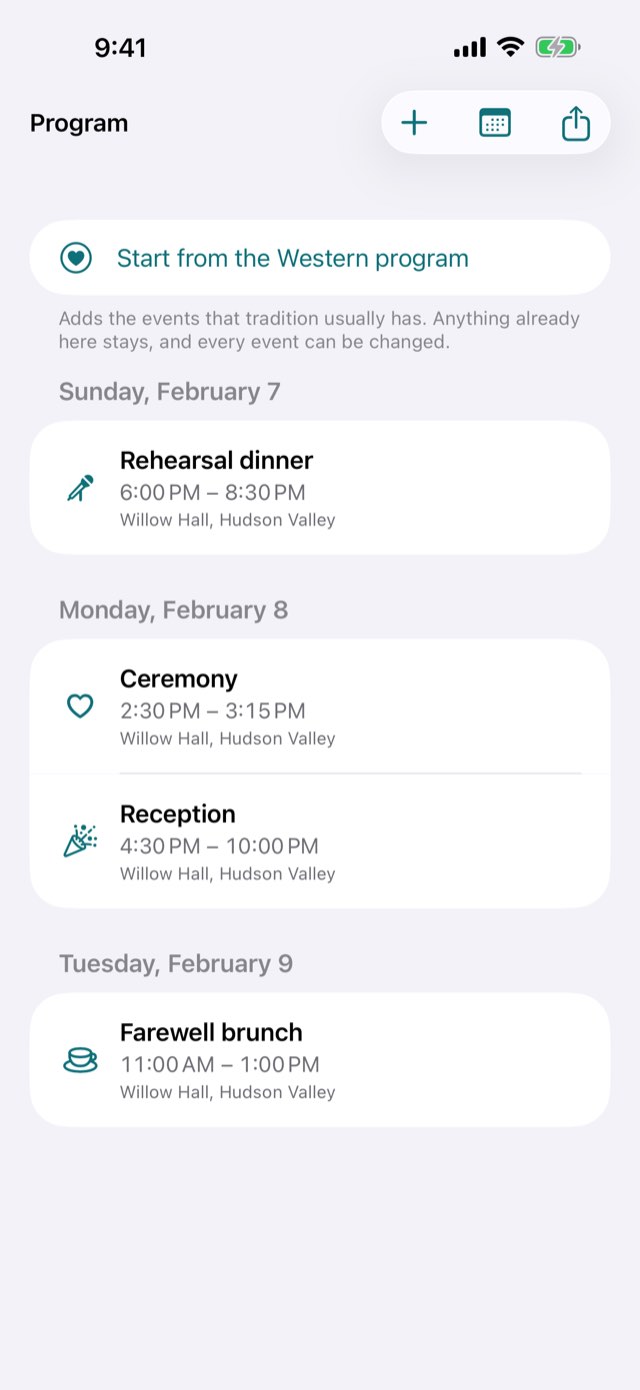
The days until it on the venue's own calendar, guests counted in seats, the budget in the currency it is planned in, a program that can run for days — and on the day, a wedding day mode that shows what is happening now and what comes next. For the two people marrying, or the planner holding four weddings at once.
Guests counted in seats, the budget in the currency it is planned in
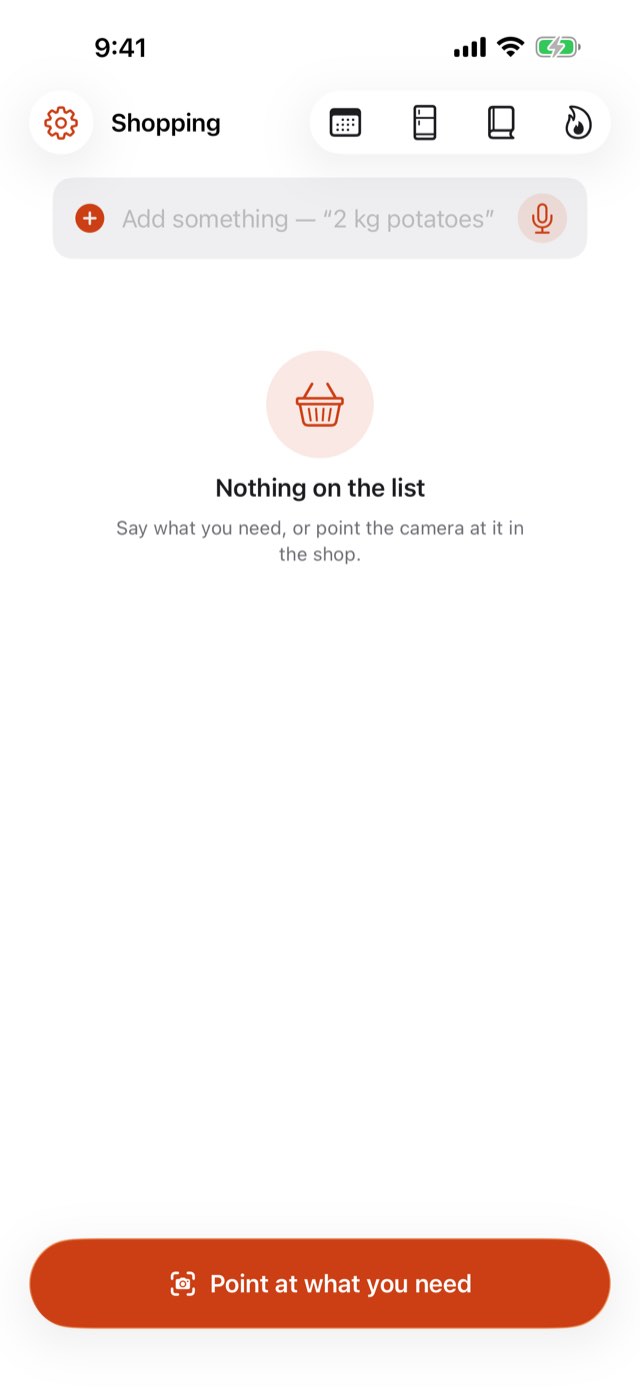
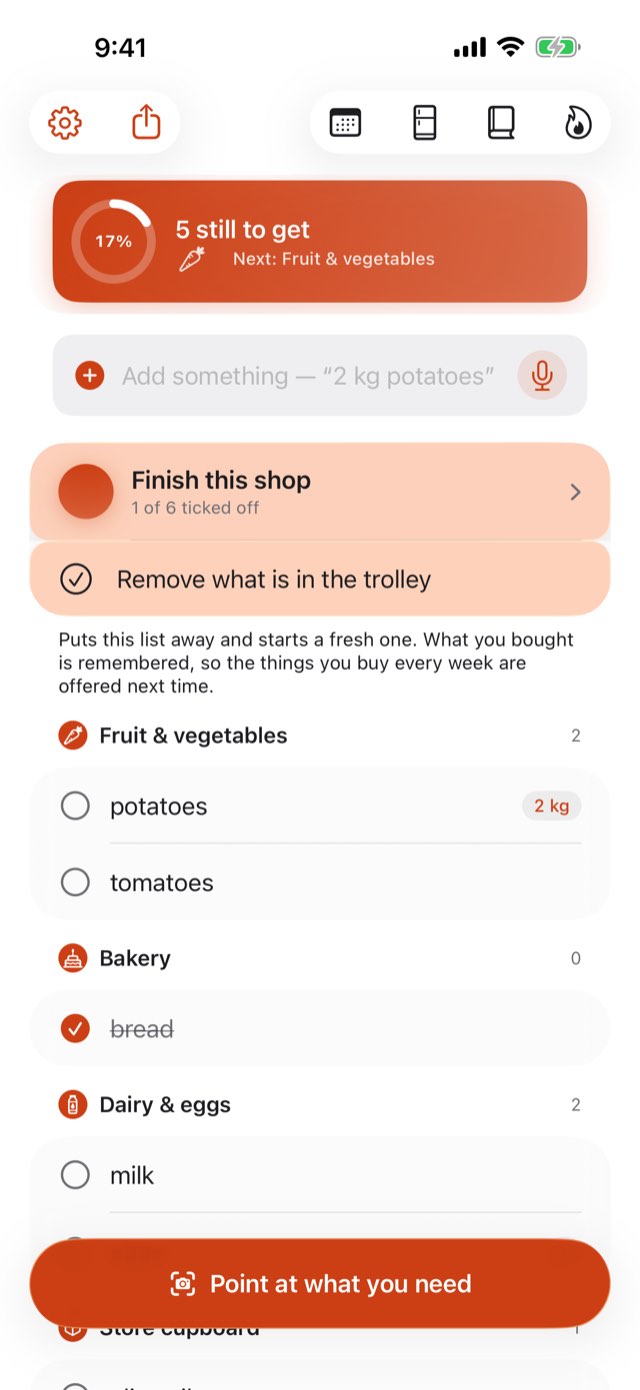
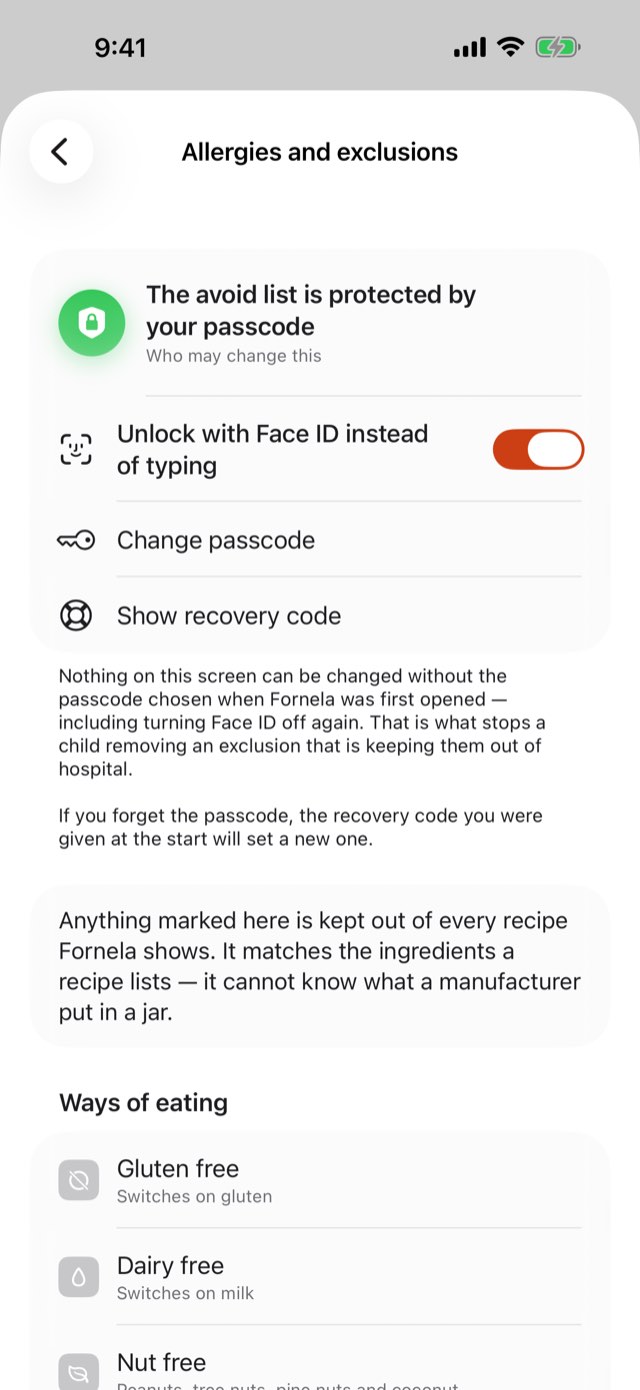
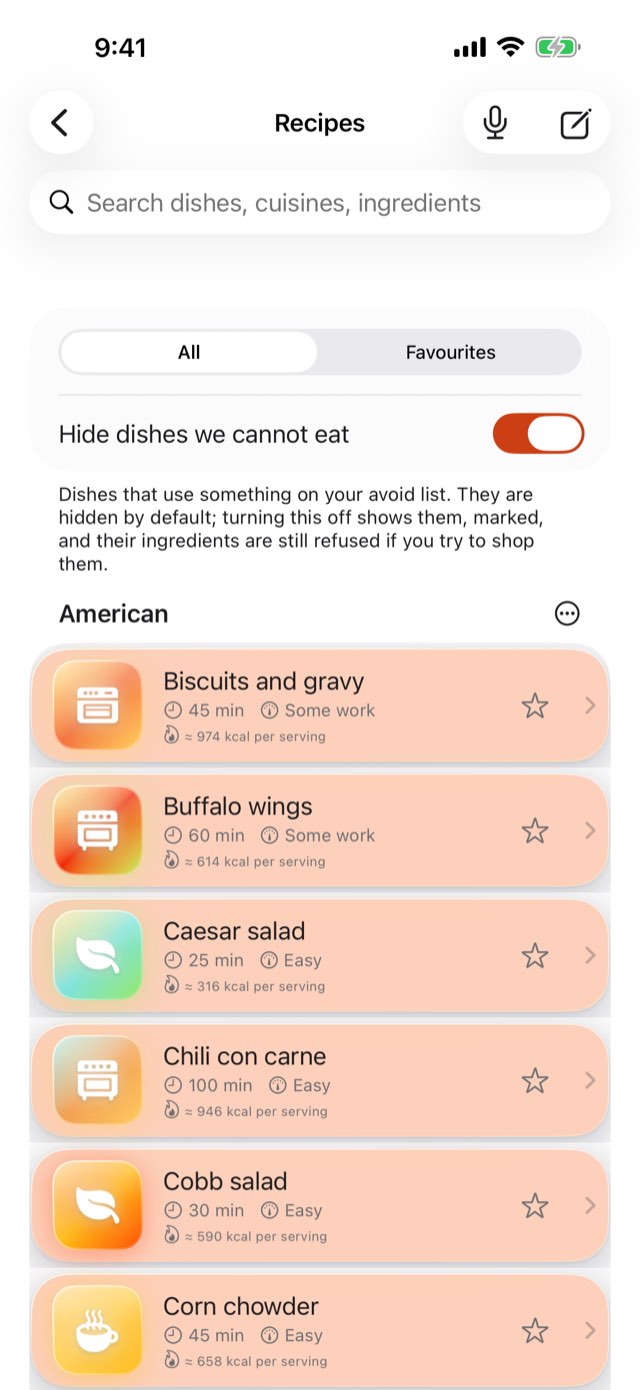
A shopping list in the order you walk the shop, a week of dinners in one tap, and two kitchens in one app: 563 savoury recipes and 538 sweet ones. One list keeps the wrong food out of all of it.
A shopping list in the order you walk the shop
A week of dinners in one tap
563 savoury and 538 sweet recipes, one exclusion list
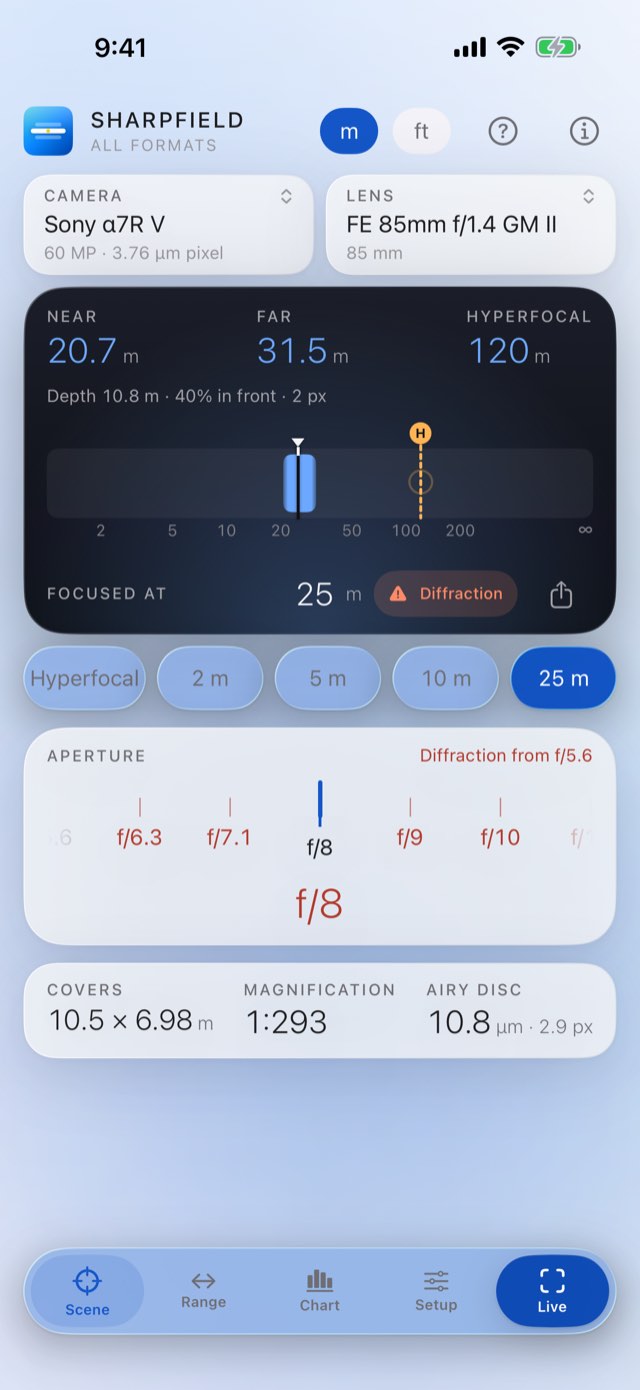
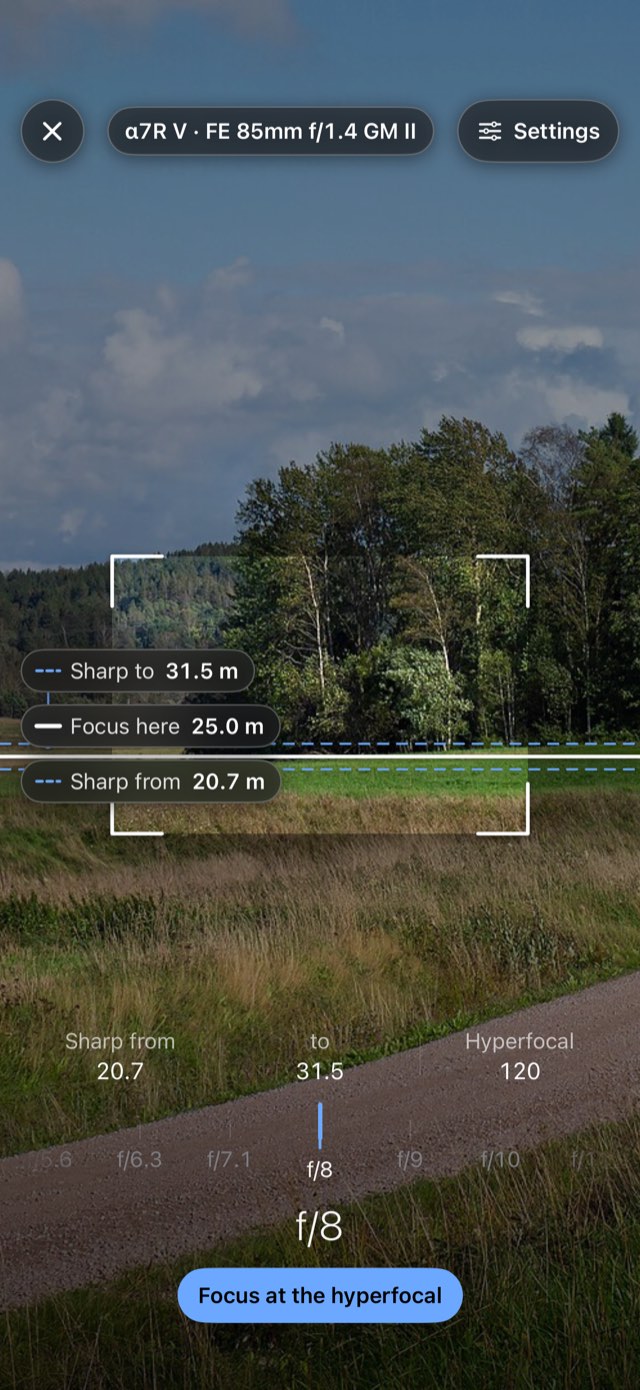
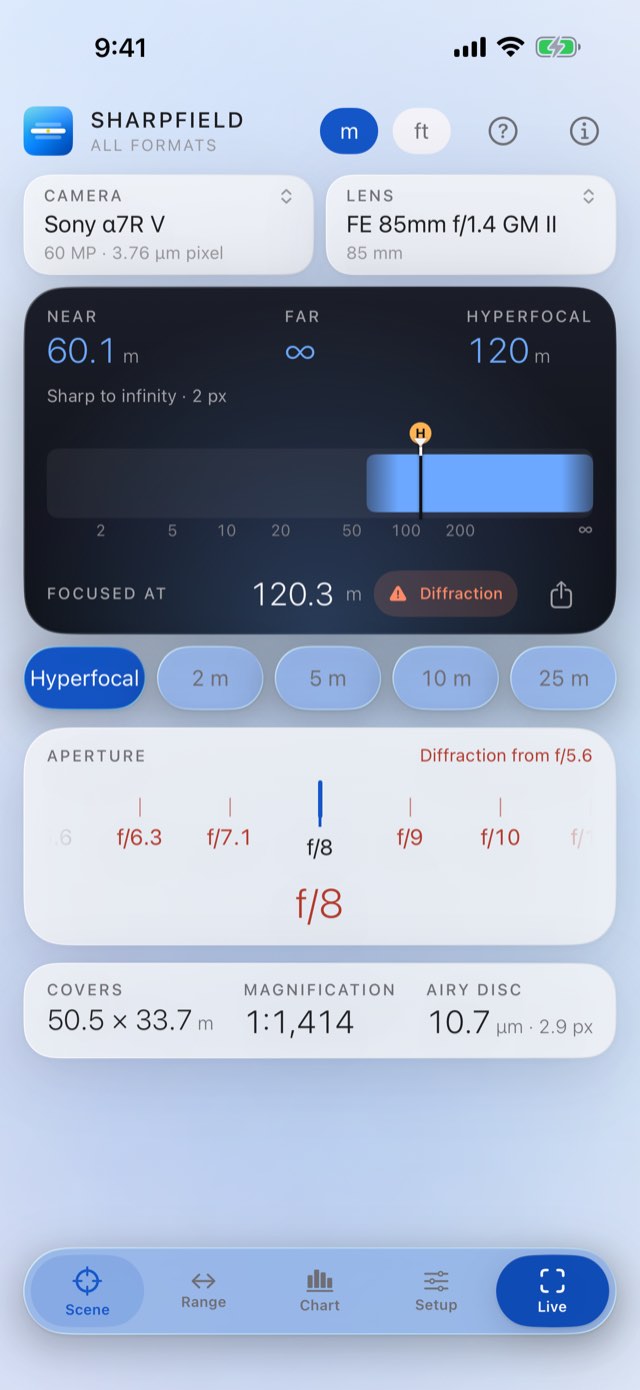
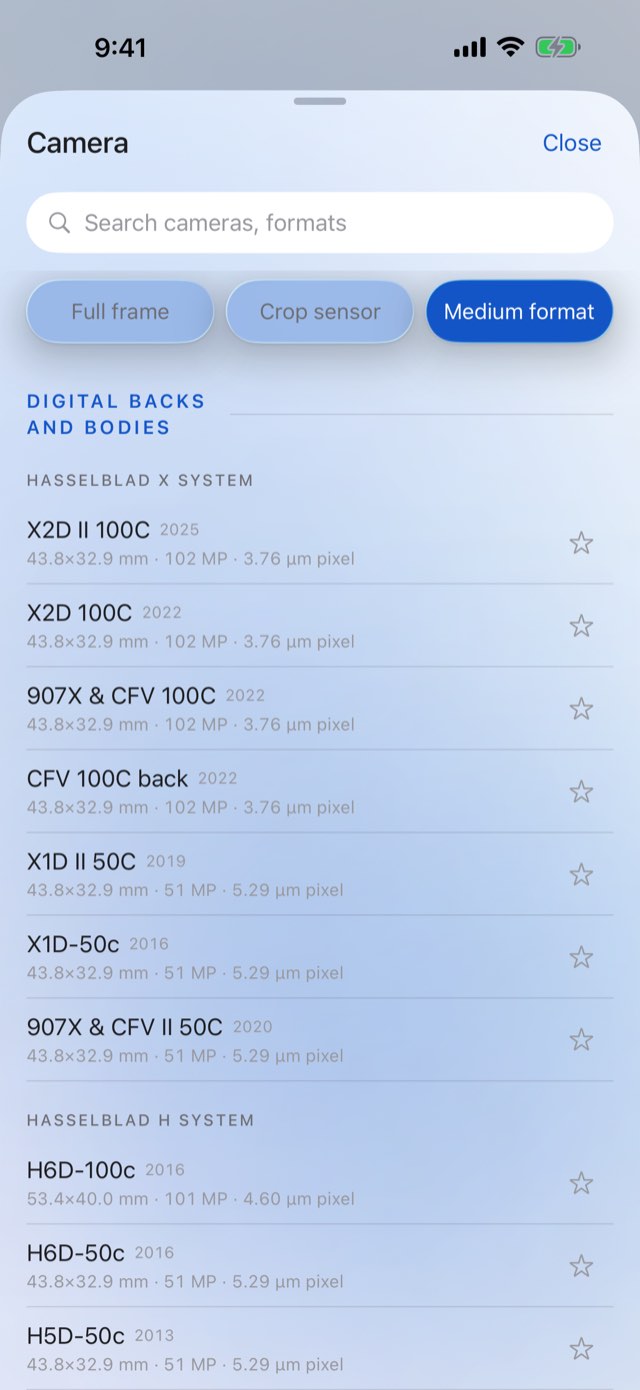
One instrument for full frame, crop sensor and medium format: hyperfocal distance, depth of field and the aperture where diffraction starts to cost you. 218 cameras, 661 lenses.
Near, far and hyperfocal from the real sensor
A depth ruler you drag, and a live view over the scene
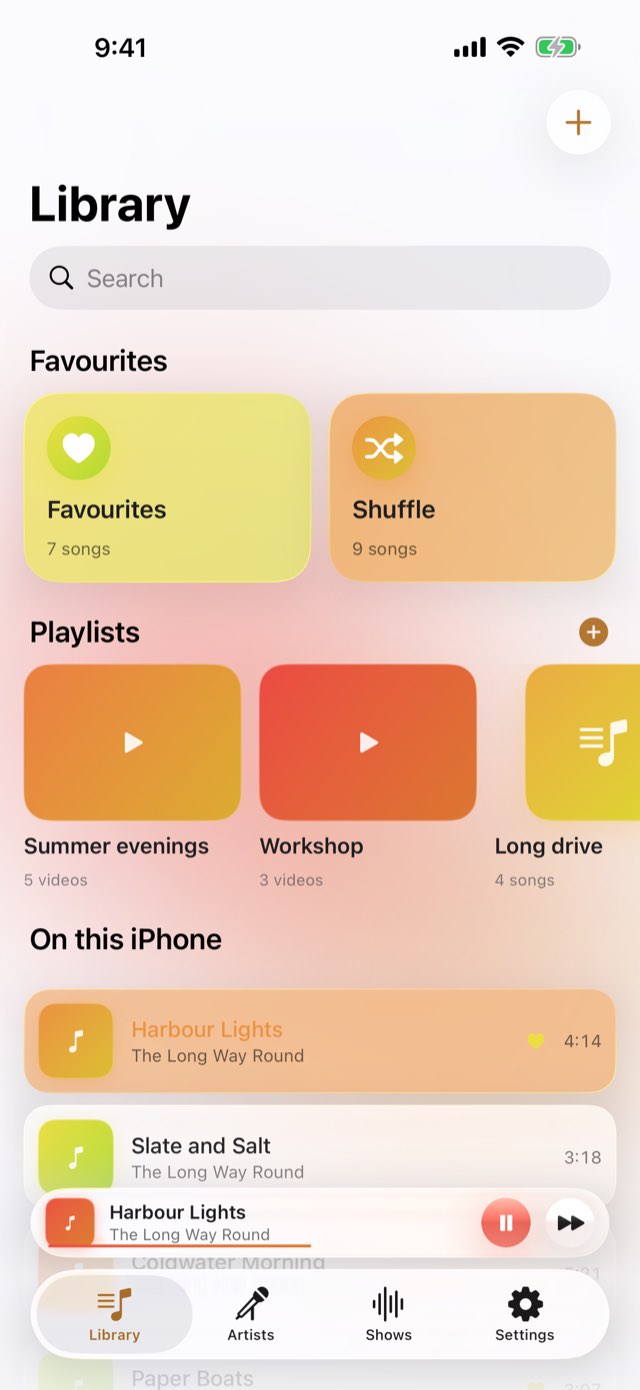
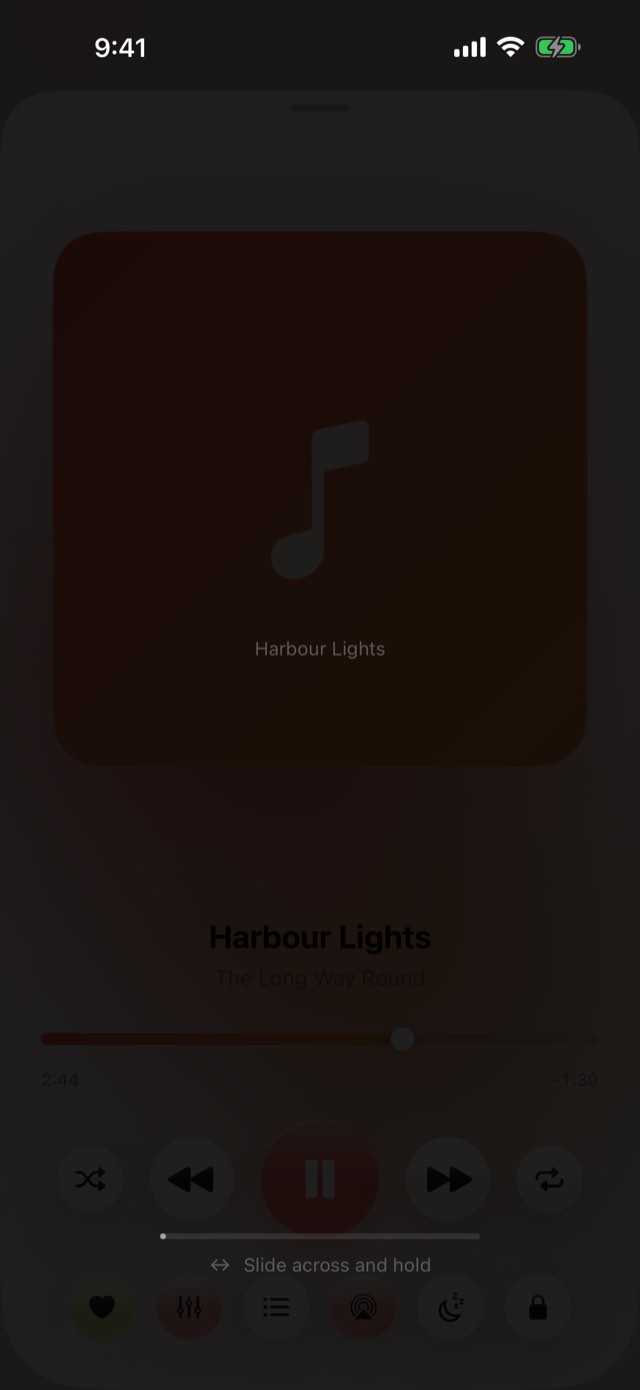
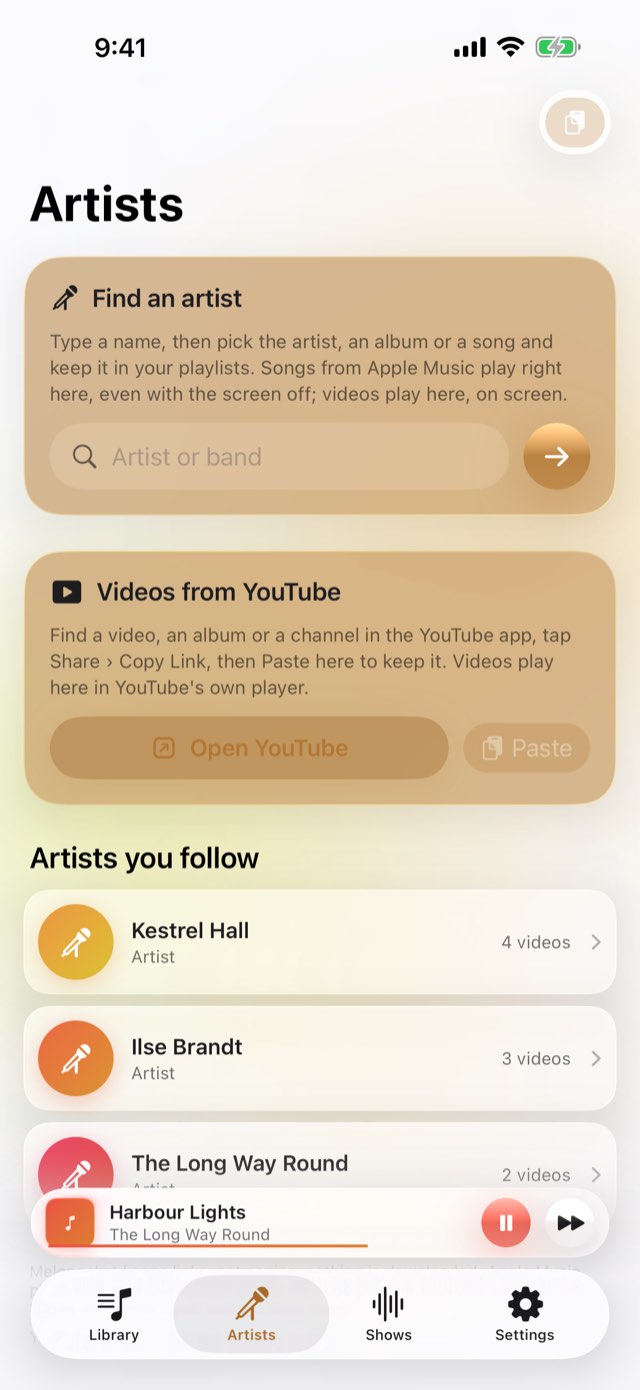
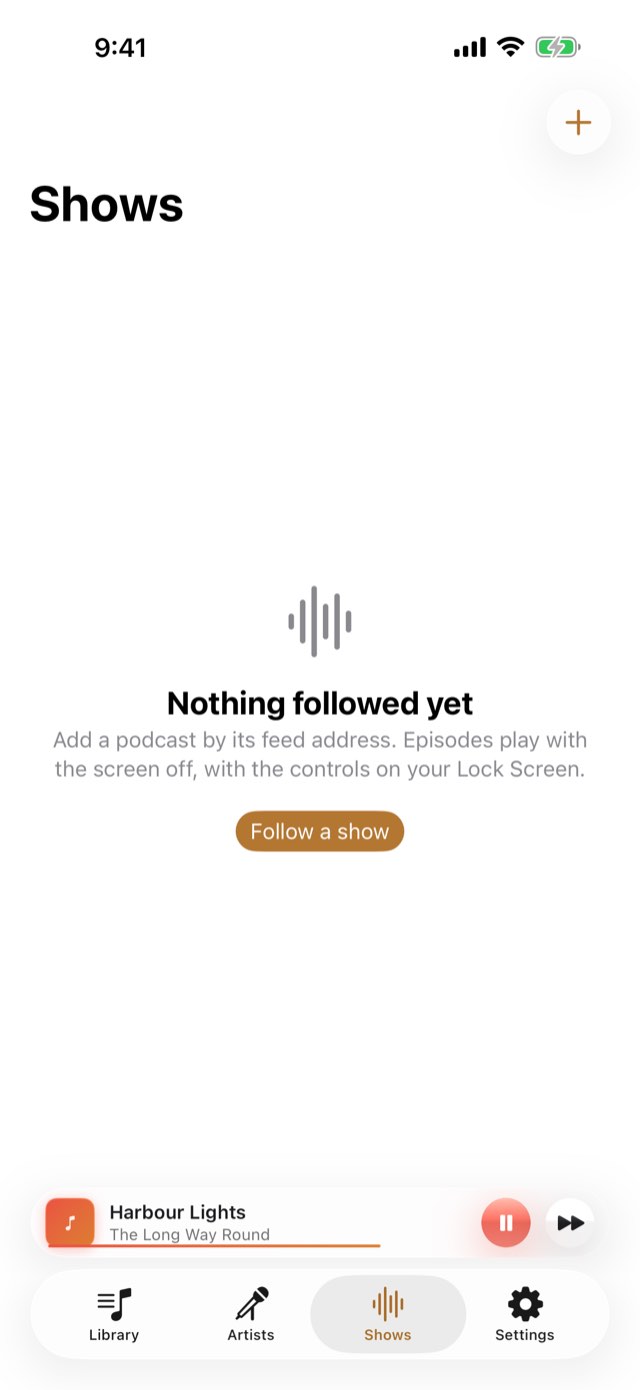
Your own music and any podcast, played with the phone in a pocket behind a lock that swallows every touch — and a chart of your week in music, counted on this iPhone and never sent anywhere.
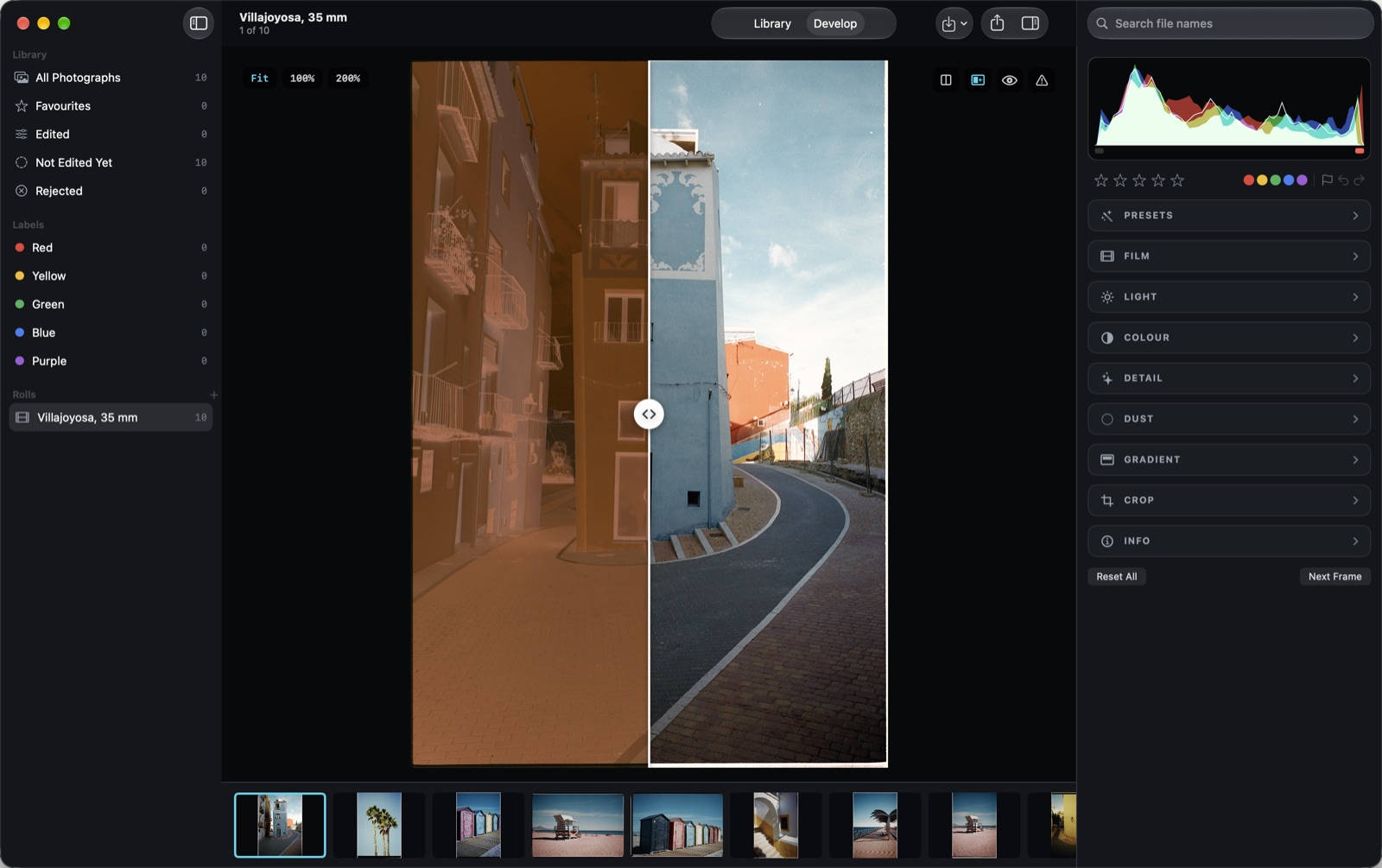
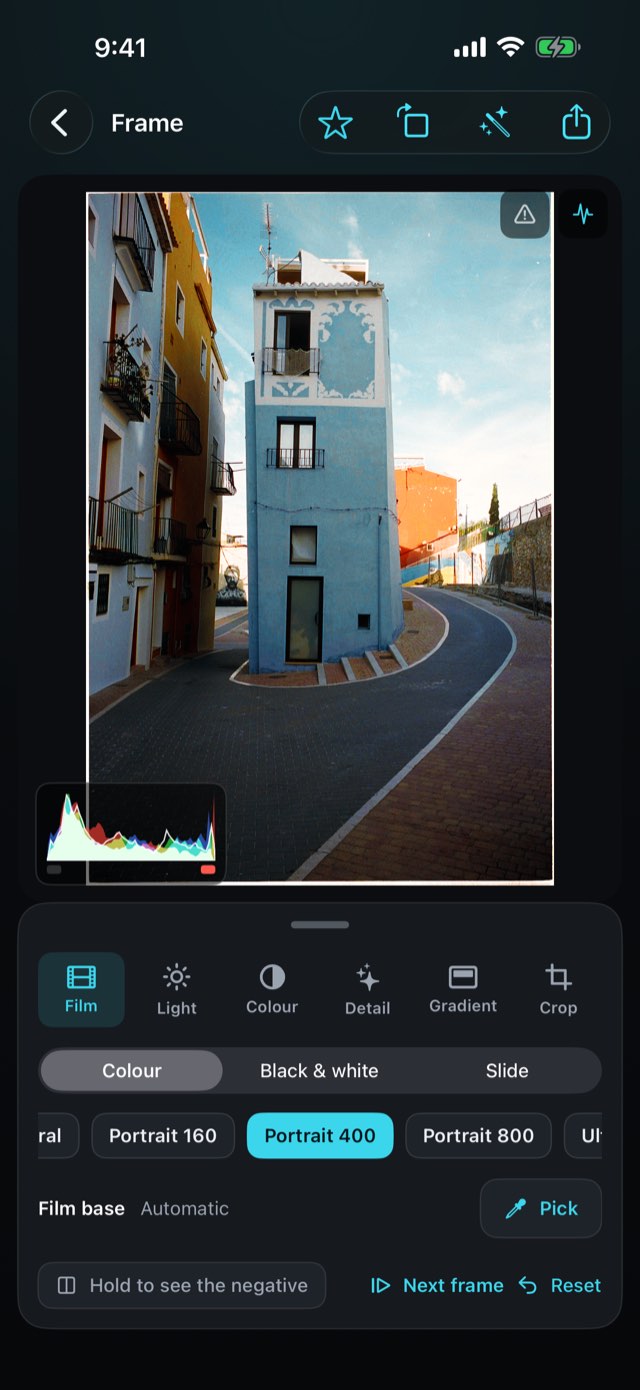
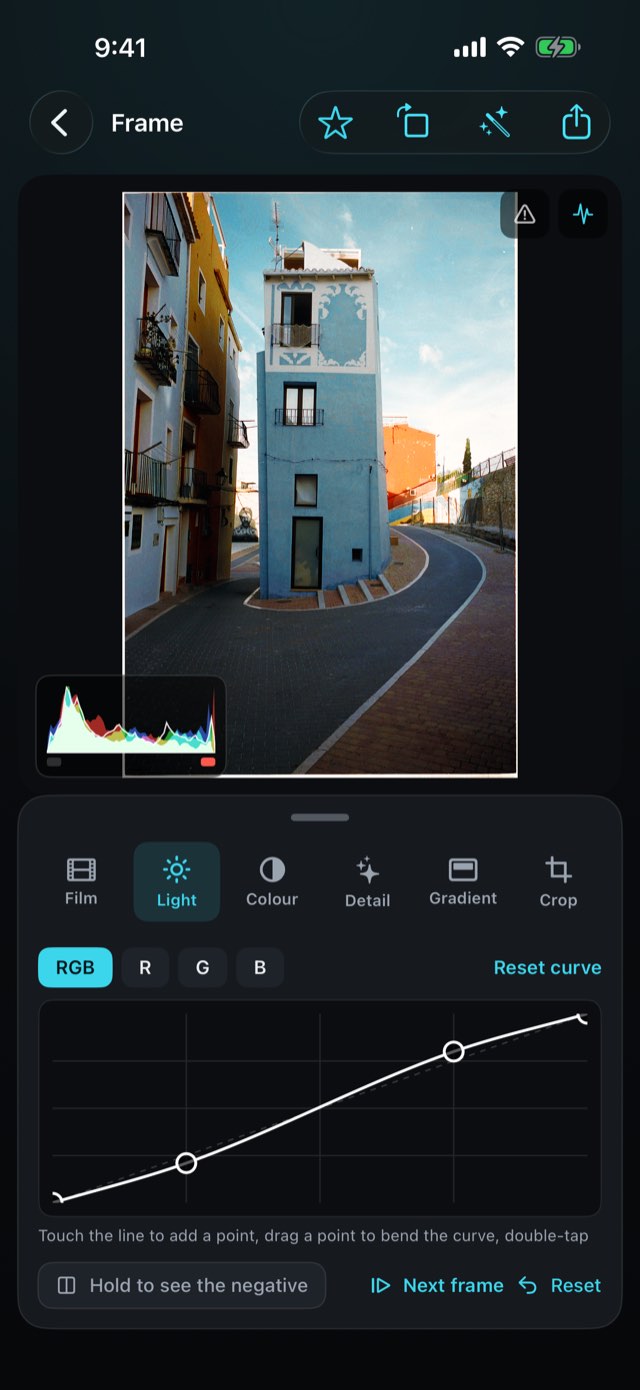
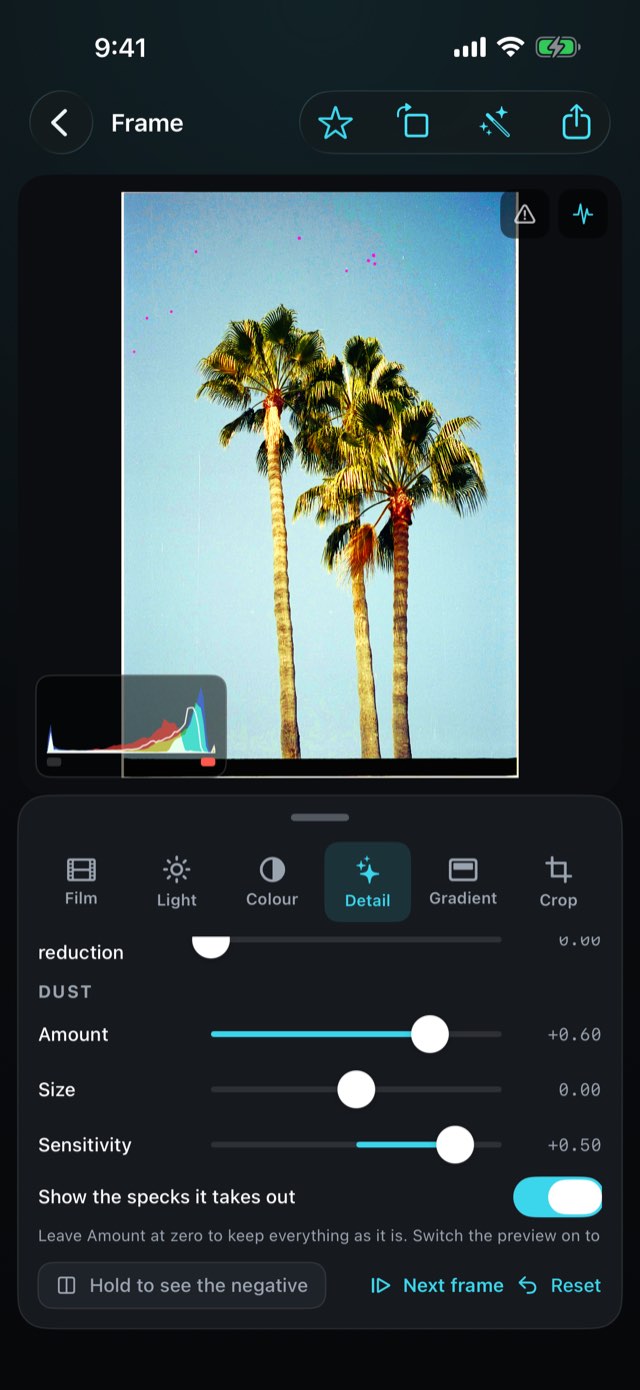
Develop film scans and RAW photos on your Mac: negatives into real photos, classic lab colour, a tone curve, masks and dust removal. Analog effects only when you add them.
Not as a privacy feature bolted on afterwards, but as the shape of the thing. There is nowhere to sign in because there is nowhere to sign in to. That means no outage can take your data away, no change of business model can start collecting it, and no breach can leak it.
02
It works with no signal
In a shop basement, on a building site, on a mountain at dawn. Recognition runs on the device — Apple's own on-device models — so the app is exactly as capable with the aeroplane mode switch on.
03
Nothing is guessed
Where a figure cannot be worked out honestly, these apps say so instead of showing a number. A confident wrong answer is worse than no answer, because it looks identical to a right one.
04
Free days first, then one clear price
Almost every app gives you a few days of everything before it asks for anything — three days, seven in Talkquote. After that, most are a single payment and nothing renews. Talkquote is a subscription, monthly or yearly, and so is Weddinglume for planners — and either way you get the whole app, not a tier of it. Melopocket is the exception: the player is free for good, and Pro is optional — yearly, or once for good.
Support
Every app has its own support and privacy page — pick one above. They all work the same way: no account, nothing collected, and a purchase that follows your Apple Account rather than one device.
Restoring something you already paid for
A purchase belongs to your Apple Account, not to one device. On a new phone, or after reinstalling, open the app and choose Restore on the purchase screen. Nothing is charged again.
Cancelling a subscription
Open the App Store, tap your picture at the top right, then Subscriptions. That is the only place a subscription can be stopped — this app cannot do it for you, because Apple takes the money. Cancelling stops the next payment and leaves the period you have already paid for running to its end. A one-time purchase never renews and has nothing to cancel.
 Sharpfield