Negatives into real photos, on your Mac.
A dark, fast workspace for film scans, RAW files and digital photos: negatives converted in density, classic lab colour, a tone curve, masks, dust removal, and before and after at full resolution. No account, nothing uploaded.
One payment for iPhone, iPad and Mac, after three days to try everything. Your pictures never leave your device.
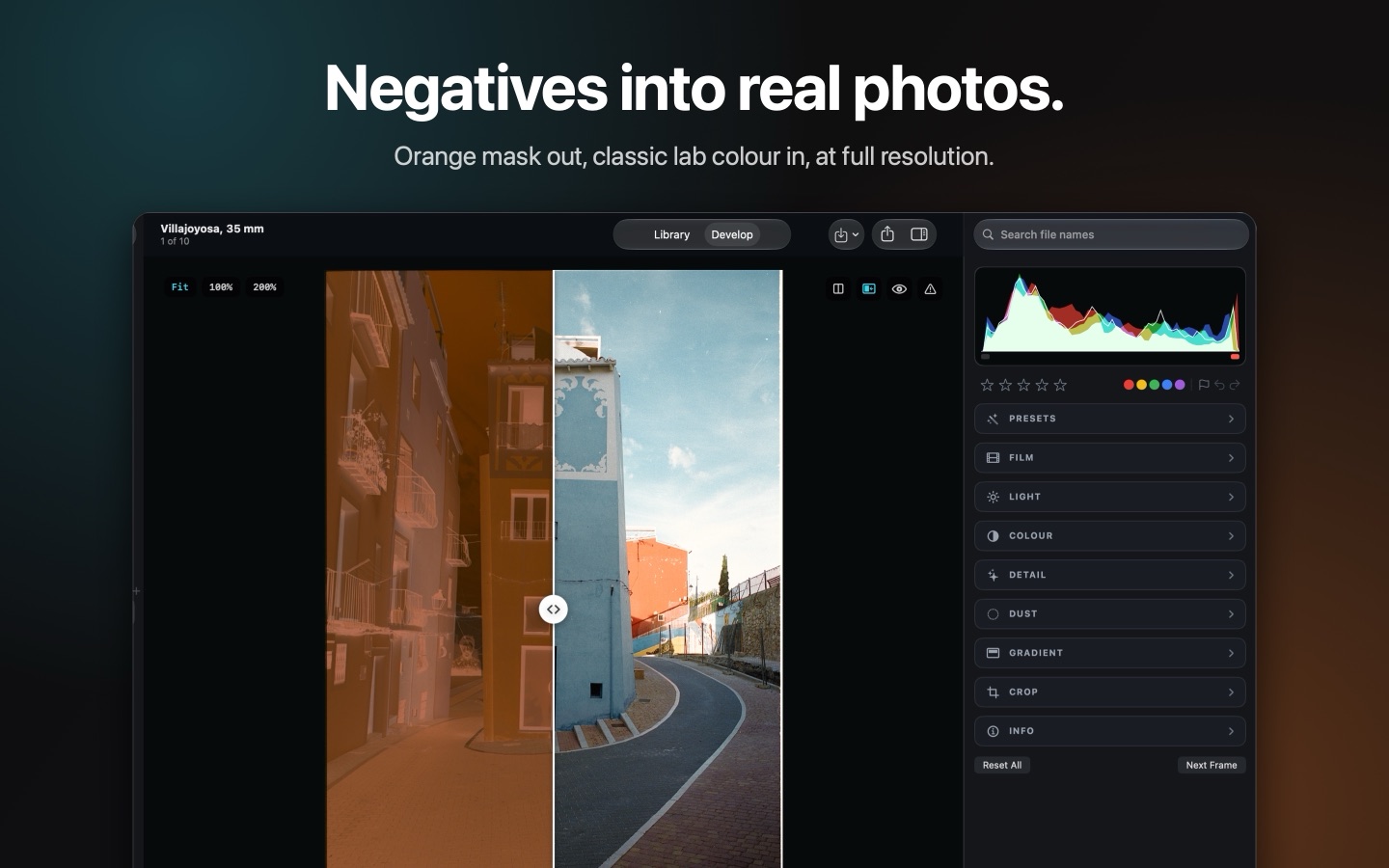
The orange mask, divided out.
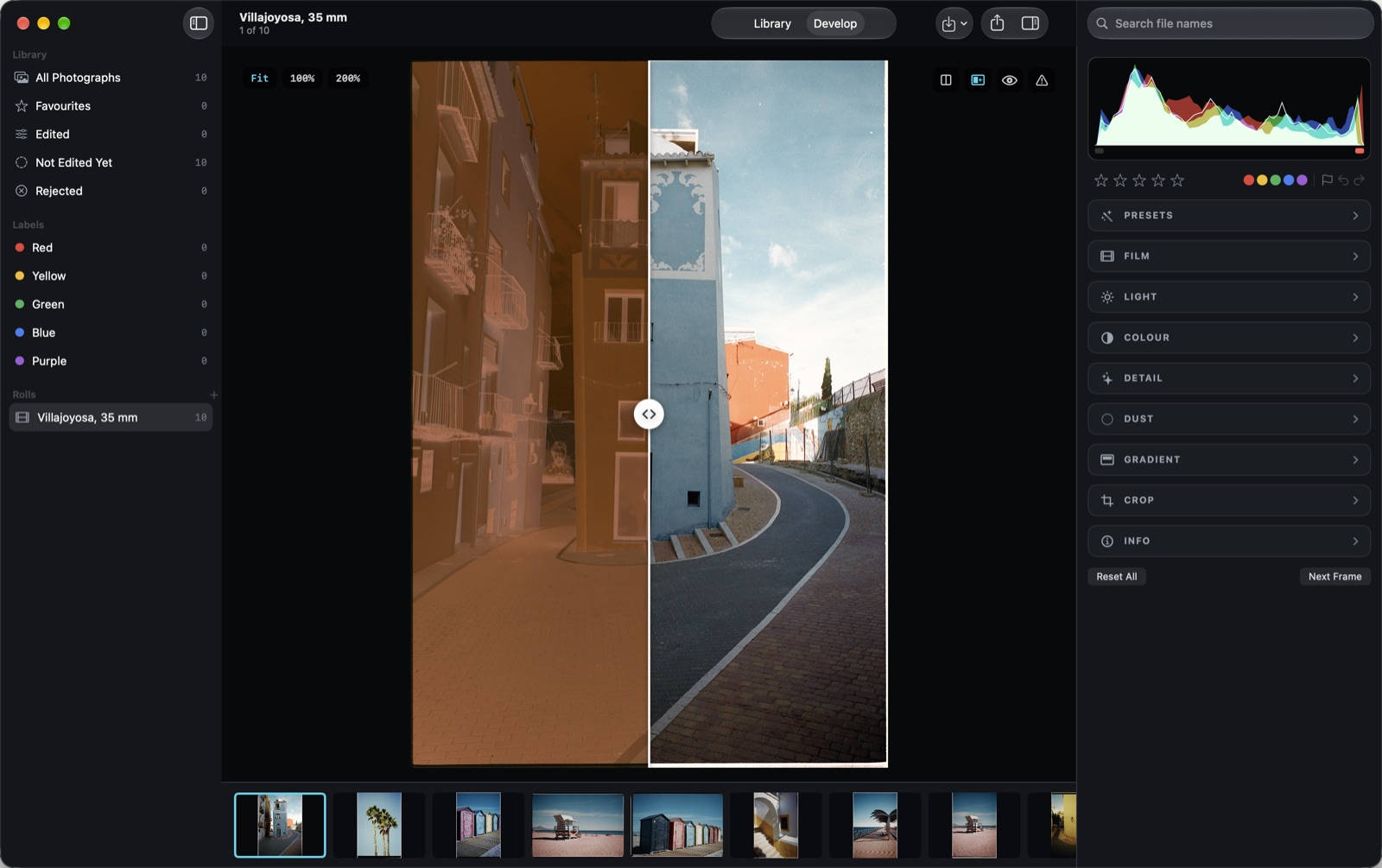
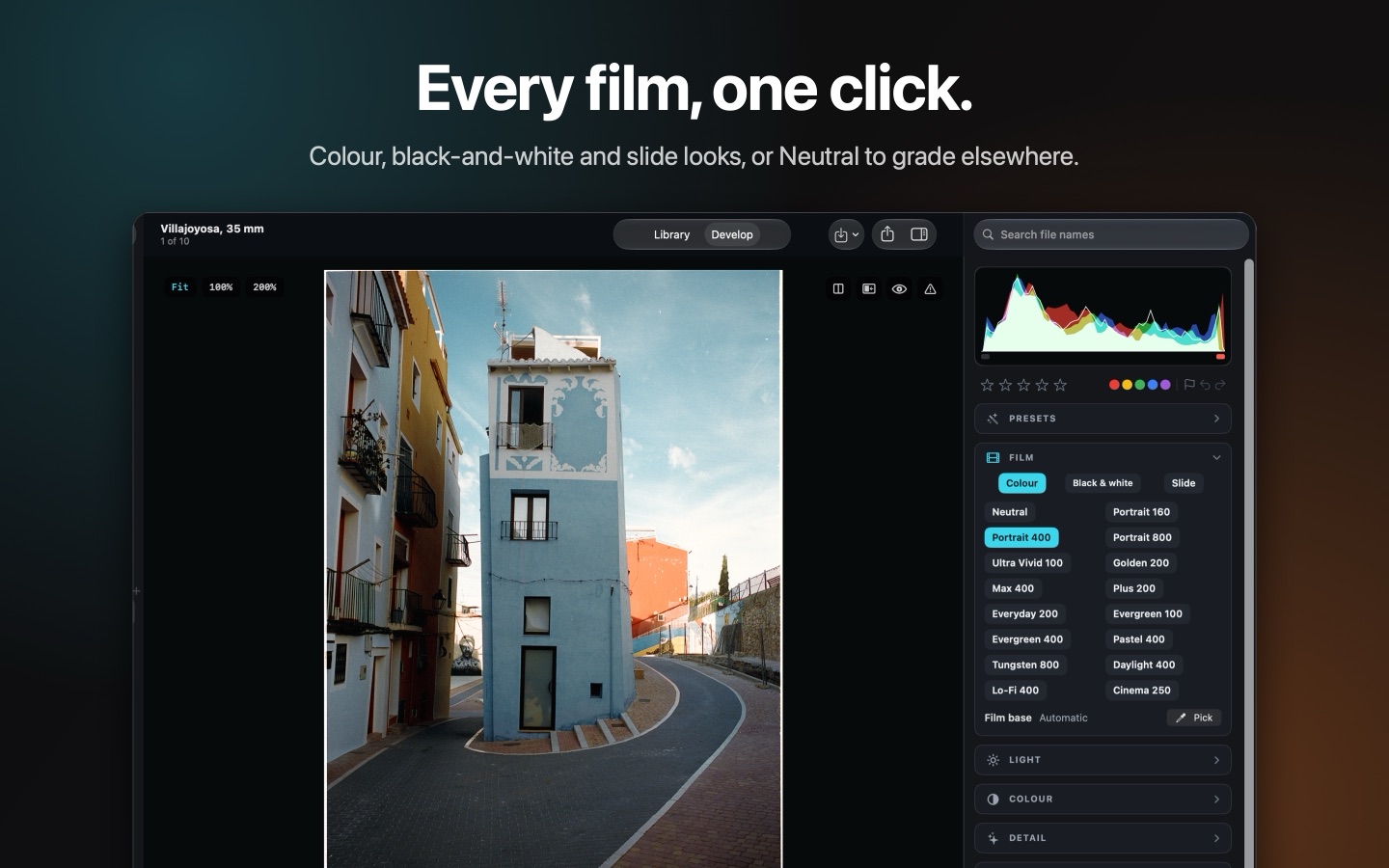
Colour negative, black-and-white and slide scans become positives: the orange mask is divided out using the film’s own base, taken from the rebate or from something grey you pick. Classic lab colour, modelled on the rendering of a professional lab scanner, balances every frame on its own. Hold a key to see the negative; compare side by side, top and bottom, or with a line to drag.
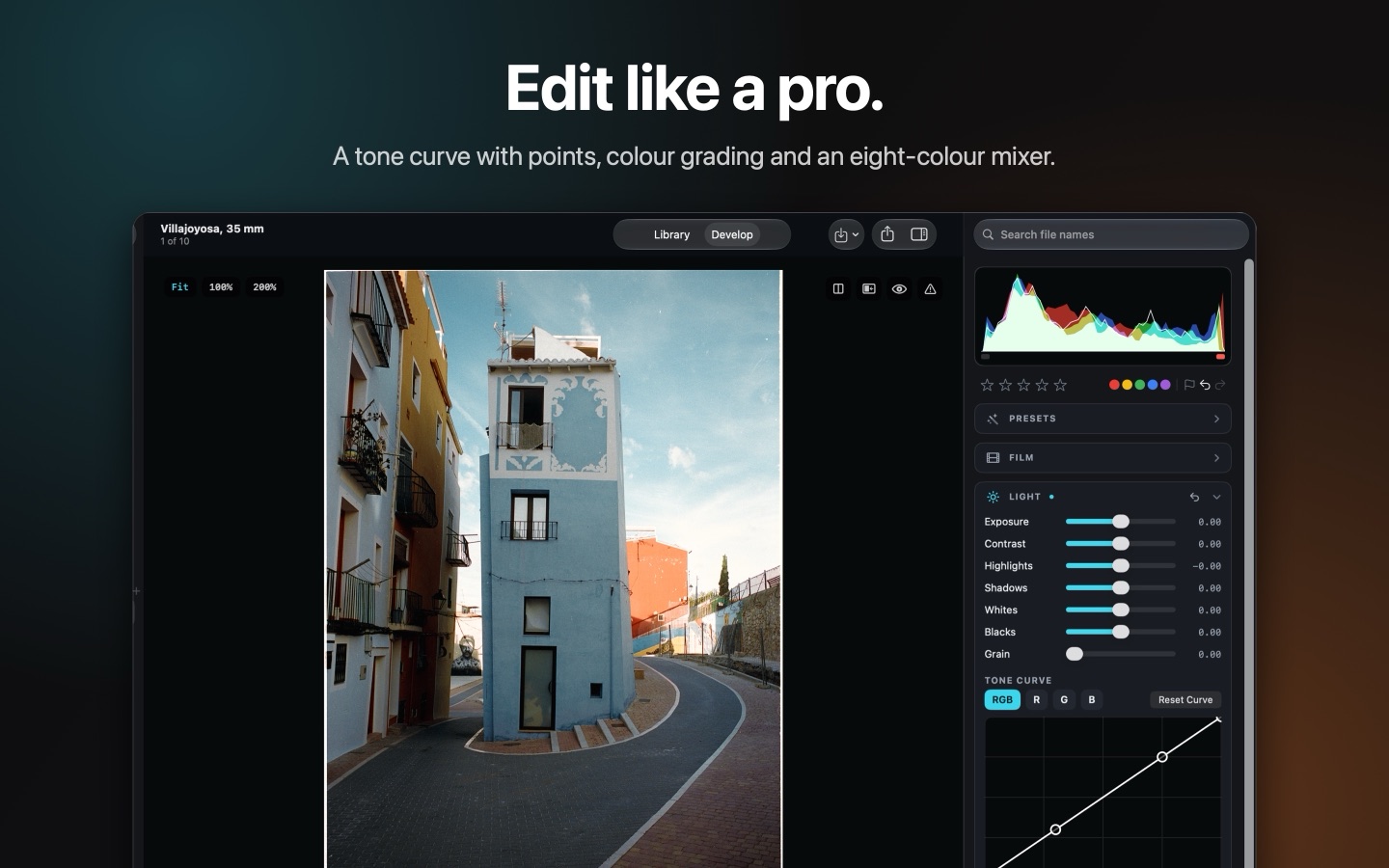
A real tone curve.
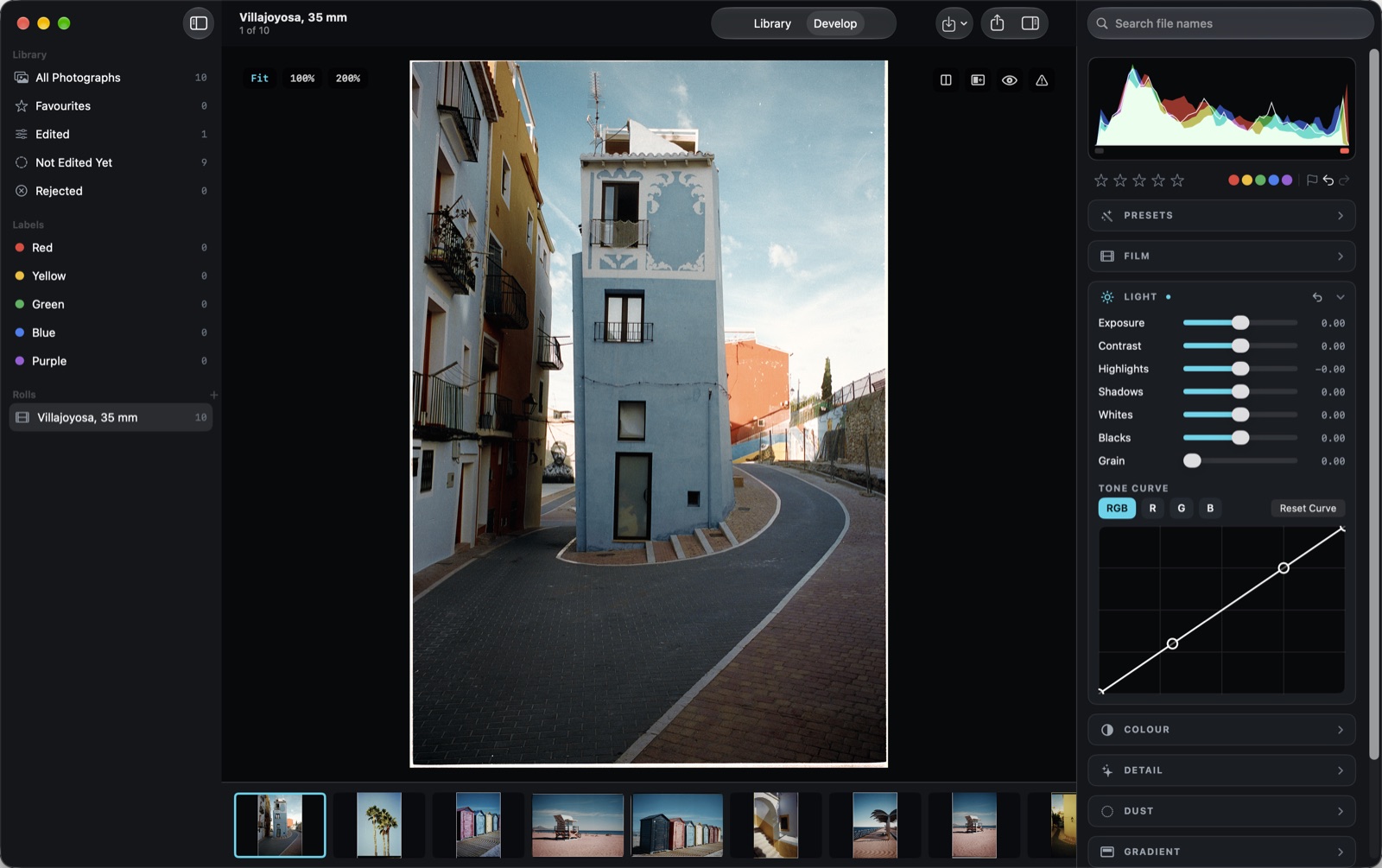
Add points to an RGB curve, or to red, green and blue on their own. Colour grading for shadows, midtones and highlights, an eight-colour mixer, texture, clarity and dehaze sit right beside it.
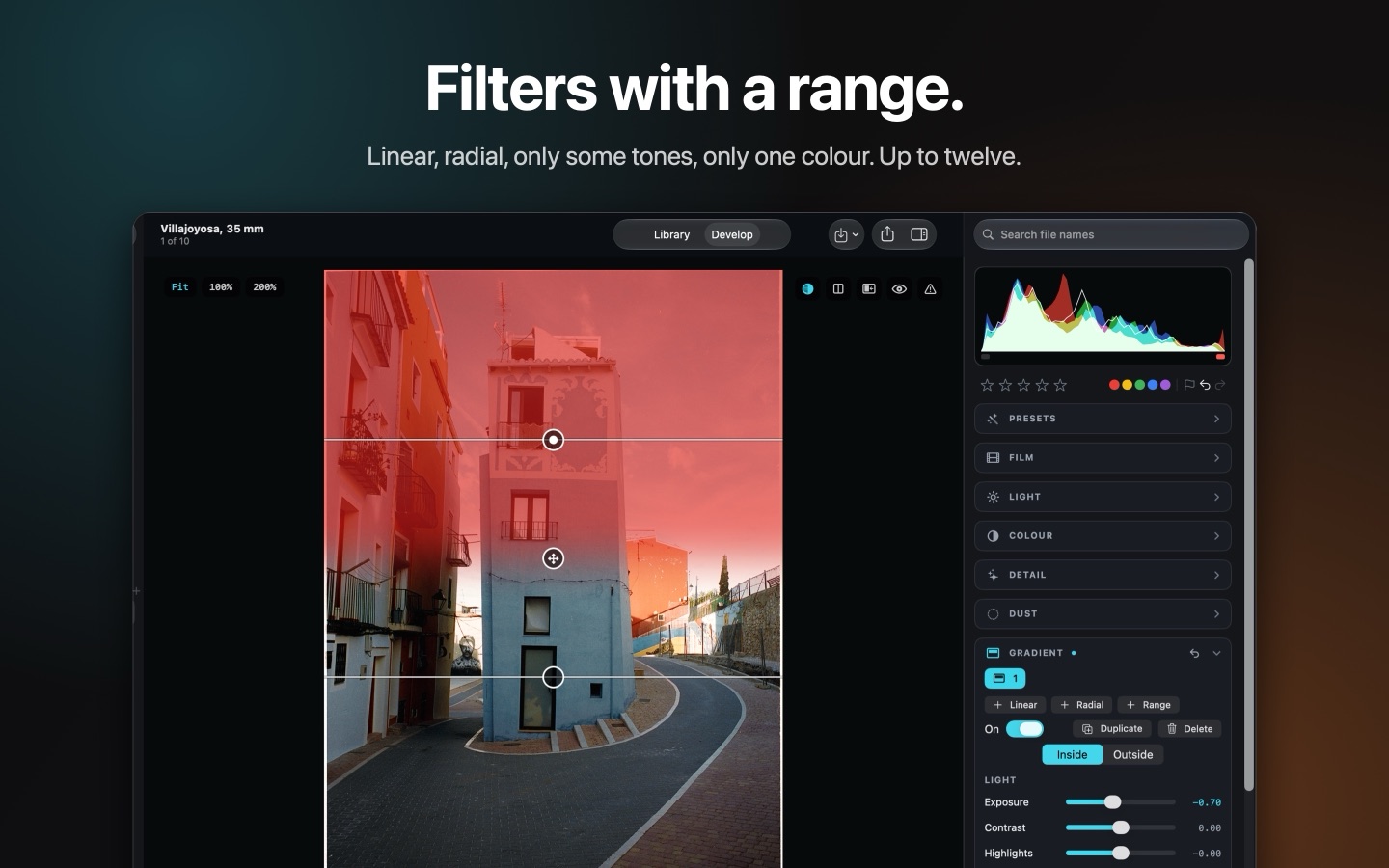
Only the sky. Or only the blues.
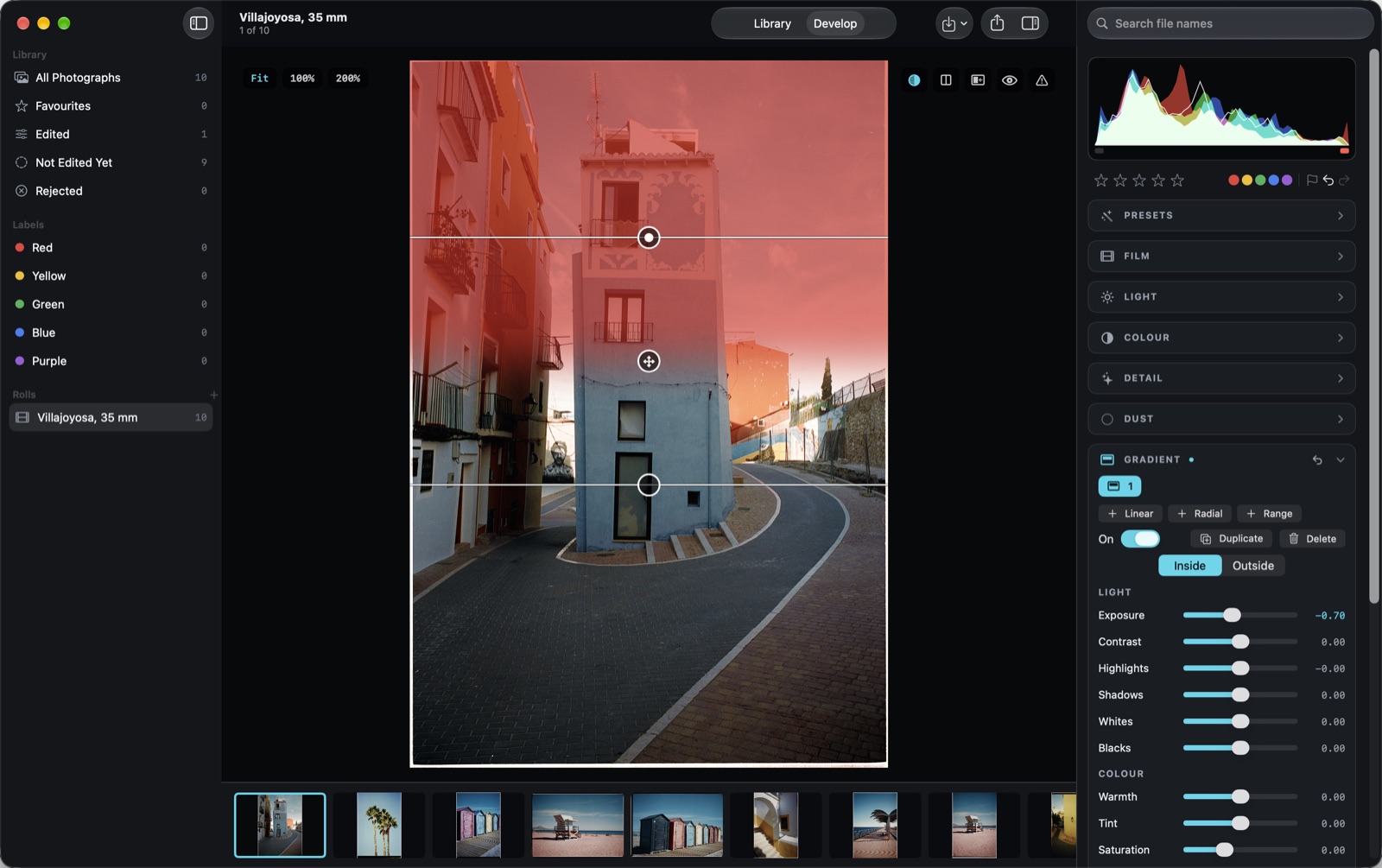
Linear and radial filters, plus ranges that select only some tones or one colour. Up to twelve on a frame, each with its own light, colour and detail, and a red overlay that shows what it touches.
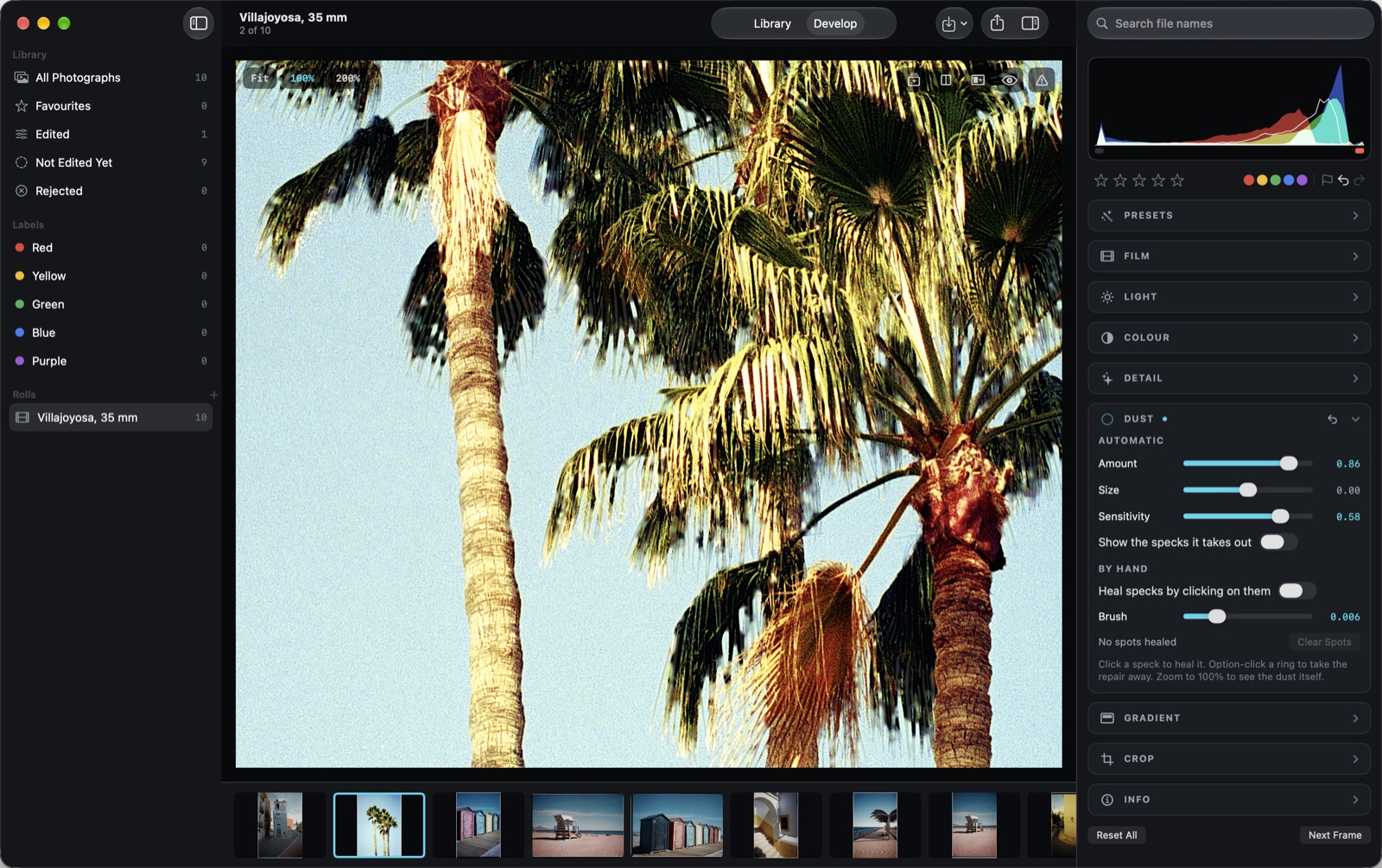
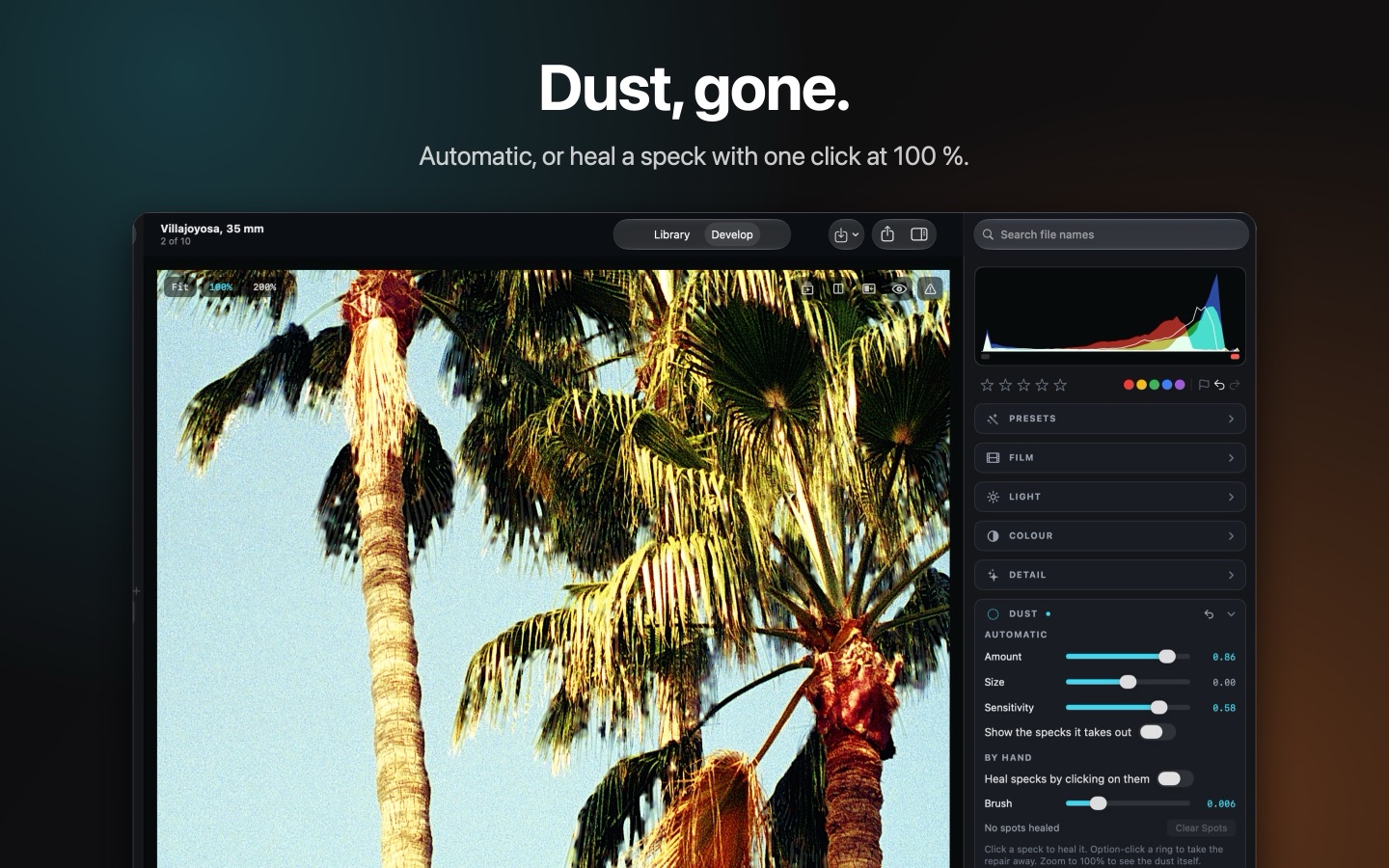
Dust, gone.
Let the app find specks and scratches by itself, or heal one by clicking on it at 100 %. A marker shows what it found, so you can check before you export.
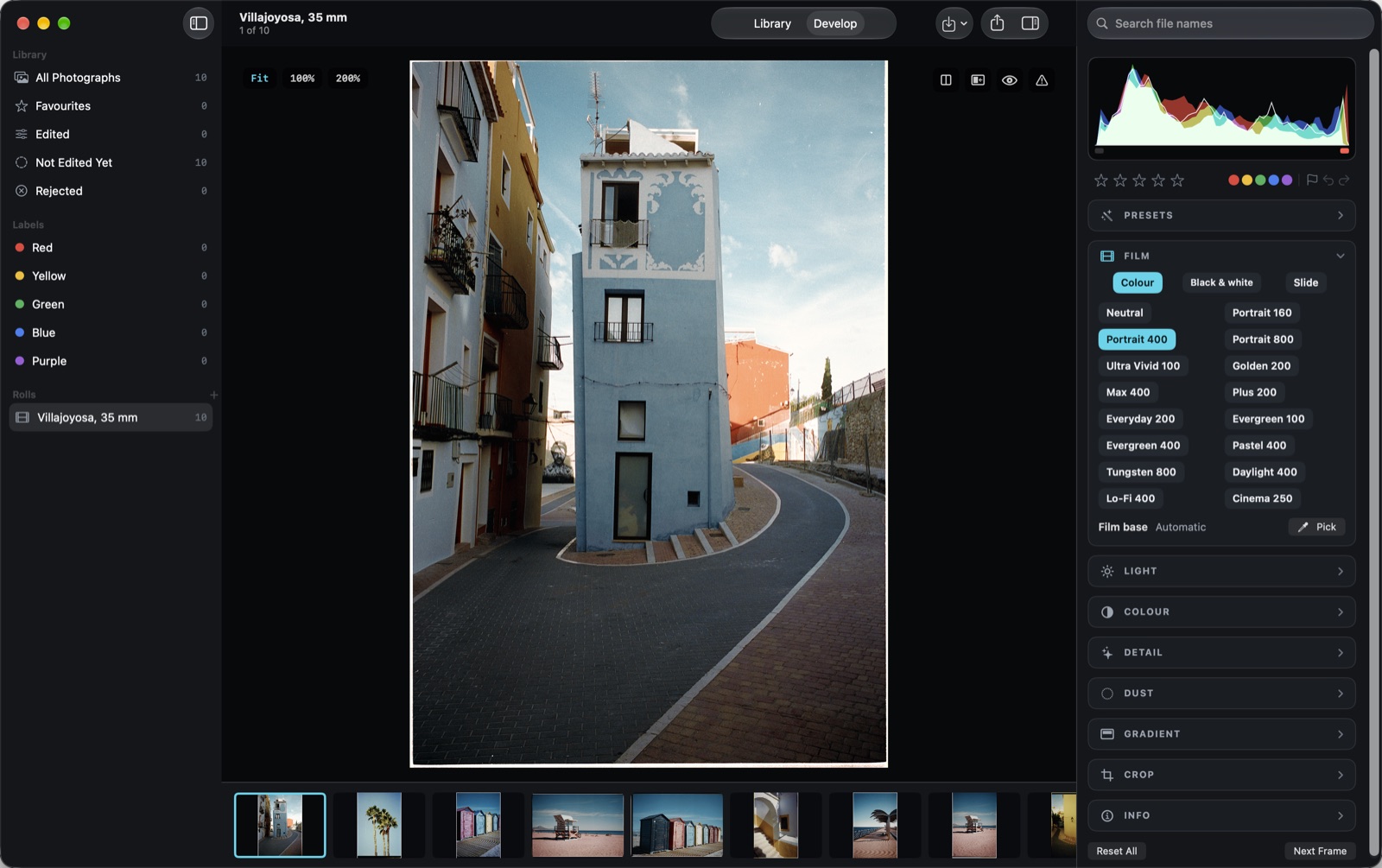
Looks, when you want them.
Film looks, the CCD colour of an early digital camera and starting points for the habits of the darkroom: Pushed, Pulled, Expired Film, Cross Process, Halation Glow and Light Leak. Nothing is added to a picture behind your back.
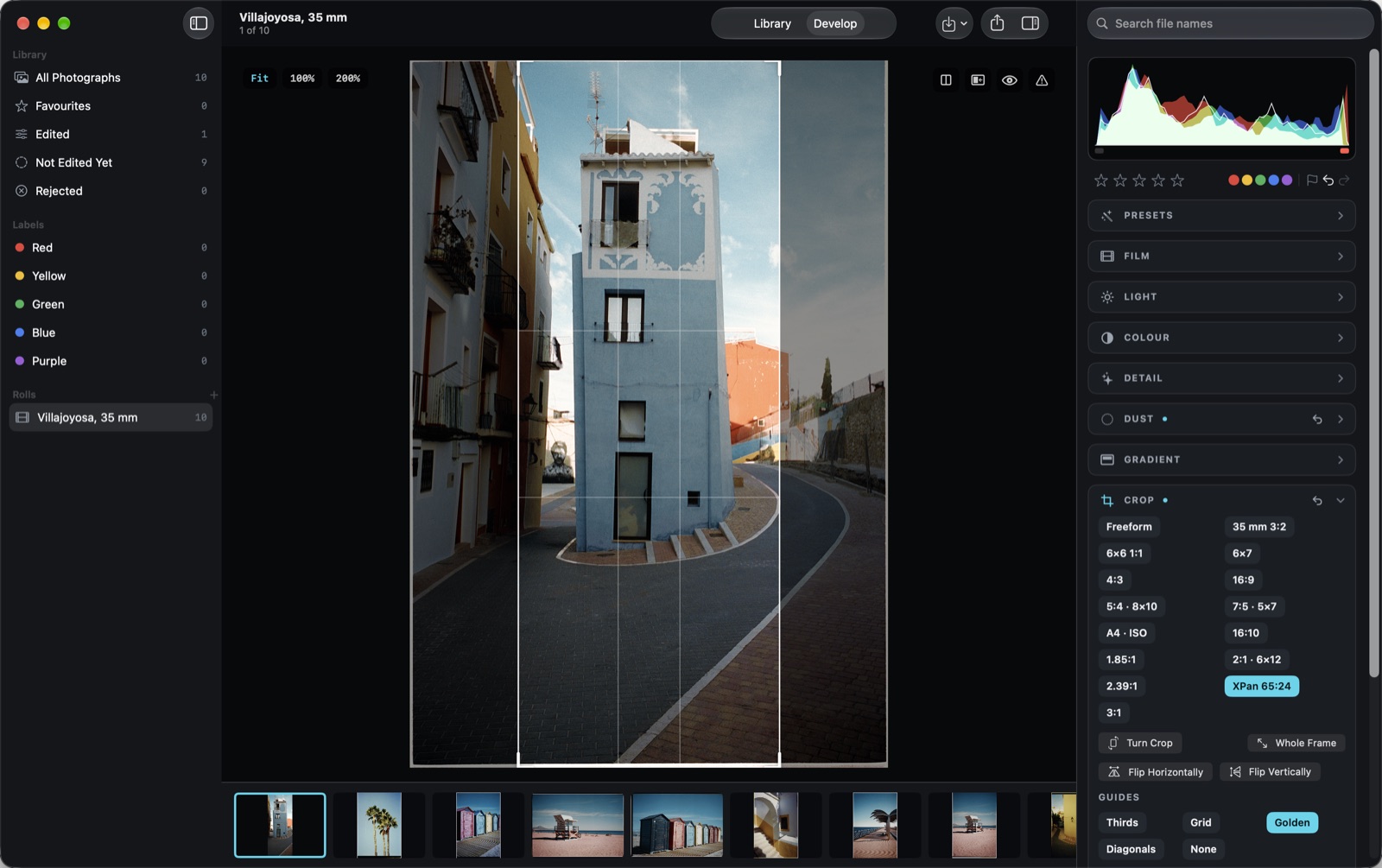
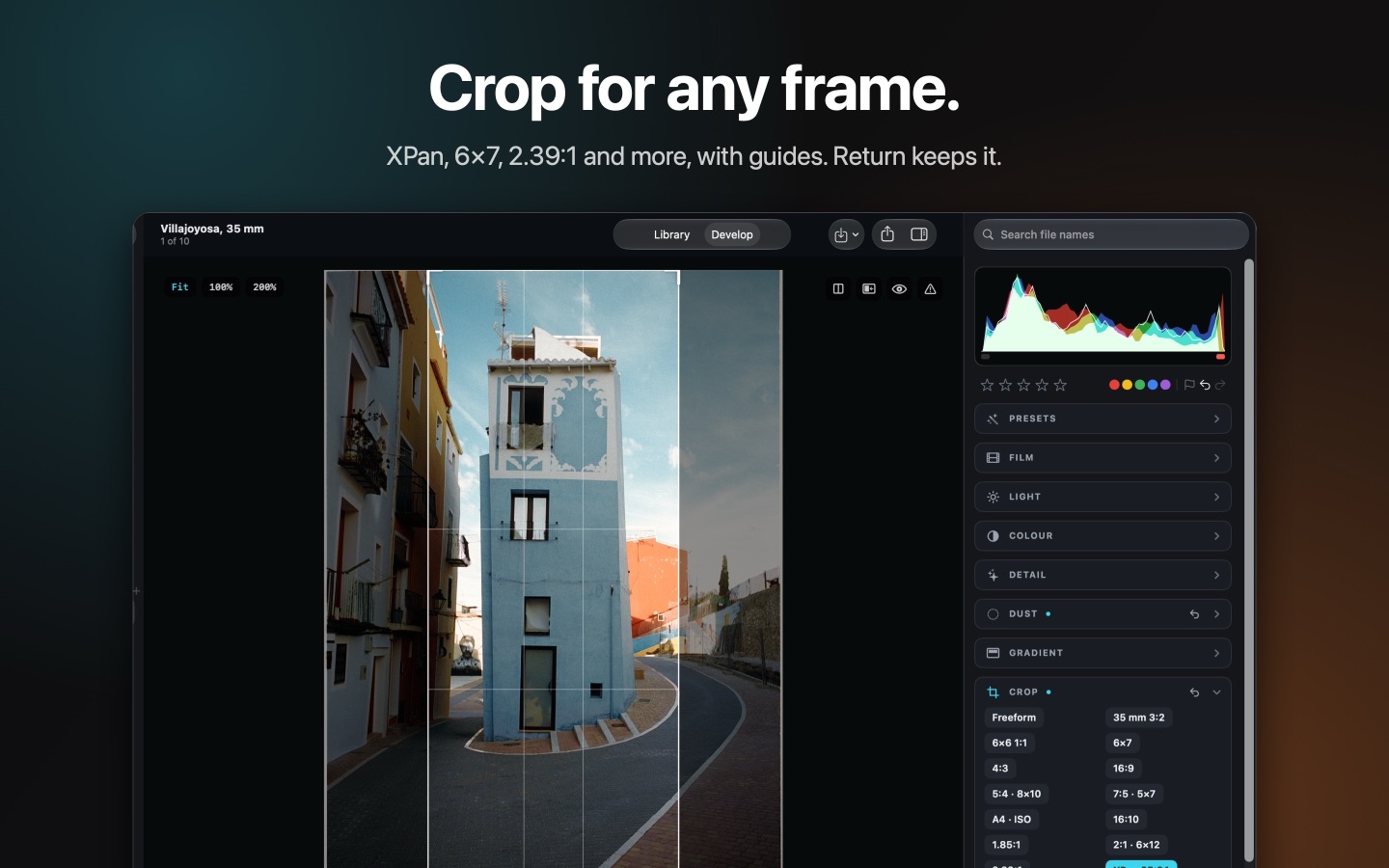
Crop for any frame.
Fifteen shapes, from 3:2, 6×6 and 6×7 to 16:9, XPan and 2.39:1, with guides: thirds, grid, golden ratio, diagonals. Straighten, rotate, flip and square the perspective. Return keeps the crop; Escape puts it back. Scanned a whole strip? Split Strip Scan into Frames cuts each frame out as a picture of its own.
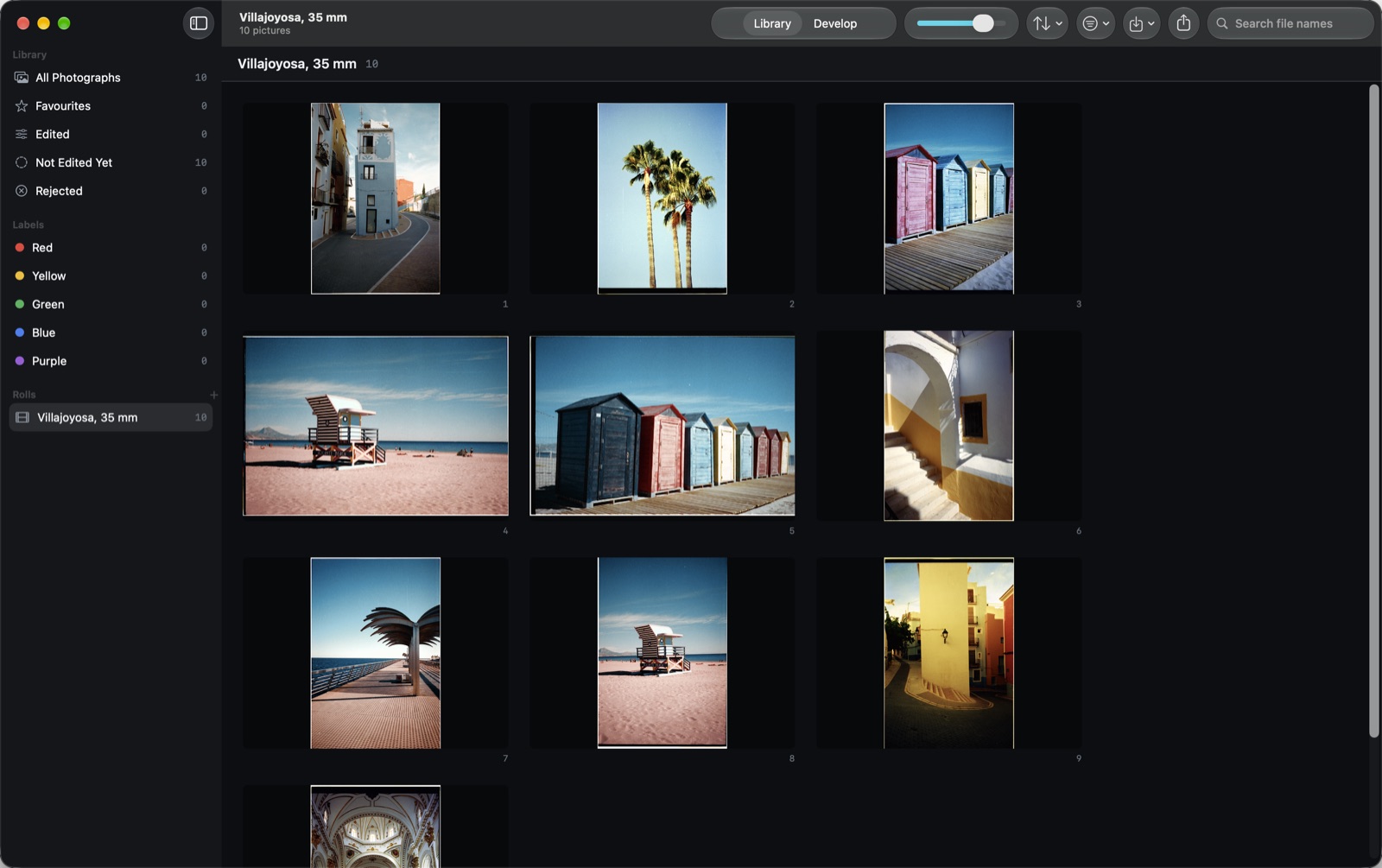
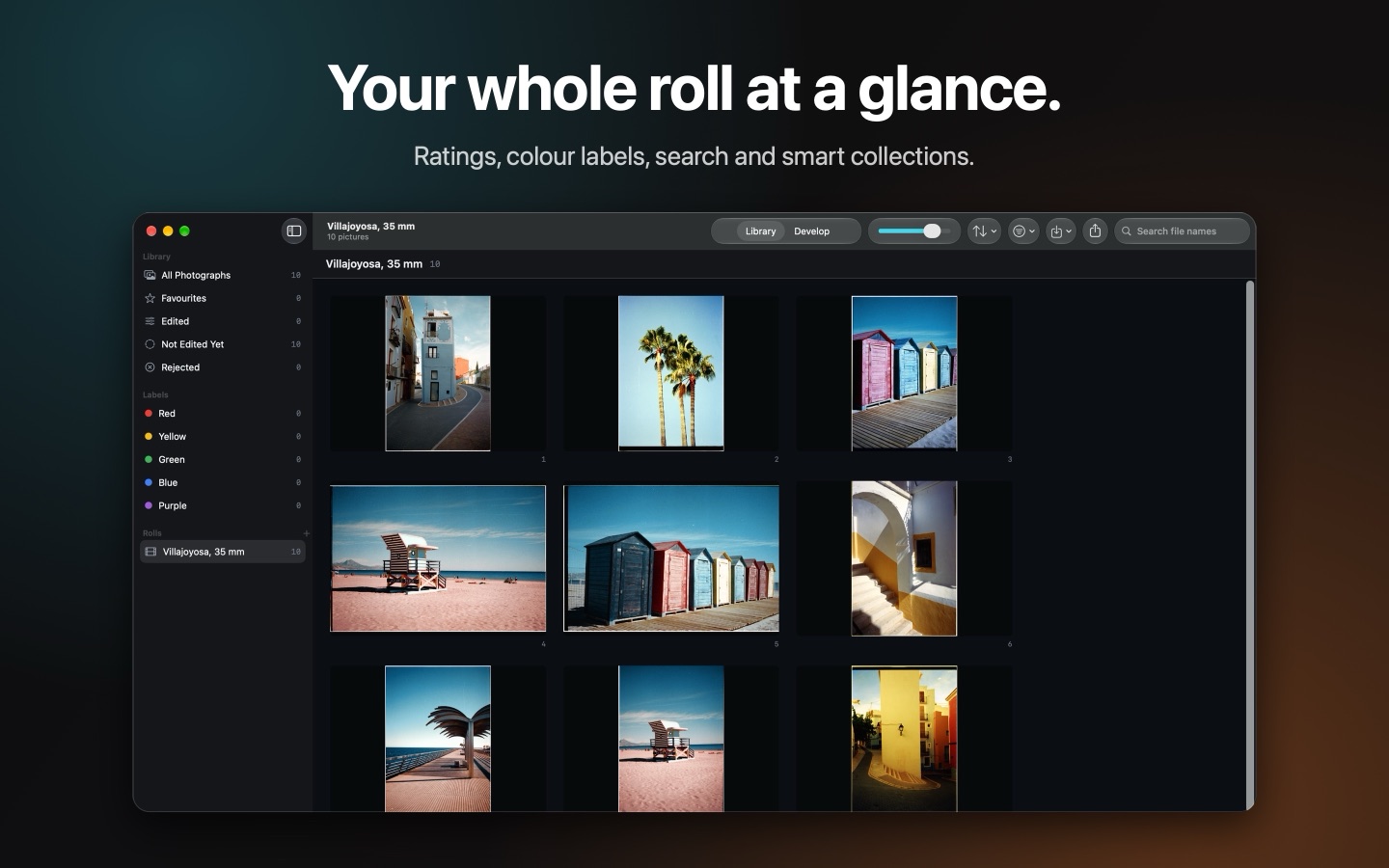
A library that keeps up.
Rolls, ratings, colour labels, favourites and rejects; search by file name; Edited and Not Edited collections; move frames between rolls; sort by date taken. Drag in pictures or whole folders, use Open With, or import from Photos.
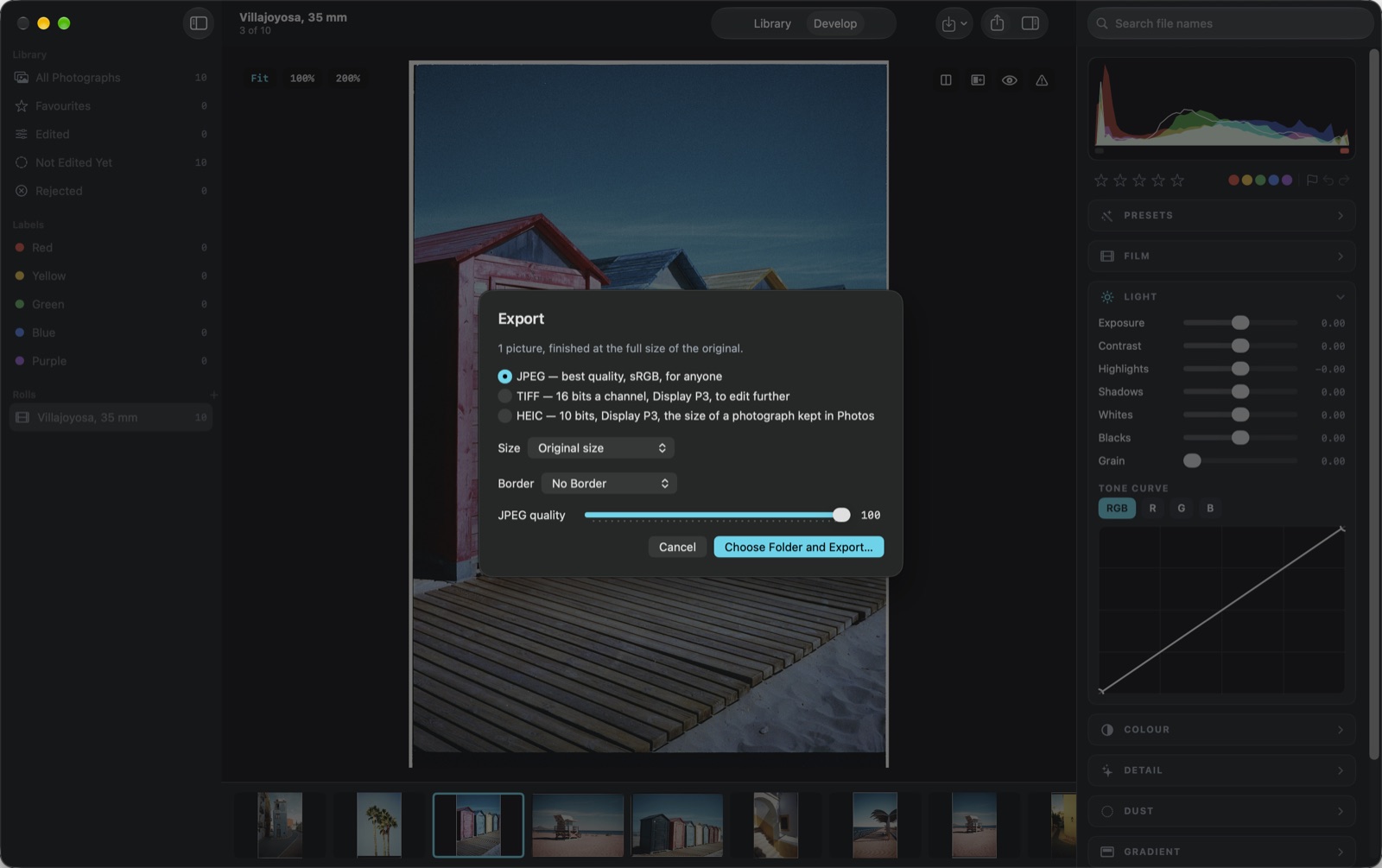
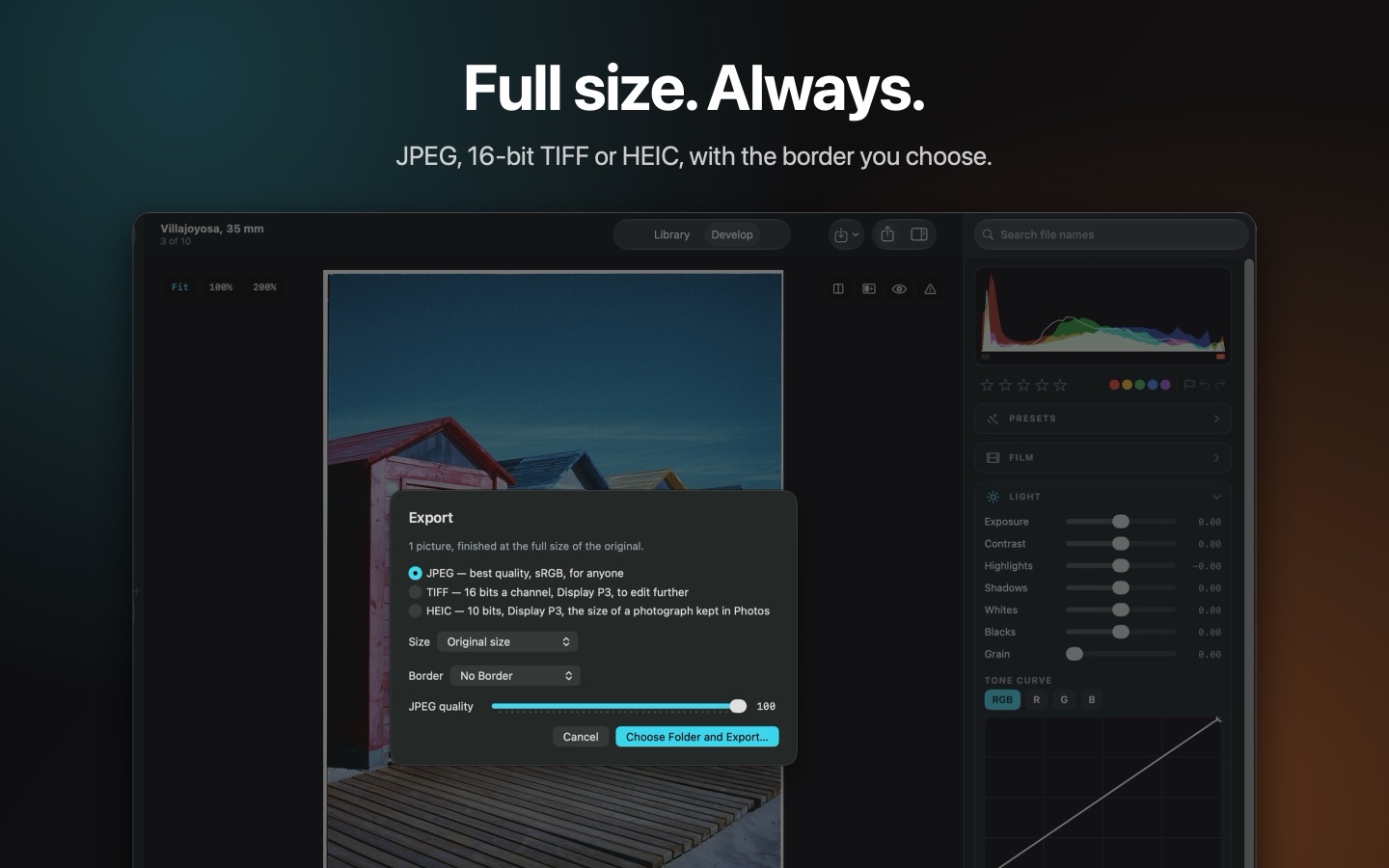
Full size. Always.
JPEG, 16-bit TIFF or 10-bit HEIC at the full size of the original, with a print or film border if you like. One frame or a whole selection, and a contact sheet of the roll.
Filmlume Studio · Mac App Store
Three days of everything, free.
Everything is open for three days and nothing is charged to start. After that, one payment keeps Filmlume Studio for good.
View in the Mac App StoreThe price is shown on the App Store, in your own currency.
Questions
Three days of everything are free. After that, one payment unlocks Filmlume Studio for good — no subscription. The price is shown on the App Store, in your own currency.
RAW of any make macOS can read, including 16-bit files from medium-format cameras, DNG, 8 and 16-bit TIFF, HEIC, JPEG and PNG.
No. It does not drive a scanner. You photograph or scan your negatives with the equipment you have and bring the pictures in; Filmlume Studio turns them into positives.
Nowhere. A copy of each is kept in the app on your Mac, the files you import are never changed, and nothing is uploaded.
Yes: Filmlume, for iPhone, iPad and iPhone Duo. Filmlume Studio is its Mac version, with the same engine and film looks.
No. The lab rendering and the film looks are our own models; no maker is connected with the app.
No. Filmlume Studio is the Mac version of Filmlume. One purchase unlocks the app on iPhone, iPad and Mac with the same Apple Account: pay once, use it everywhere, no subscription.
The details
- Requires
- macOS 14 or later
- Opens
- RAW, DNG, TIFF, HEIC, JPEG, PNG
- Exports
- JPEG, 16-bit TIFF, 10-bit HEIC
- Account
- None needed
- Storage
- This Mac only
- Purchase
- One payment after three free days, for iPhone, iPad and Mac
Support
Questions or a problem to report: alpenlume@gmail.com.
Privacy and terms
Filmlume Studio collects nothing: your pictures stay on this Mac. Read the privacy policy and the terms of use.
More from Alpenlume
 FilmlumeFilm negatives, into photos
 TalkquoteQuotations by voice
 VoucherlumeEvery card, one wallet
 SublumeWhat it all costs
 MeterlumeFilm light meter · 35 mm and 120
 WeddinglumeA wedding, wherever it is held
 DocuLume ProDocs, PDF, scan
 FornelaKitchen and shopping
 SharpfieldFull frame optics
 MelopocketMusic and podcasts