01The list
Written the way you say it.
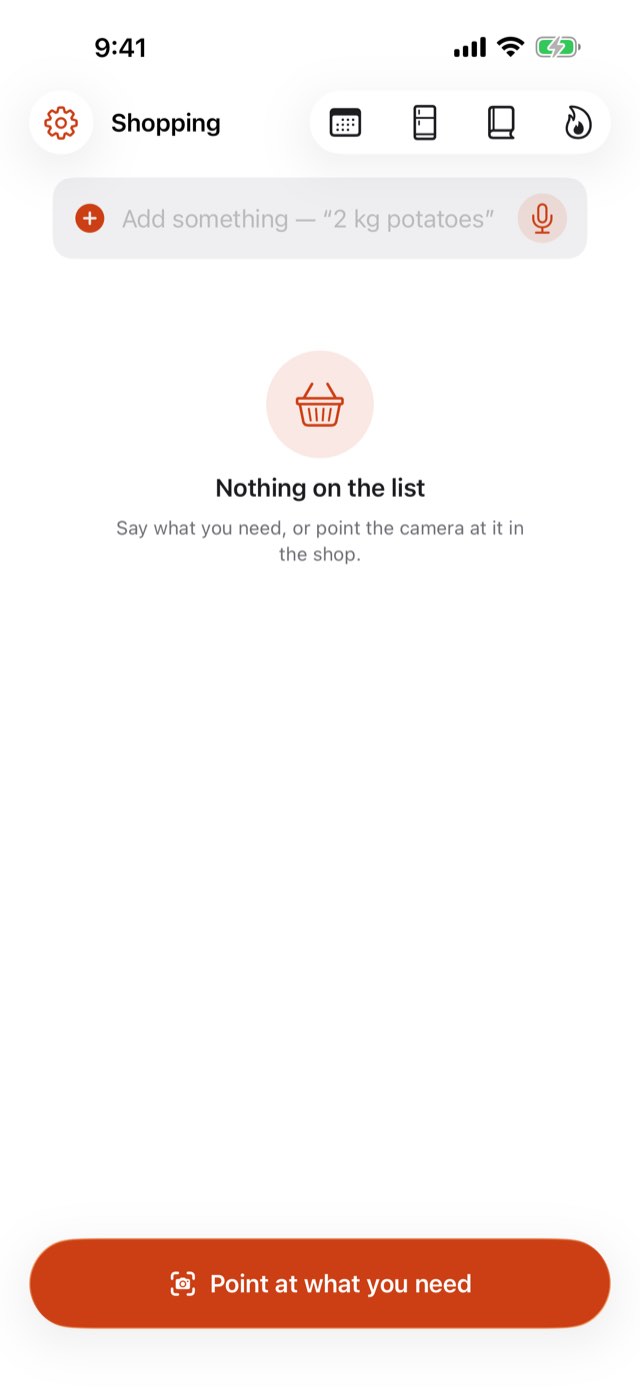
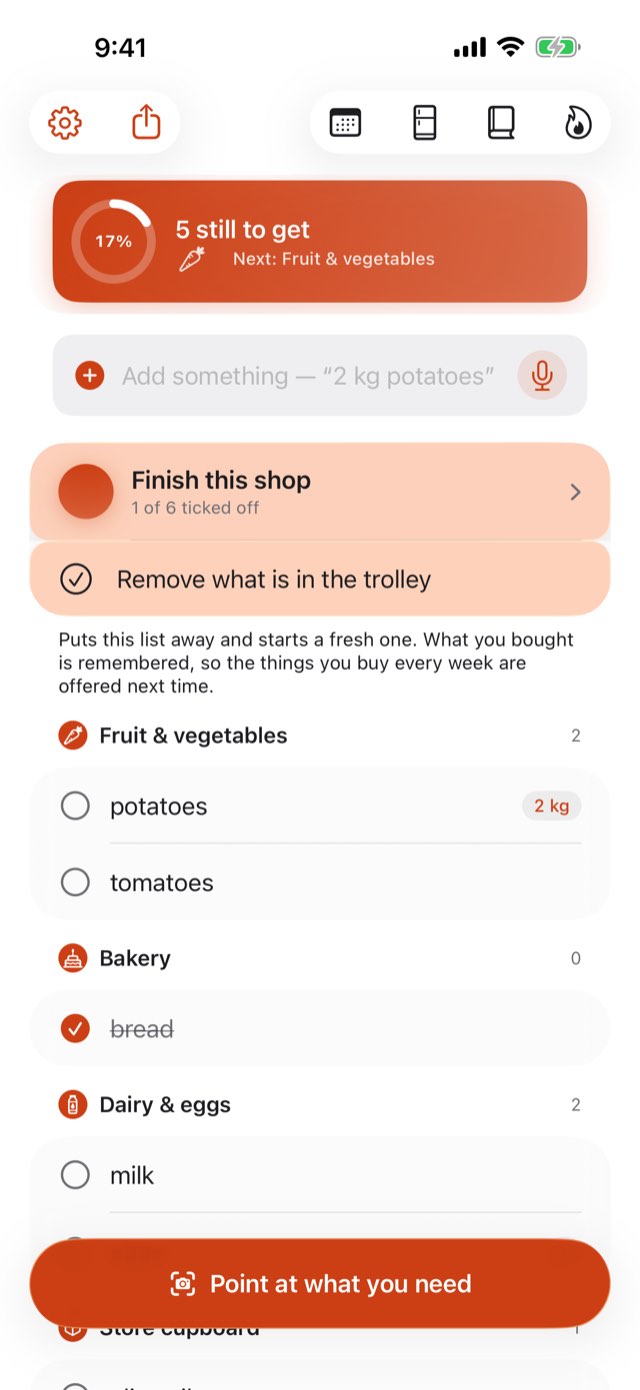
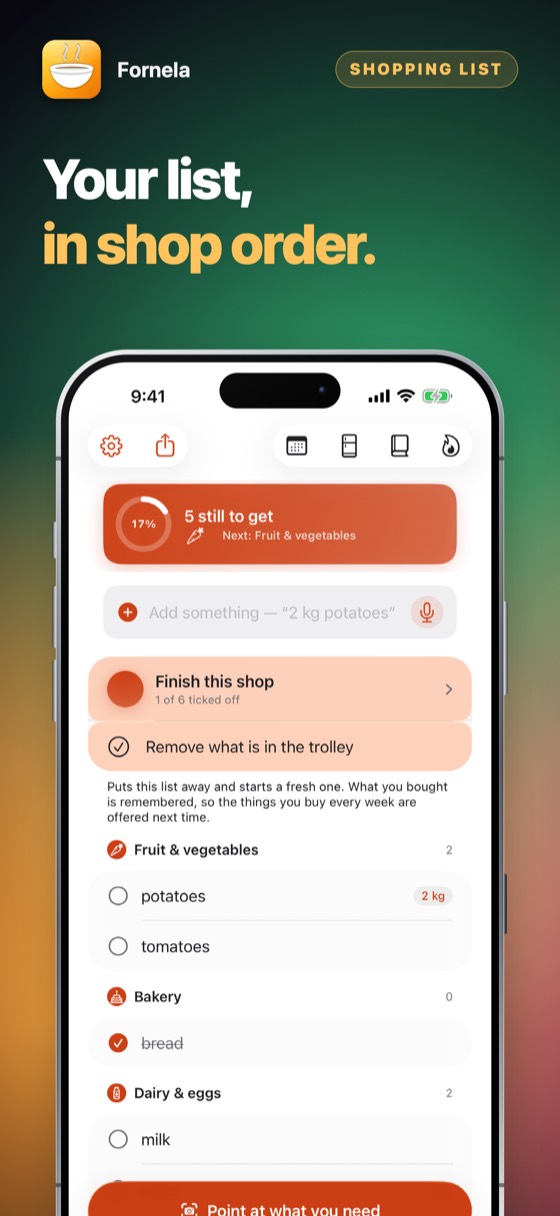
Type or speak several things at once — “milk, 2 kg potatoes, bread” — and they sort themselves into the order a shop is laid out, not alphabetically. You cross the floor once.
A shopping list in the order you walk the shop, a week of dinners planned in one tap, and two kitchens in one app: 563 savoury recipes and 538 sweet ones for dessert and baking. One exclusion list keeps the wrong food out of the list, the camera, the plan and every recipe. Optimised for iPhone Duo.
Somebody in this house cannot eat something, and everybody else has to remember it.
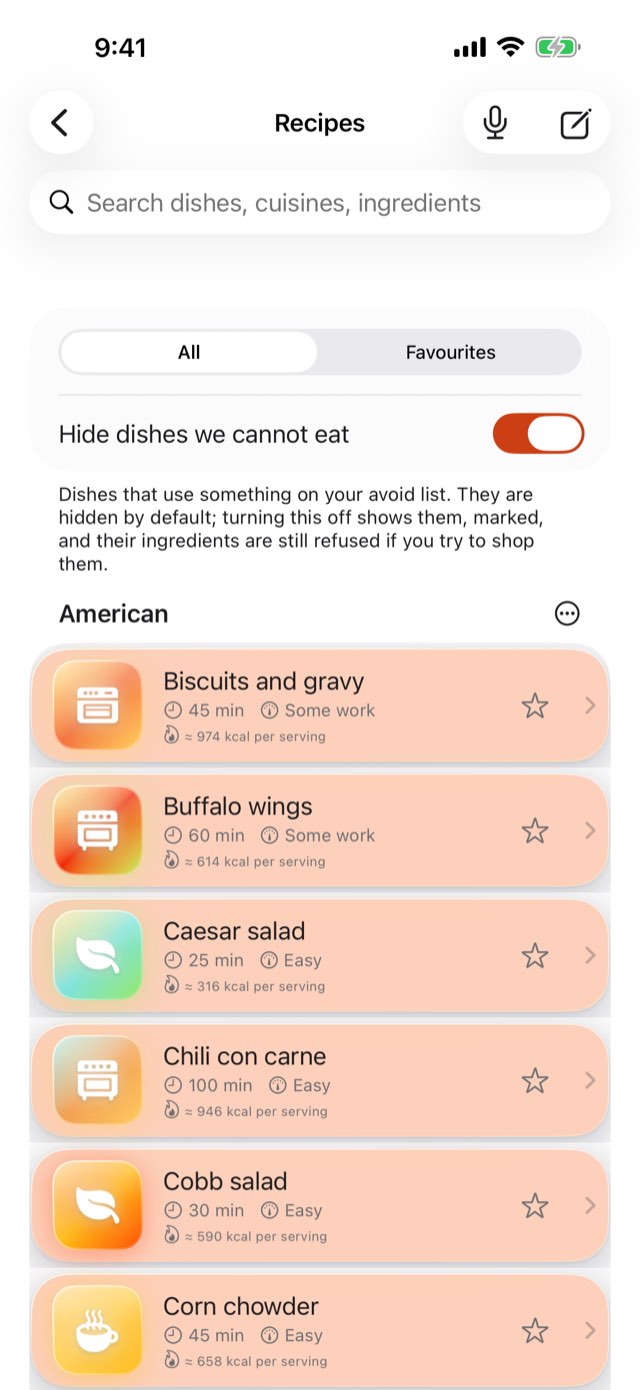
One list, set once, that governs the shopping, the camera, the plan and all 1,101 recipes, savoury and sweet. Nobody has to remember anything at the shelf.
Type or speak several things at once — “milk, 2 kg potatoes, bread” — and they sort themselves into the order a shop is laid out, not alphabetically. You cross the floor once.
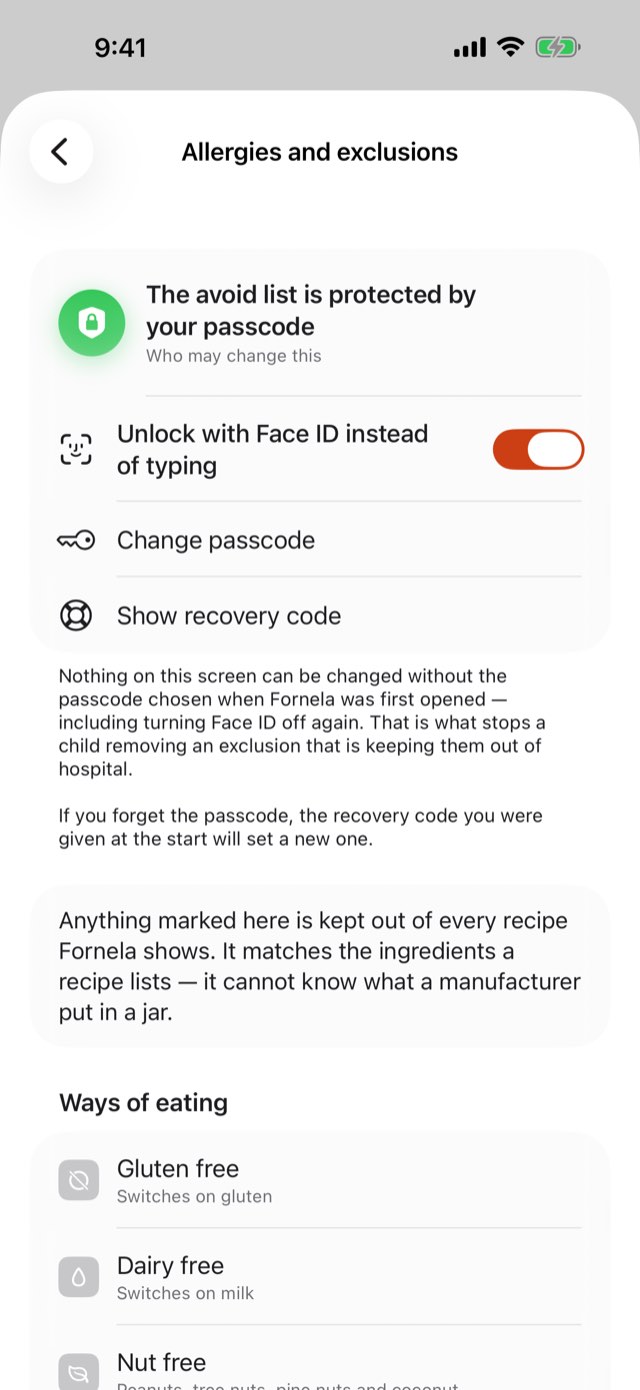
Set it once and it holds everywhere: typed, spoken, tapped through the camera, or carried in by a recipe. Forty-eight allergens, from the regulated eight to the ones no regulator lists. Changing it takes a passcode, so a list somebody depends on cannot be edited by accident.
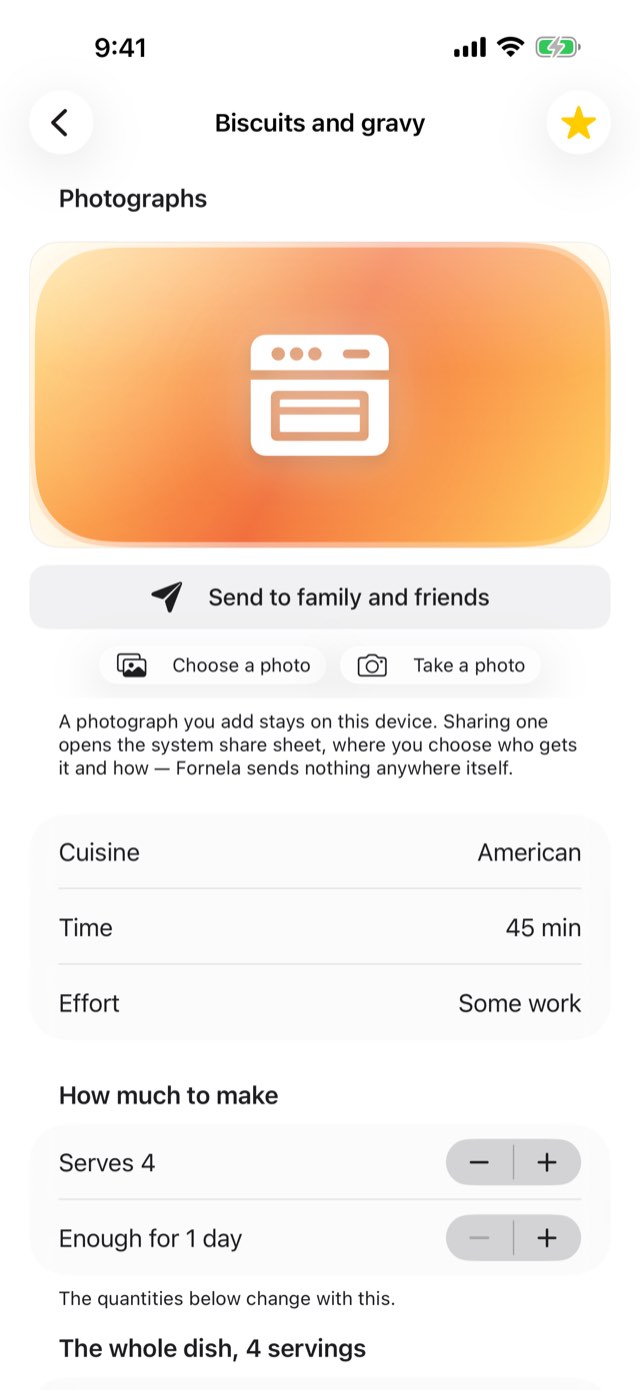
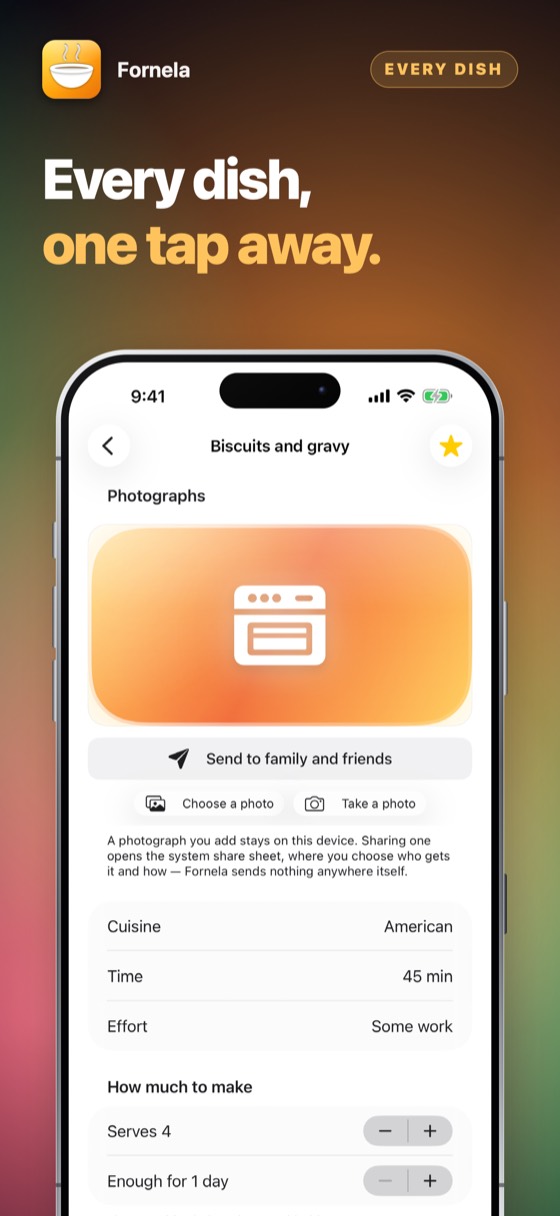
Each recipe has an illustration of its own, and you can put your own photograph there instead. One button sends the dish to family and friends with the whole recipe under it.
Fornela picks seven dinners that need the least shopping and do not repeat, from what your household can eat, and puts the week’s shopping on the list in a second — what your kitchen already holds is left off.
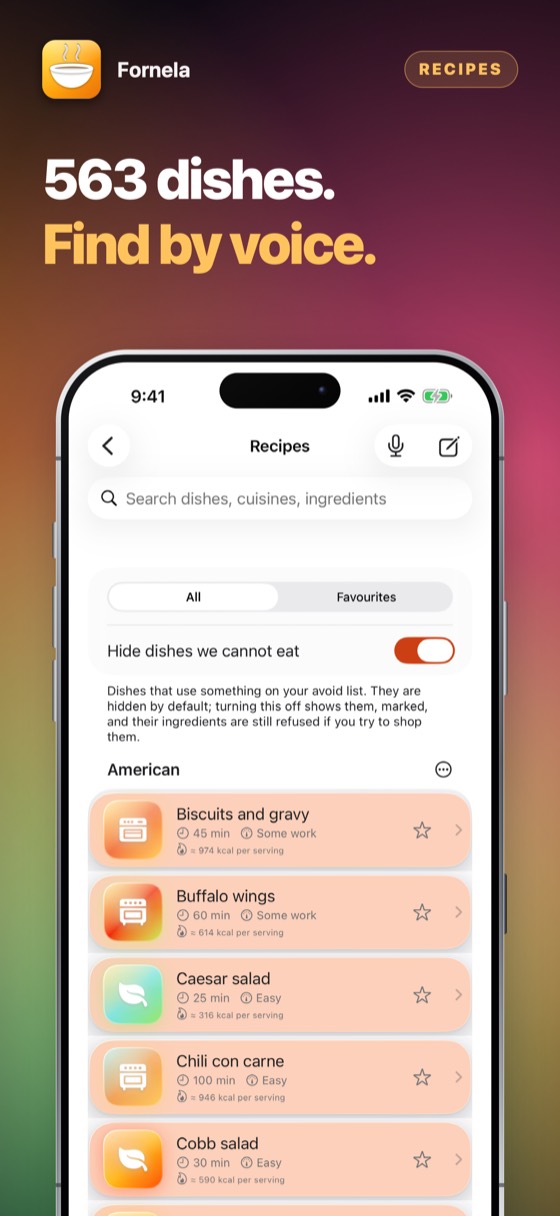
563 savoury recipes and 538 sweet ones: cakes, puddings, biscuits, pastries and compotes. Switch kitchen with one tap; sweets show the sugar in a serving, and the same exclusions guard both.
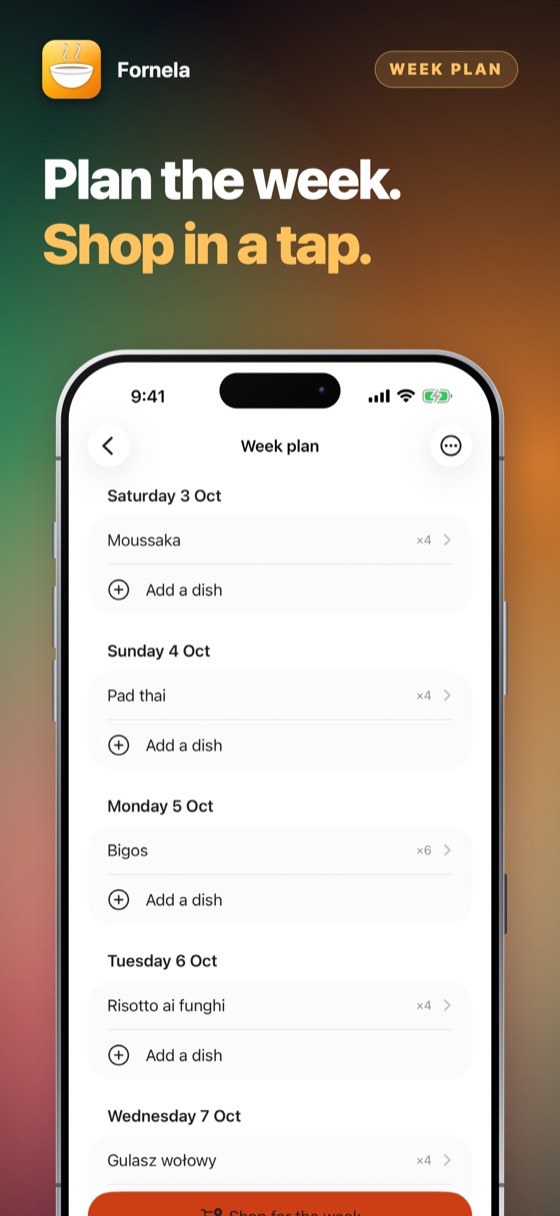
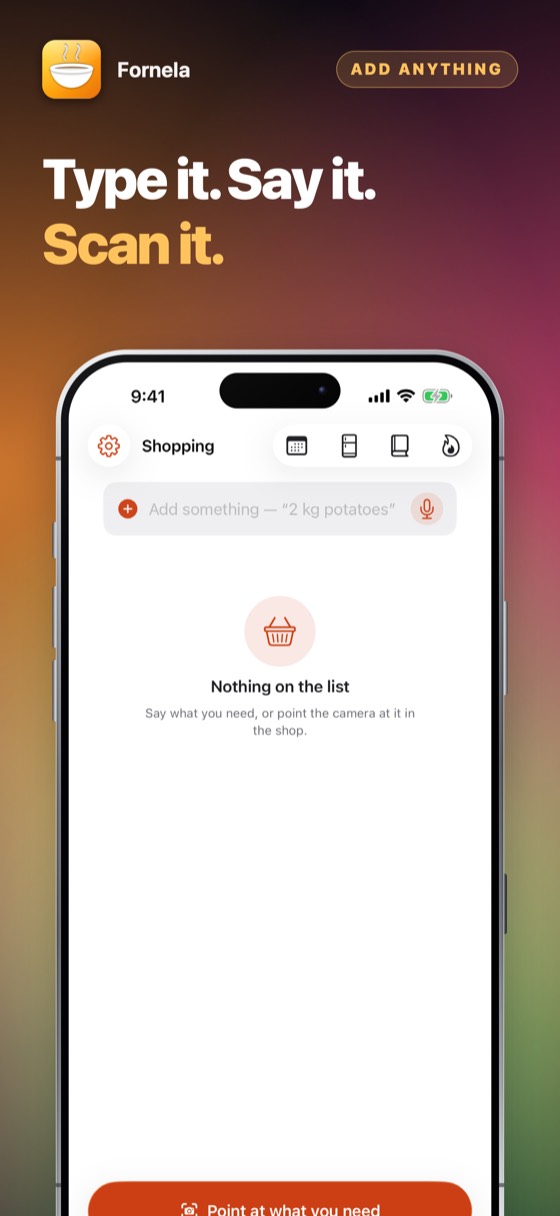
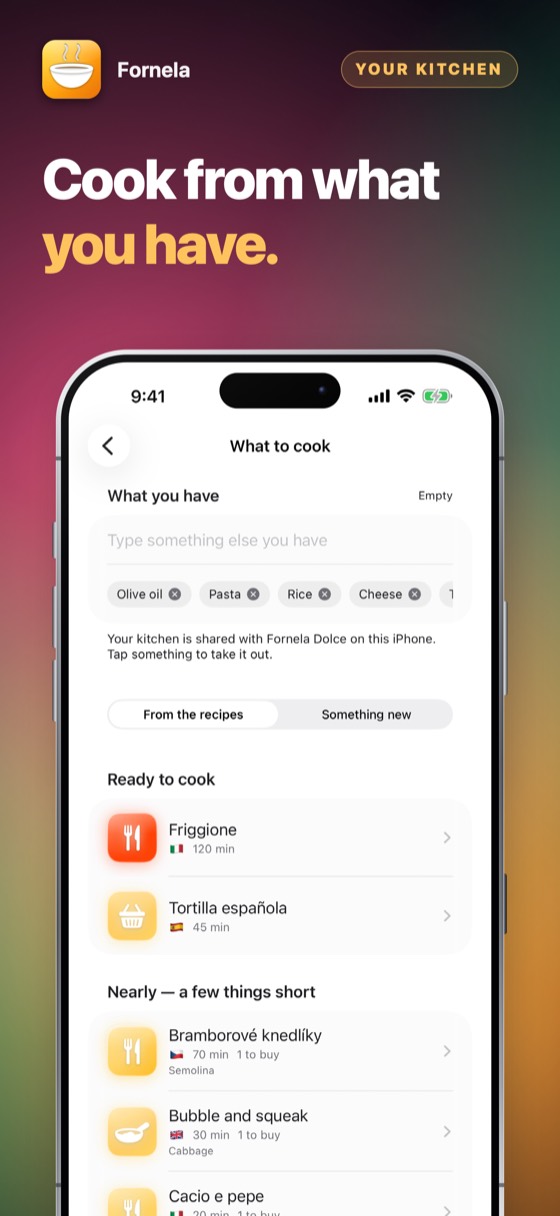
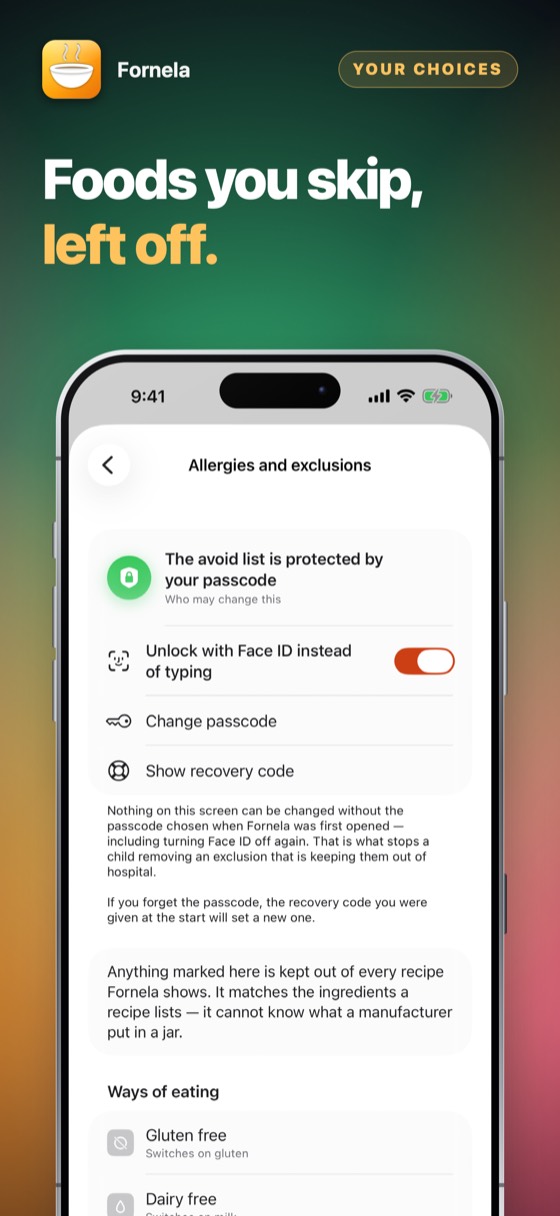
Six things, in the order you would actually do them on the first evening. None of them needs an account and none of them needs a signal.
On first launch, choose a passcode and then tick the allergies and diets this household lives with. The passcode is asked for only when that list changes, so nobody edits it by accident. Write the recovery code down: there is no server, so nobody can look it up for you.
Type “milk, 2 kg potatoes, 500 g beef 5% fat” and it becomes three lines with the right quantities. Or hold the microphone and say it. Or hold a product in the camera’s square: its name appears live, read off the packet or recognised from the picture, and one tap adds it.
The list groups itself the way a shop is laid out: produce, bakery, dairy, meat, pantry. Tick things off as they go in the trolley. Anything on your exclusion list is refused as you add it, with the reason.
Open “What can I cook” and Fornela ranks the recipes of the kitchen you are in — savoury or sweet — by how few things you are missing, tells you what to buy to finish the dish, and walks you through the cooking. You can type what is in the fridge instead of photographing it.
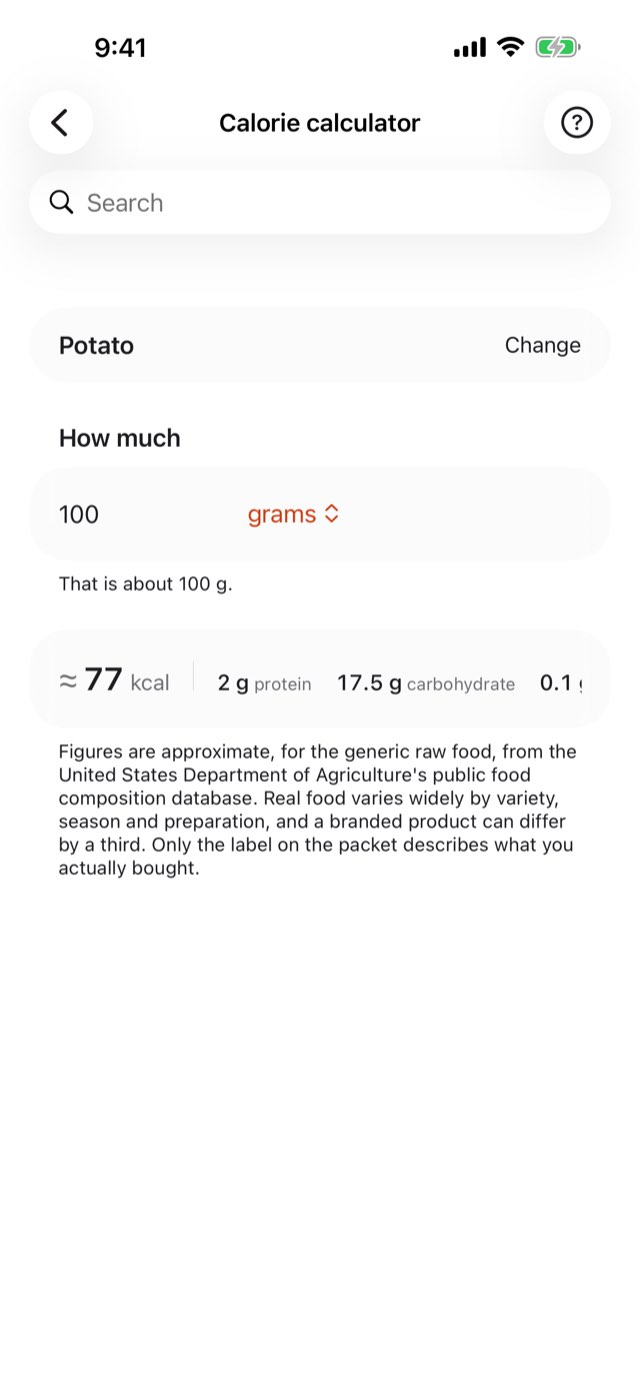
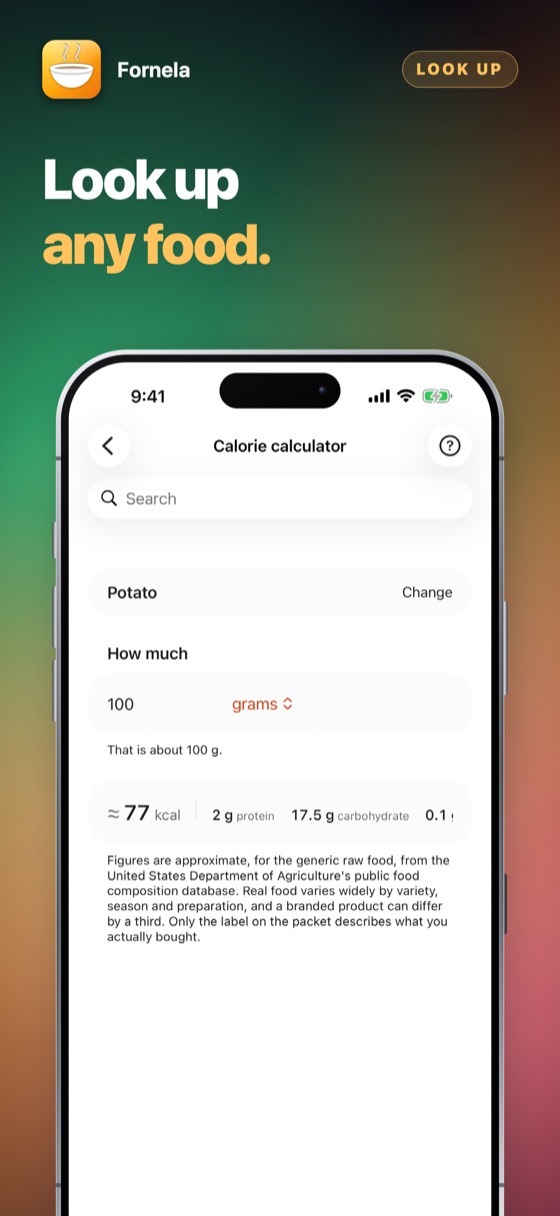
Any recipe or list shows its energy and macronutrients. If you say a fat percentage — “beef 5%” — that figure is used instead of the shelf average, because 5% and 20% mince differ by nearly double.
Add your own photograph of the finished dish, then one button sends the picture and the whole recipe to family and friends through whatever you already use — Messages, WhatsApp, mail. Any recipe also prints as a one-page PDF with the allergy information first.
Every shopping app does lists. This is what happens when one is built around the thing a household cannot eat.
| The question | The usual answer | Fornela |
|---|---|---|
| Somebody in the house is coeliac | A note you have to remember | One tap, and it governs the list, the camera and every recipe |
| A recipe uses something they react to | It appears anyway | It is hidden, or shown marked and refused if you try to shop it |
| You are in a shop with no signal | A spinner | Everything works; nothing needed a connection in the first place |
| The company changes hands | Your lists are on their server | Your lists are on your phone and always were |
Put a product inside the square and its name appears above it — read off the packet, in the language of the shop, or recognised from the picture — and the square follows it as you move. One tap adds it; tapping anything else on the shelf still works.
Say the name of a dish. The recognition runs on the device, so nothing is sent anywhere.
Any recipe becomes a one-page PDF with the allergy information first, in your language and in English.
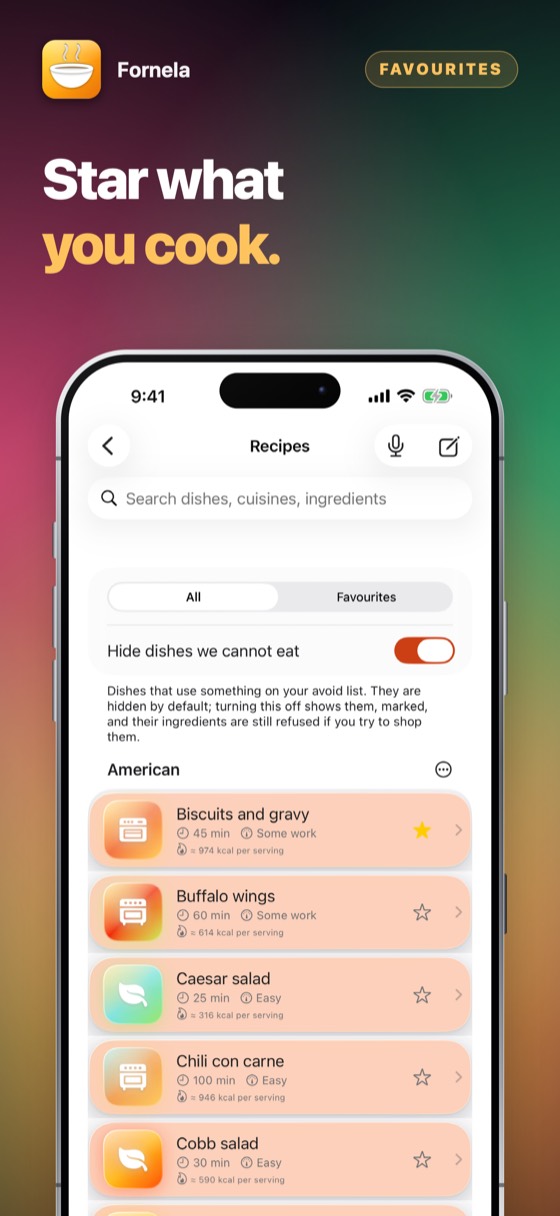
Star a dish and it waits in your favourites. Swipe away one you will never make, or put a whole cuisine aside at once — and bring any of it back whenever you like.
Scale a dish to a week of dinners and the shopping combines into single quantities instead of seven lists.
Add your family's dishes with their own photographs and steps. They sit beside the built-in ones and obey the same exclusions.
Eight colours, eleven backgrounds, light or dark, and seventeen languages following whatever your device is set to.
No account and nothing to sign up for. Try the whole app for three days; then it asks once, and you decide.
Coming to the App StorePrices are shown on the App Store, in your own currency. Three days free, then a month or a year at a time — cancel any time in Settings on your iPhone.
No, and the app says so on the screen where it matters. Fornela matches names against a list you wrote yourself. It cannot know what is in an unlabelled dish, it cannot detect contamination in a kitchen, and it is not a substitute for reading a label or asking.
Treat it as a memory aid and nothing more. Read the packet. Every time.
No, and it never will. Fornela shows what is in a food — energy, protein, carbohydrate, fat — the way a packet does. It has no opinion about what you should eat, does not ask your age, weight, height or sex, sets no daily target, and does not add anything up across a day.
It is not a medical device and gives no dietary advice. For that, see a doctor or a dietitian.
USDA FoodData Central — the United States Department of Agriculture's public food composition database. Figures are per 100 g of the generic, raw food.
They are approximate and the app says so wherever it shows one. Real food varies by variety, season and preparation, and a branded product can differ by a third. Only the label on the packet describes what you actually bought.
Use the recovery code shown when you first set it up. This app has no server and no account, so nobody — including us — can look it up for you. You can see the code again later in the exclusion list settings, after entering your passcode.
Every app can be tried in full for three days before you pay anything. The offer is shown on the App Store page and again in the app, nothing is charged by surprise, and when the days are up you decide, once.
The App Store page shows what it costs and how it is paid — once, or as a subscription — in your own currency, before anything is charged. Apple takes the payment, so this developer never sees a card or a name. There are no advertisements.
Yes. Cancel at any time in the App Store: tap your picture at the top right, then Subscriptions. That is the only place a subscription can be stopped — the app cannot do it for you, because Apple takes the money. You keep it until the end of the period you have already paid for.
Refunds are handled by Apple, not by us — we never see your payment details and cannot issue one. Go to reportaproblem.apple.com, sign in, and choose the purchase.
Whatever you bought belongs to your Apple Account. Sign in on an iPad or a new iPhone with the same Apple Account, open the app, and choose Restore on the purchase screen. Nothing is charged again.
One purchase covers one Apple Account. It is not shared with a family and cannot be passed round a firm — a second person needs their own.
No. There is no account, no sign-in and no server. Everything the app holds is on your own device and is removed when you delete the app.
The only network traffic the app causes belongs to the App Store, when you buy, subscribe or restore.
Whatever your device is set to, if that language is one it has been translated into; otherwise English. There is no language setting to get wrong — changing your iPhone's language changes the app with it.
Payments, refunds and cancellations
Apple takes every payment for this app. That means Apple — and only Apple — can look a charge up, stop a subscription or give a refund. This developer never sees a card, a name or a payment, and has no way to change one.
Cancelling is done at the App Store, and nowhere else. Open the App Store, tap your picture at the top right, then Subscriptions. Cancelling stops the next payment; what you have already paid for runs to the end of its period. Do it at least 24 hours before the period ends, or that renewal goes through anyway.
The limit of what it can do
Fornela is not a medical device and gives no dietary or medical advice. It matches names against a list you wrote yourself. It cannot know what is in an unlabelled dish, it cannot detect contamination, and it is not a substitute for reading a label or asking a kitchen.
Anyone with a serious allergy should treat it as a memory aid and nothing more. Read the packet. Every time.
The passcode is chosen once, at first launch, and asked for only when the exclusions themselves change. The recovery code shown at the start is the only way back in if it is forgotten — this app has no server and no account, so nobody, including us, can look it up for you. You can see it again later in the exclusion list settings, after entering your passcode.
Recognition runs on the device: it reads the product’s name off the packet and knows common groceries by sight, not brands. Hold the product still inside the square, facing you, in good light — a name appears only once it has been seen steadily. If it still cannot tell, add the item by hand: every screen that recognises something also lets you type it.
A purchase belongs to your Apple Account, not to one device. On a new phone, or after reinstalling, open the app and choose Restore on the purchase screen. Nothing is charged again.
Open the App Store, tap your picture at the top right, then Subscriptions. That is the only place a subscription can be stopped — this app cannot do it for you, because Apple takes the money. Cancelling stops the next payment and leaves the period you have already paid for running to its end. A one-time purchase never renews and has nothing to cancel.
Still stuck? Write to alpenlume@gmail.com — say which app, which iPhone or iPad, and what you expected to happen.
Last updated 10 September 2026.
The short version
Fornela collects nothing, sends nothing and has no account. Everything it holds is on your device.
Your lists, your exclusions, your own recipes and any photographs you add live in the app's own storage on your device. Camera recognition uses Apple's classifier and text reader, which ship inside iOS, and looks at each frame only for the moment it is on screen; speech recognition is set to on-device only and never unset. No image and no recording leaves your iPhone or iPad.
Nothing. This app has no account, no sign-in, no analytics, no advertising identifier, no crash reporting service and no tracking of any kind. No profile is built and nothing is shared with anyone.
This app has no server of its own: nothing to sign in to, and nothing uploaded to the developer, ever. What it does with the internet — for most of these apps, nothing at all — is set out under “On your device” above.
Two things do use the internet, and both are somebody else's. The App Store does, when you buy, subscribe or restore. And when you share something — a dish, a recipe, a document — iOS hands it to the app you picked, whether that is Messages, Mail or WhatsApp, and that app sends it over its own connection under its own privacy policy. Nothing is sent unless you press send, and this app never learns where it went.
Buying is handled entirely by Apple. The app never sees a card number, a name or an address; it asks the App Store one question — whether this Apple Account owns the app — and receives yes or no. Apple's own privacy policy governs the transaction.
This app is not directed at children and collects nothing from anybody, so there is nothing held about a child to disclose, correct or delete.
Data protection law gives you the right to see, correct, export and erase personal data held about you. Because none is held, there is nothing to produce or delete on request. Everything the app has is on your own device: deleting the app removes it, and it was never anywhere else.
If this policy ever changes it will be dated above. It will not be changed retroactively, because there is no collected data for a change to newly permit.


