01Convert
Any file to any other.
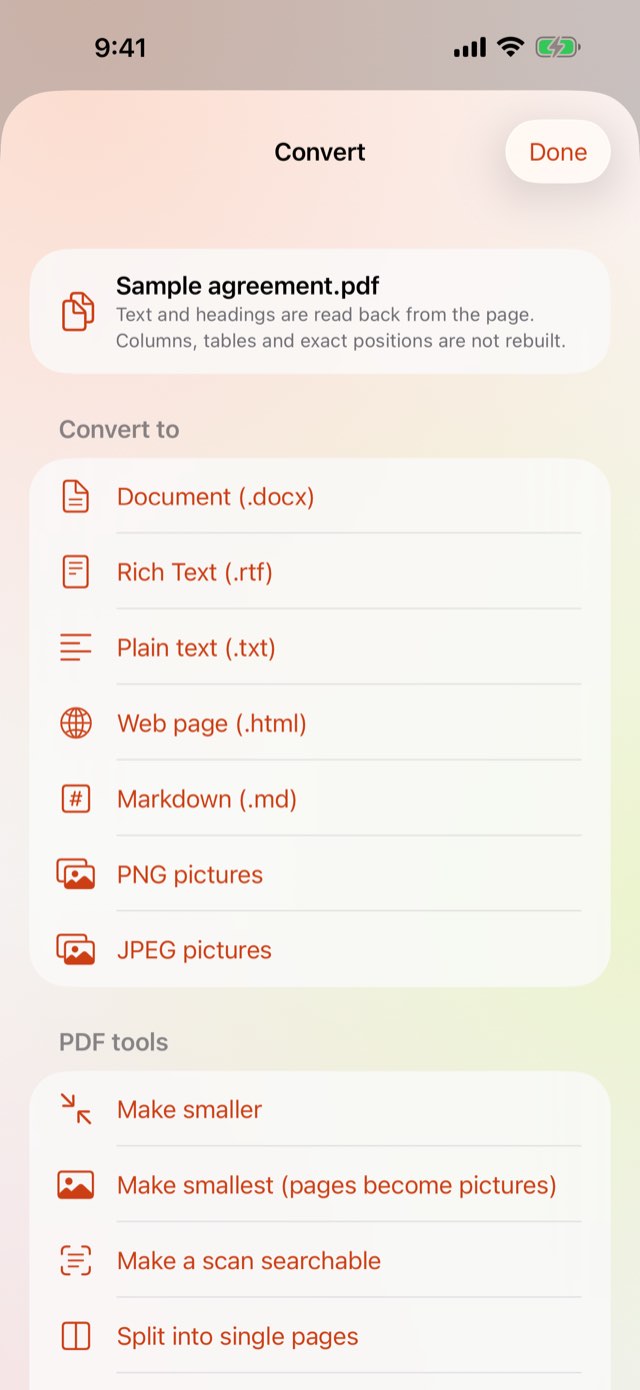
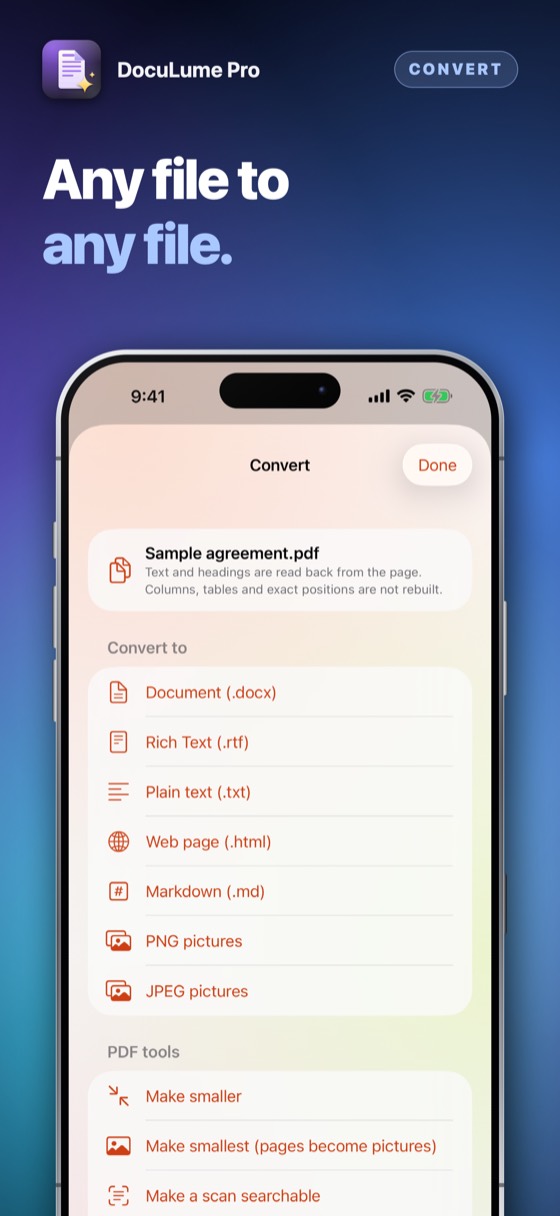
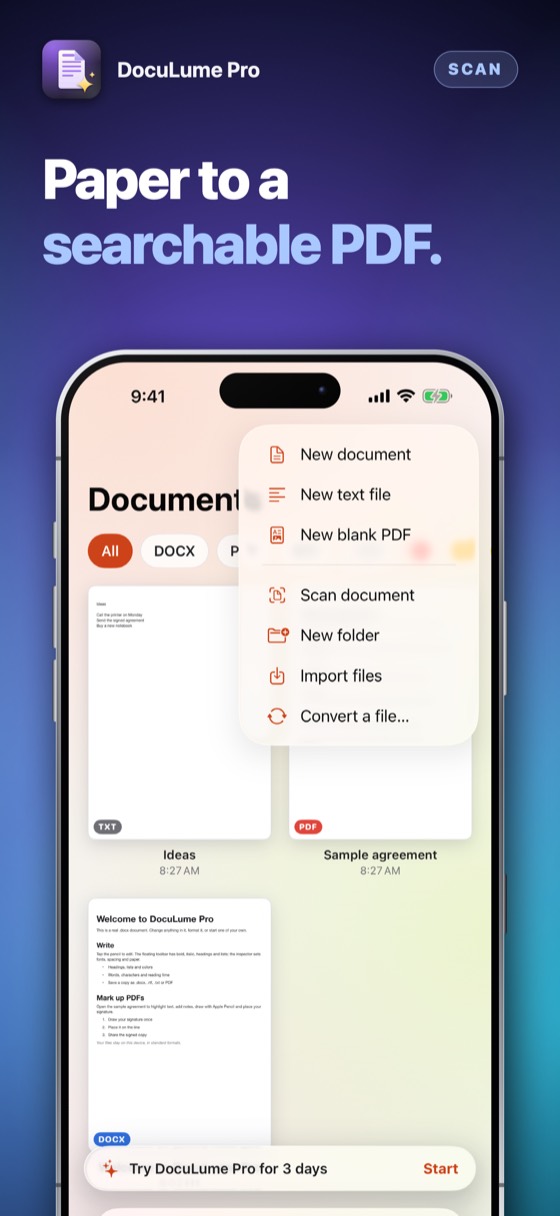
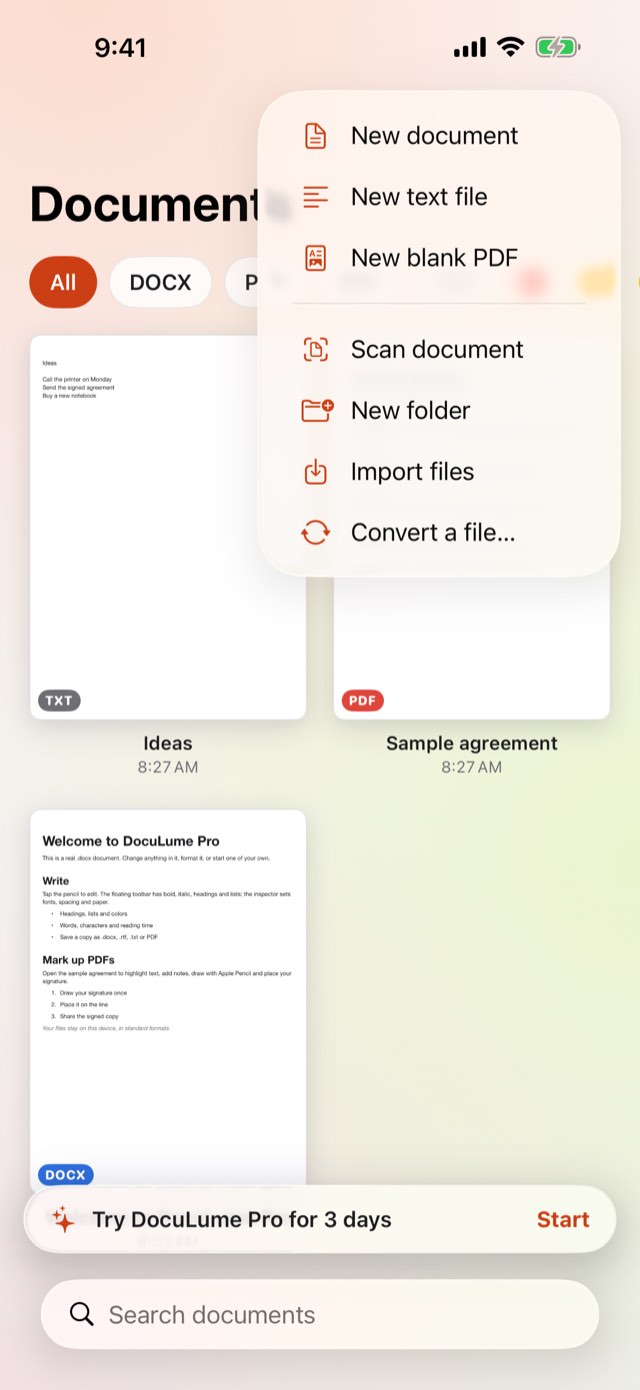
.docx, .rtf, .txt, Markdown, web pages, PDF and pictures — turn one into another with a tap. Pictures into one PDF, a PDF into JPEG or PNG pages, a photo into text, a scanned page recognised on your device.
Convert any file to any other, edit .docx, mark up and sign PDFs, scan paper into a searchable PDF, compare two versions line by line and find a word inside every document you keep — even from Spotlight. All on your device, no account. Optimised for iPhone Duo.
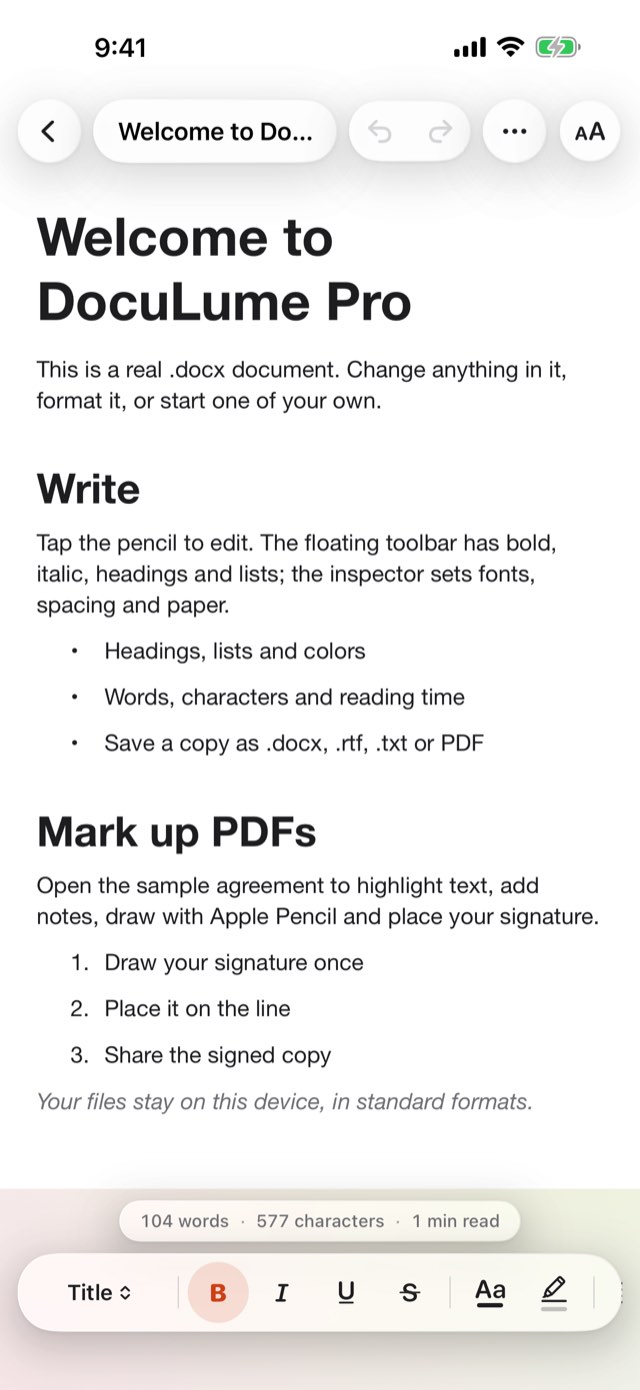
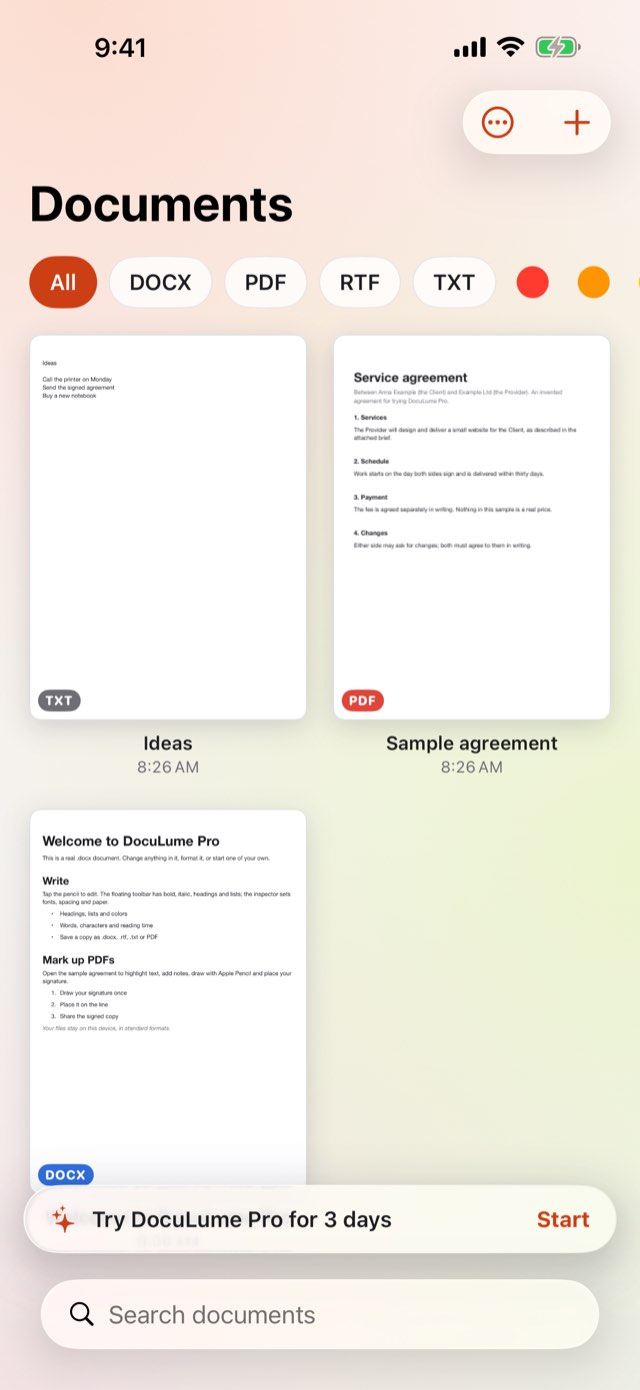
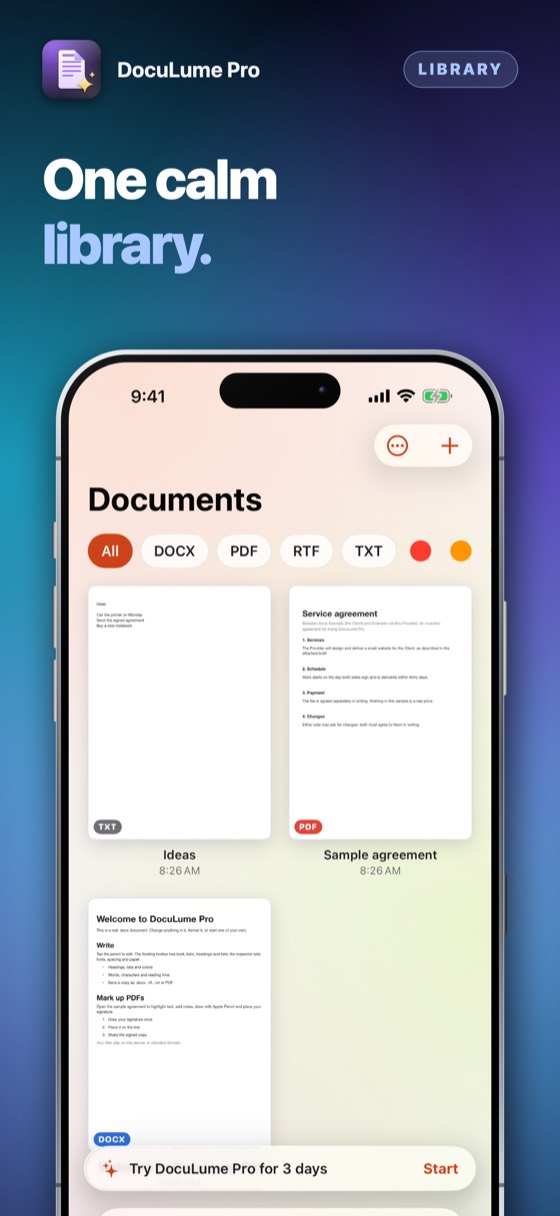
Every document that lands on your phone — a .docx file, a PDF, a scan of a paper page — opens, edits, marks up and signs in the one app, and stays in formats every other program reads.
.docx, .rtf, .txt, Markdown, web pages, PDF and pictures — turn one into another with a tap. Pictures into one PDF, a PDF into JPEG or PNG pages, a photo into text, a scanned page recognised on your device.
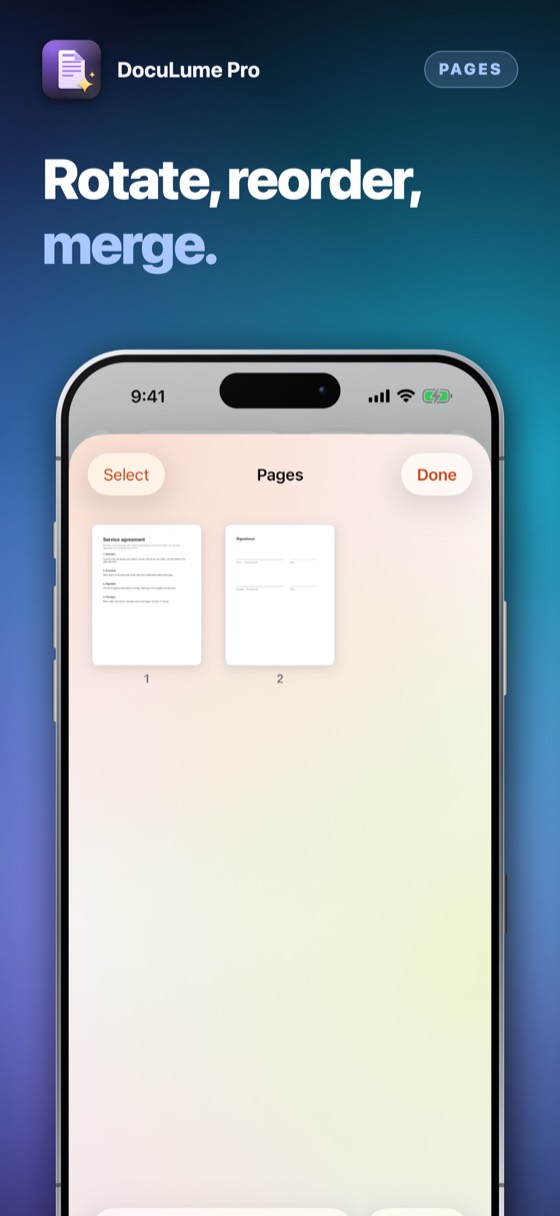
Shrink a PDF, protect it with a password or remove one, split or merge, add page numbers, a header, a footer or a watermark, and black out names and numbers so the words are really gone from the new copy. Your original is never changed.
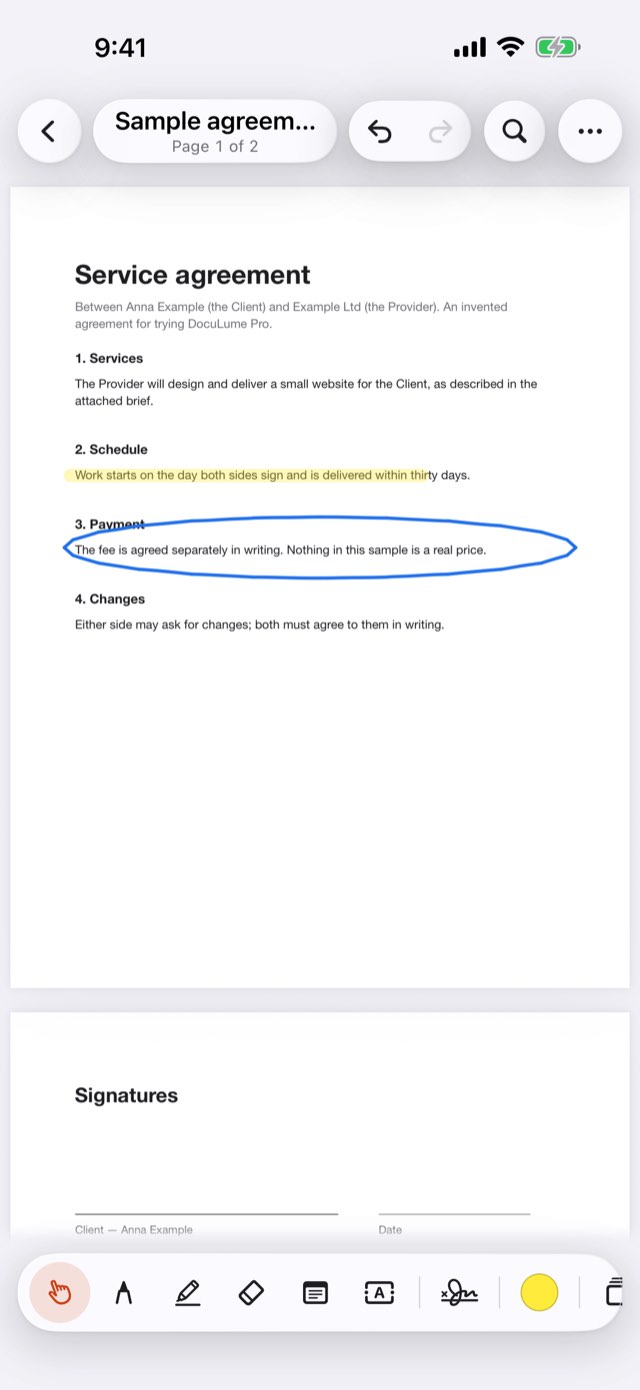
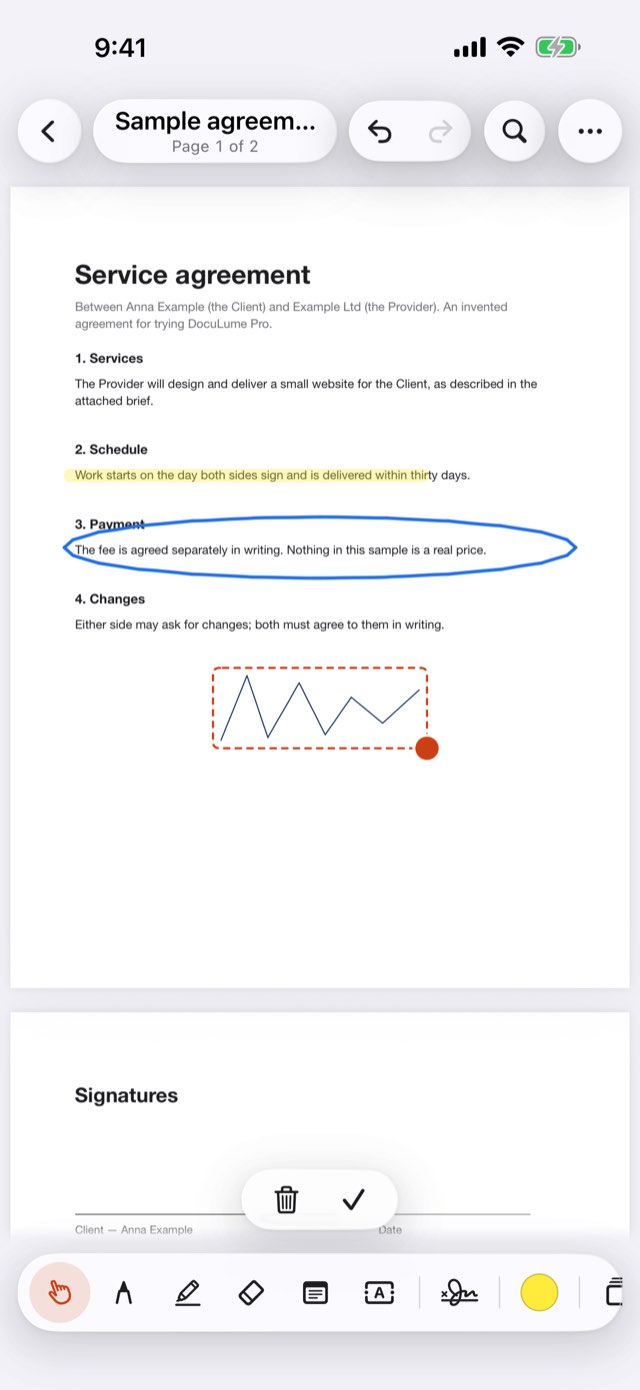
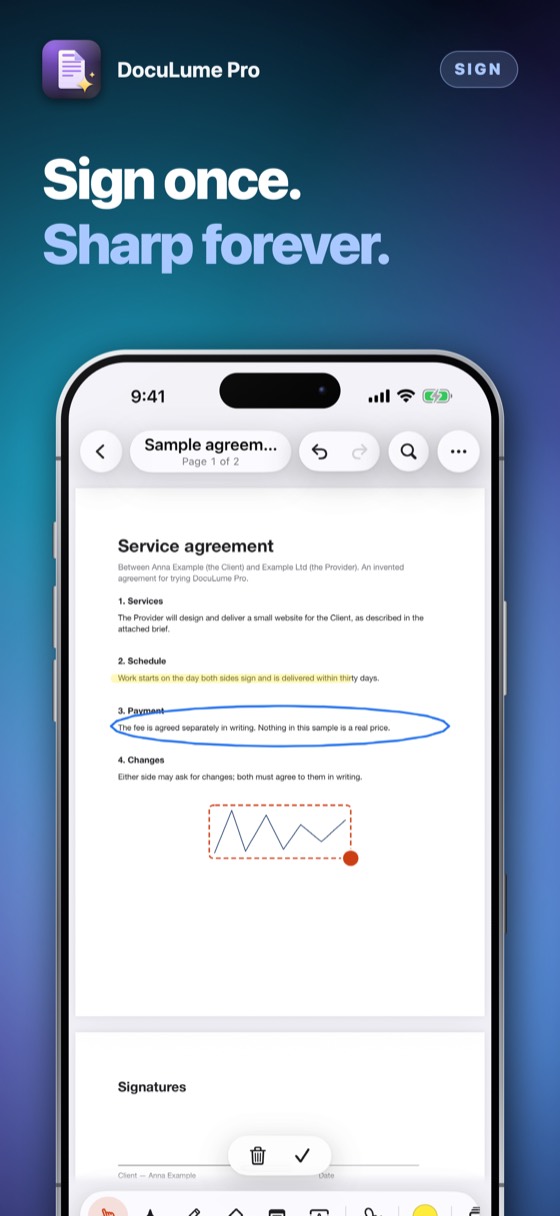
Draw a signature once — or photograph one signed on paper and the background is removed. Place it on the last page or on every page at once. Add stamps and today’s date, change a line of text on the page, see every comment in one list, and compare two versions of a PDF line by line.
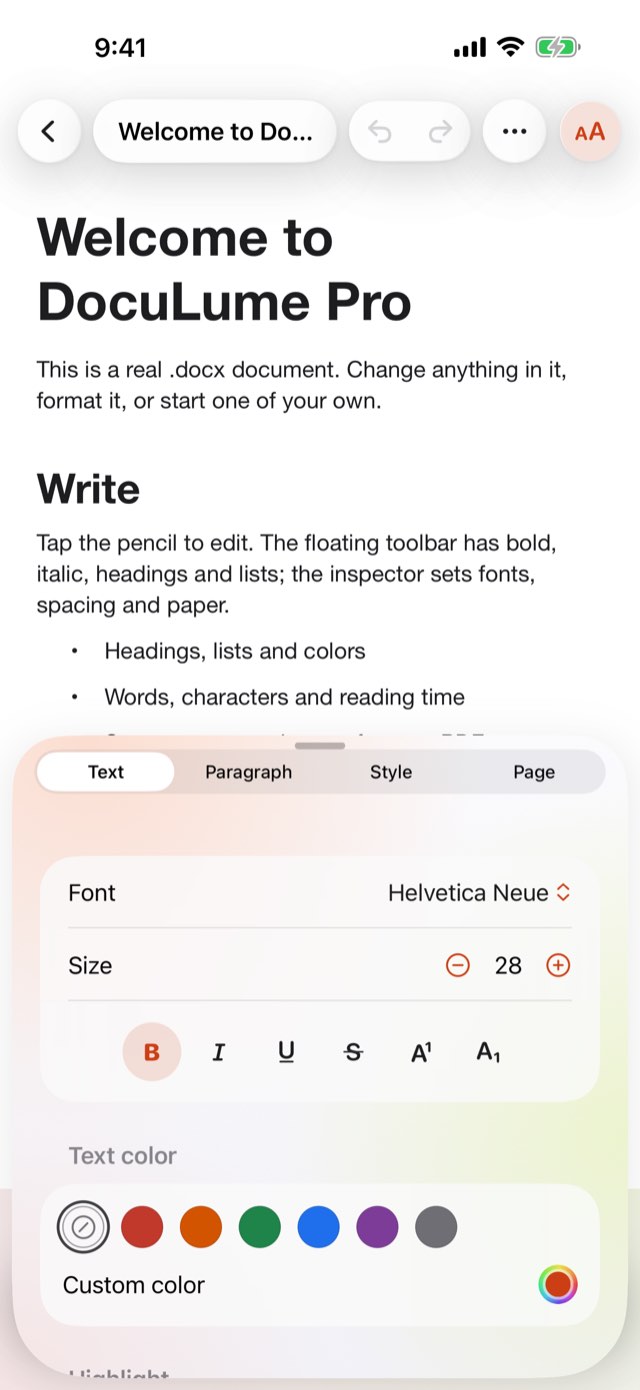
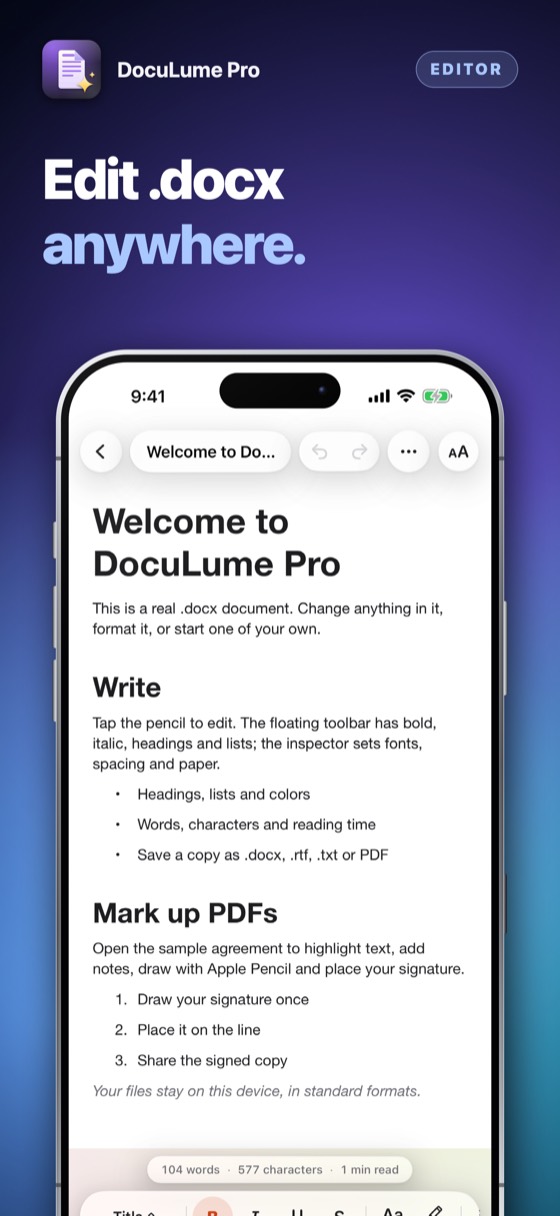
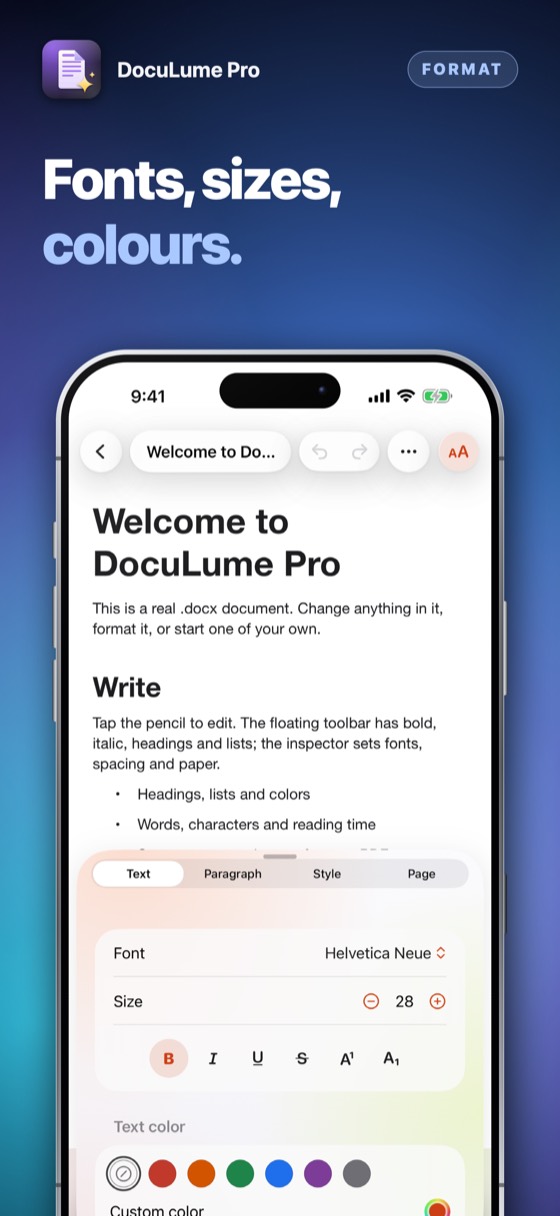
Headings, bold and italic, lists, colours, links, find and replace — and now the words of a table, new rows, new tables and pictures, in a floating toolbar that sits where a thumb already is.
Apple Intelligence writes a summary or the key points from the document’s own text (check it against the original), the system translator translates, and any document can be read aloud. Ask Siri to open your last document, scan or convert; with Visual Intelligence on iOS 26, point the camera at a page and make a PDF.
Type a word and DocuLume finds it in the text of your documents and PDFs — the matching lines show under the search box, and iPhone Search finds them too.
Select two documents and DocuLume shows which lines were added and which were removed. Pictures and layout are not compared; the words are.
Three days to try everything. Then one payment keeps it, for good.
A blank document, an imported .docx file, a PDF you already have, or a page you scan with the camera.
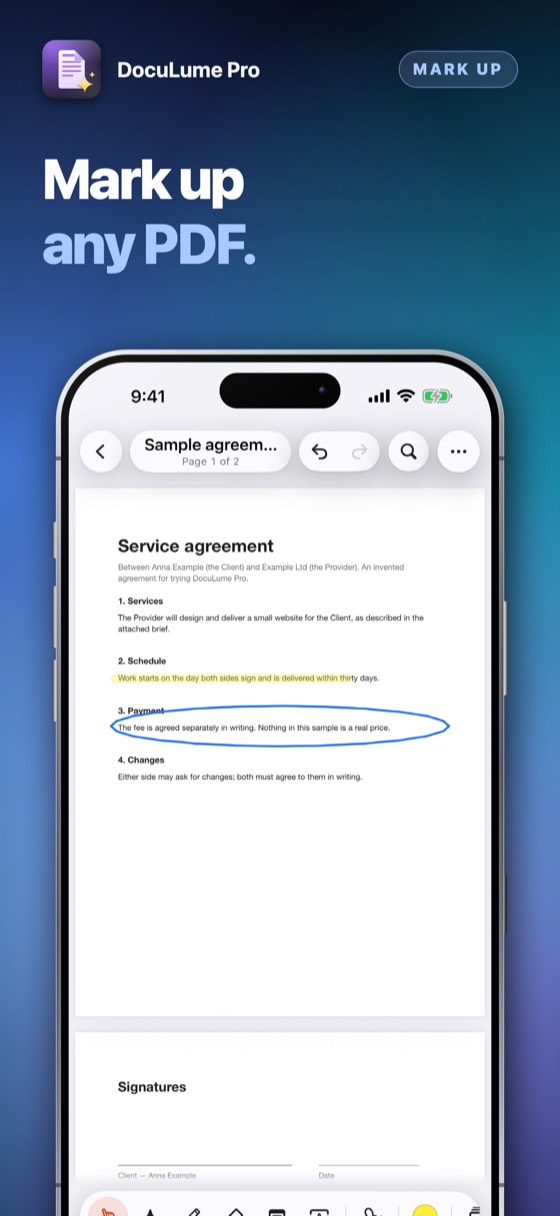
Format text with the floating toolbar, or highlight, draw, add notes and sign a PDF with a finger or Apple Pencil.
Save a copy as .docx, .rtf, .txt or PDF, share it, print it, or revert to the original you started from.
What changes is how you pay for it — not what the files are.
| Subscription | DocuLume Pro | |
|---|---|---|
| You pay | Again and again | Once |
| If you stop paying | Editing stops | Nothing changes |
| Your files | Depends on the app | .docx and .pdf in Files |
Photograph a signature on paper: the background is removed and it becomes a clean, sharp signature you can place on one page or every page.
Approved, Draft, Paid and more, your own stamp text, today’s date — and a list of every comment in the document, to share.
Cover a line and write the new words over it. The old words stay in the file under the cover; Redact removes words for good.
Pick an older PDF and see which lines were added and which were removed. Text only — pictures and layout are not compared.
The document camera finds the edges and straightens the page; the words are recognised so the scan can be searched and its text copied.
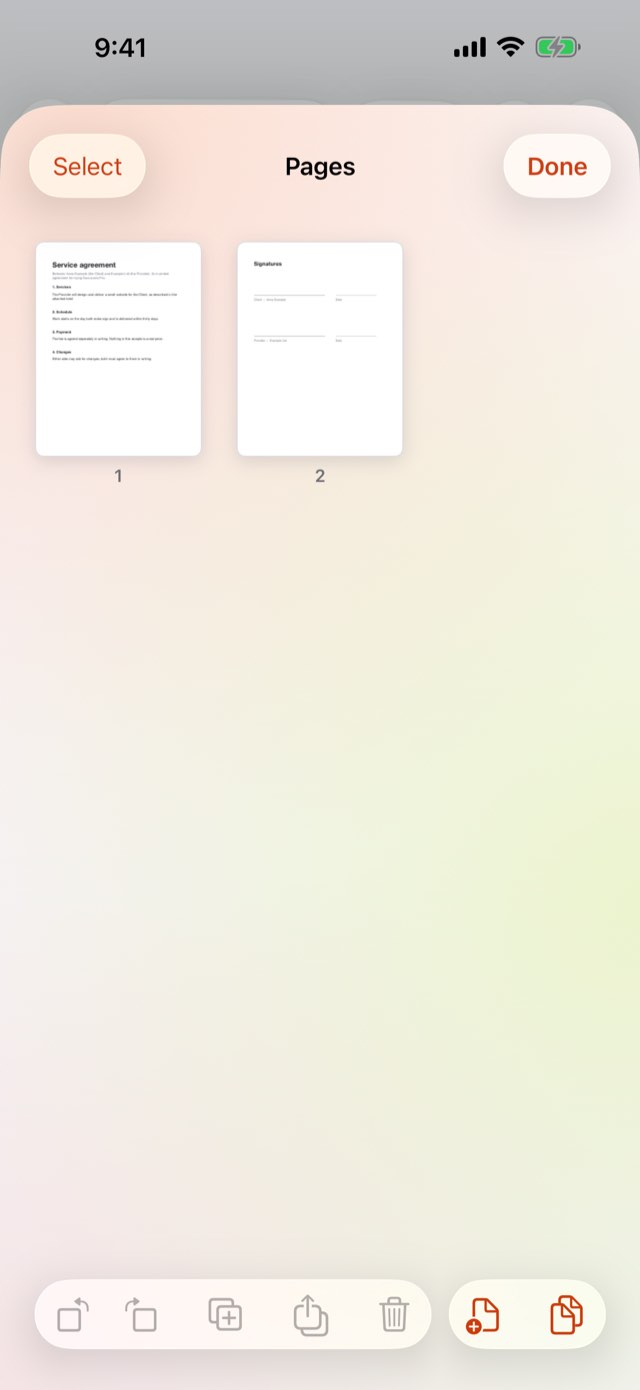
Rotate, duplicate, delete, reorder, merge another PDF in or pull pages out. Two pages side by side on a wide screen.
Change the words of a table, add rows, insert a new table or a picture. Tables with merged cells are kept exactly as they are.
The first change to an imported file keeps a copy as it arrived, so Revert to Original always works.
Everything is open for three days. After that, one payment unlocks editing, marking up, signing, converting and scanning, for good — nothing renews.
Coming to the App StorePrices are shown on the App Store, in your own currency. Reading, printing and sharing every file always stays open.
No. The old words are covered and the new ones written over them; the old words stay in the file under the cover. To remove words for good, use Redact, which makes a new copy without them.
No. It marks a document the way a pen does, and DocuLume Pro never says otherwise. Check what the other side to an agreement, or the law that applies to it, requires before you rely on one.
Yes — .docx and .pdf are open, standard formats that many programs read and write, not files that need one particular program to open. DocuLume Pro is not made or endorsed by the companies behind any other program that also reads them.
Nothing is charged automatically. Every file still opens, reads, prints and shares. Editing, marking up, signing, converting and scanning ask once for the one-time unlock, shown at the App Store’s own price.
Into this app’s own folder on this iPhone, in ordinary .docx, .pdf, .rtf and .txt files — visible in the Files app, importable and exportable through iOS’s own file picker and share sheet. There is no account and no server.
Questions or a problem to report: alpenlume@gmail.com. DocuLume Pro keeps every file on this device — there is no account to sign in to and no server to be down.
DocuLume Pro collects nothing. What you write, mark up, sign or scan stays in the app’s own folder on this device. The camera is used only while scanning a page, on this device, and nothing is sent anywhere. See the full Privacy Policy.


